Advertisement
Why your Wi-Fi is slow at night and how to fix it
01st July, 2026 01:29 PM
There are few things more frustrating than settling down for an evening of streaming, online gaming or catching up on work, only for your Wi-Fi to become painfully slow. While many people assume there is something wrong with their internet provider, the problem is often much closer to home.
Evenings are typically the busiest time for internet use. Families return home, multiple devices connect to the same network, and activities such as streaming high-definition videos, video calls and online gaming all compete for bandwidth. The result is slower internet speeds and buffering that can interrupt even the simplest online tasks. According to the Federal Communications Commission (FCC), heavy internet use during peak evening hours and home network congestion are among the common reasons users experience slower Wi-Fi performance.
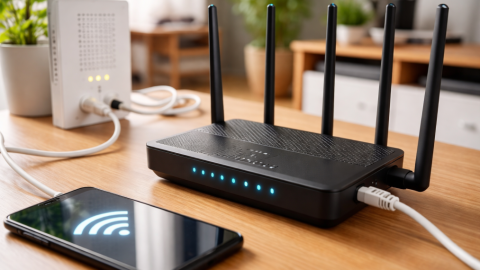
Wi-Fi performance depends on several factors, including the number of connected devices, router placement and network congestion during peak hours.
Many factors can affect the quality of a Wi-Fi connection, including the number of connected devices, physical obstacles and interference from other wireless networks. Internet performance can vary depending on household demand, connected devices and local network conditions, particularly during busy periods.
Evening internet traffic puts networks under pressure
Most households use significantly more internet after work and school. Smart televisions begin streaming films, children connect gaming consoles, while smartphones, tablets and laptops all compete for the same wireless network.
Even if your internet package offers high speeds, sharing that connection across several devices can reduce the performance experienced by each one.
In some neighbourhoods, internet service providers may also experience higher demand during the evening, contributing to slower speeds as more customers go online simultaneously.
Your router’s location matters more than you think
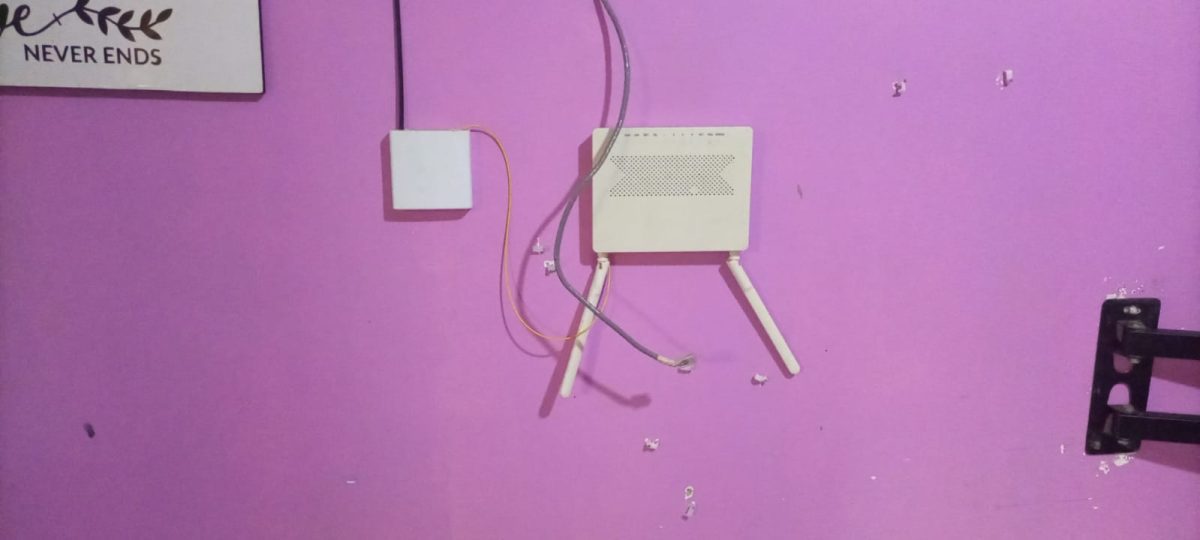
Many people place their router in a corner of the house, behind furniture or inside cabinets to keep it out of sight. Unfortunately, these locations can weaken the wireless signal.
A router performs best when positioned in a central, open space away from thick walls, large metal objects and electronic appliances such as microwaves that may interfere with wireless signals.
Raising the router onto a shelf or table can also improve signal coverage throughout the home.
Too many connected devices can slow everything down
Modern homes often have dozens of devices connected to Wi-Fi, including smart speakers, security cameras, televisions and even household appliances.
Some of these gadgets continue using the internet in the background by downloading updates or syncing data, consuming bandwidth without users noticing.
Disconnecting devices that are not in use can help free up network capacity and improve performance for the devices that matter most.

Small changes can improve your connection
Restarting your router every few weeks can refresh the connection and resolve temporary software issues. Keeping the router’s firmware updated also helps improve stability and security.
According to High Speed Internet, if your router supports both 2.4 GHz and 5 GHz bands, connecting nearby devices to the 5 GHz network can deliver faster speeds, while the 2.4 GHz band offers better coverage over longer distances.
For activities that require a stable connection, such as video conferencing or online gaming, using an Ethernet cable instead of Wi-Fi can provide more consistent performance.
When it may be time to upgrade
If slow speeds continue despite trying these steps, the issue could be an outdated router or an internet plan that no longer meets your household’s needs.
As more homes rely on smart devices and high-definition streaming, upgrading networking equipment or increasing internet speeds may provide a noticeable improvement.
Understanding what causes slower Wi-Fi at night can help households make practical adjustments that improve their online experience without immediately assuming the internet service itself is at fault.