Advertisement
How a WiFi router works
16th March, 2026 05:05 PM
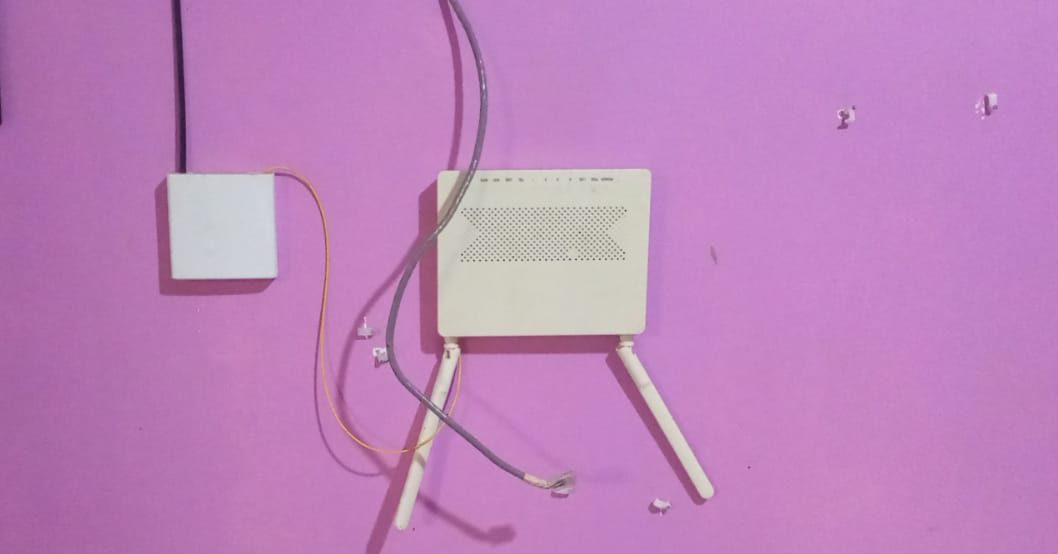
Wireless internet has become part of everyday life in homes, offices and public spaces.
From streaming videos and sending emails to connecting smart devices, many activities depend on a small device commonly known as a WiFi router.
Although routers are widely used, many people rarely understand what actually happens between the moment a device connects to WiFi and the moment information appears on the screen.
Inside a router, several processes work together to direct internet traffic between local devices and the wider internet.
Understanding how a WiFi router works helps explain why internet connections sometimes slow down and how data travels from one network to another.
The router acts as a network traffic manager
A WiFi router functions like a traffic controller for internet data. It connects two main networks:
- The local network (LAN) inside your home or office
- The wide area network (WAN) that connects to the internet service provider
Devices such as smartphones, laptops and smart TVs connect to the router through WiFi or LAN ports. Once connected, the router manages the movement of information between these devices and external internet servers.
Step 1: A device sends a data request
The process begins when a user device requests information from the internet.
For example, when someone opens a website, the phone or computer sends a data packet to the router. A data packet is a small unit of information containing details about where the request is going and where the response should return.
This packet reaches the router through the LAN connection, either wirelessly through WiFi or physically through an Ethernet cable.
Step 2: The router CPU reads the data packet
Inside the router is a small processor called the CPU, which acts as the router’s control centre.
When a data packet arrives, the CPU reads the packet header to identify important details such as:
- The destination IP address
- The source device
- The type of request being made
This information allows the router to determine the next step for sending the data toward its destination.
Step 3: The router checks the routing table
After reading the packet, the router consults a routing table stored in its internal memory.
The routing table contains instructions that help the router determine the best path for sending data. It tells the router whether the request should remain inside the local network or be forwarded to the internet.
If the destination is outside the local network, the router prepares to send the request to the internet service provider.
Step 4: The router applies NAT
Before forwarding the packet to the internet, the router performs a process called Network Address Translation (NAT).
Most home networks use private IP addresses that cannot be recognised directly on the internet. NAT converts the private local address into the router’s public IP address.
This process allows multiple devices inside a home network to share a single internet connection while keeping internal addresses hidden for security.
Step 5: The request travels to the internet
Once the packet is prepared, the router forwards it through the WAN port toward the internet service provider.
From there, the request travels across the internet to reach the correct destination, such as a web server hosting a website.
If the user requested a webpage, the server processes the request and sends back the necessary data.
Step 6: The router returns the response to the device
When the response returns from the internet, it arrives at the router first.
The router checks the packet again, identifies which device originally made the request and sends the data back through the appropriate LAN connection.
Within milliseconds, the device receives the response and displays the requested information on the screen.
Why routers are essential in modern networks
Without routers, devices inside a network would not know how to communicate efficiently with external networks. Routers organise traffic, direct data packets and ensure that information reaches the correct destination.
Modern routers also include additional features such as wireless broadcasting, firewall protection and network security settings.
Although it may appear to be a simple device sitting quietly in a corner of a room, a WiFi router performs complex tasks every second to keep internet communication running smoothly.