Advertisement
How to upgrade your computer to the latest Windows 11 2026 version
30th September, 2026 01:09 PM

Keeping your laptop running smoothly often feels like a tug-of-war between busy schedules and notification pop-ups.
Microsoft released the Windows 11 2026 Update, officially known as version 26H2, on September 29, 2026.
Designed with everyday users in mind, this latest release delivers performance tweaks and security fixes without taking over your workday or hogging your internet bandwidth.
A faster download without the long wait
In the past, major operating system upgrades required downloading massive files and waiting through repeated system restarts. Version 26H2 changes that approach by using an enablement package for computers already running Windows 11 version 24H2 or 25H2.
Think of this package as a digital light switch. Many of the new features are already sitting quietly on your machine from routine monthly servicing updates. The enablement package simply activates them in one swift step.

Explaining the streamlined delivery, Microsoft stated that “an enablement package is a lightweight update that activates new features already included in the operating system through previous monthly servicing updates.”
By shrinking the download size down to a single restart, Microsoft ensures your computer stays protected with minimal disruption to your daily routines and internet bundles.
Steps to install the latest release
Open your computer menu, head to Settings, select Windows Update, and turn on the toggle labelled “Get the latest updates as soon as they’re available.” When your device becomes eligible, the option to download and install version 26H2 will appear on your screen.
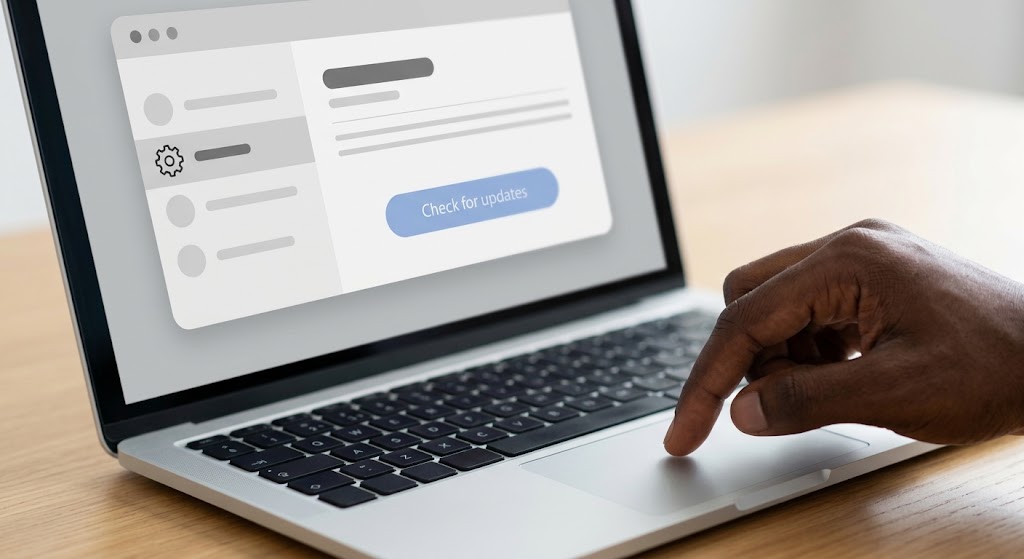
Microsoft is rolling out the update gradually using a controlled distribution system. If your device has a temporary software conflict, a safeguard hold will pause the process until the issue resolves, ensuring your files remain safe.
Once installed, the release resets your official support clock, giving Home and Pro edition users 24 months of ongoing servicing, while Enterprise and Education editions receive 36 months of support.
Checking your settings today guarantees your PC stays fast, secure, and ready for work.