Advertisement
Explainer: How a computer mouse works
17th May, 2026 11:03 PM
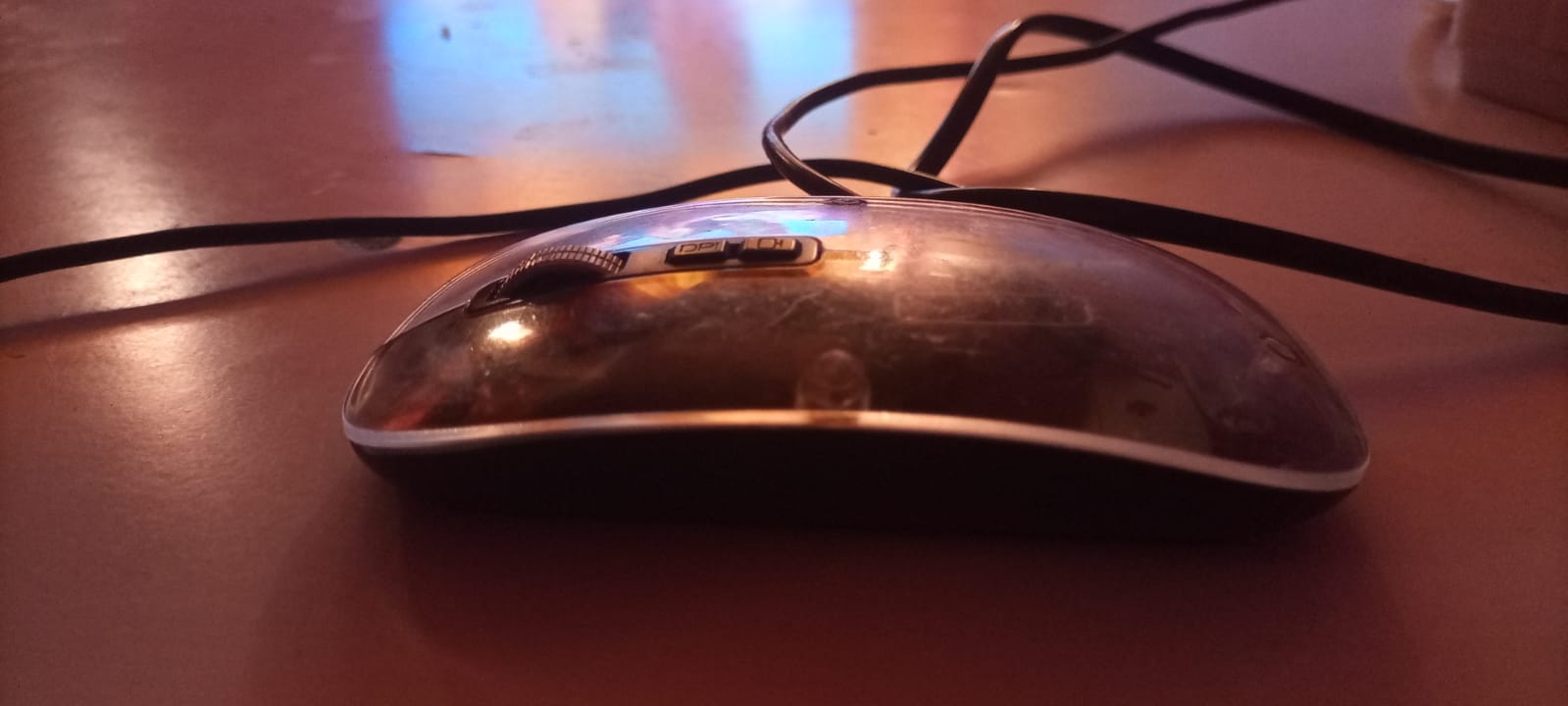
A computer mouse is a small input device that converts hand movement into digital signals that control a cursor on a screen.
Although it feels effortless to use, it relies on fast optical sensing, microprocessors and software communication systems that operate in milliseconds.
Modern mice, whether wired or wireless, are built to track movement precisely and transmit data continuously to the operating system, allowing smooth navigation, clicking and scrolling.
Step 1: Hand movement starts the process
Every action begins with physical movement across a surface. When the mouse is moved, it measures direction, speed and distance travelled.
Early computer mice used a rubber ball system that rotated internal rollers to detect movement.
This mechanical system was prone to dust buildup and wear.
Today’s mice mostly use optical or laser sensors. These are more accurate, require no moving parts and work on a wide range of surfaces.

Step 2: A sensor captures surface changes
Inside modern mice is a tiny optical sensor and a light source, usually LED or laser.
The sensor takes thousands of microscopic images per second of the surface beneath the mouse. Instead of forming full pictures, it detects changes in texture patterns between frames.
If the pattern shifts left, the system registers left movement. If it shifts forward, the cursor moves up on the screen.
High performance sensors can track movement at speeds exceeding several metres per second and are measured in IPS (inches per second), a key specification in gaming mice.
Step 3: A built in processor calculates motion
A small processor inside the mouse acts like a control unit. It analyses sensor data and converts it into usable movement instructions.
It calculates:
- Direction of movement
- Distance travelled
- Speed of motion
This data is then translated into digital signals.
Advanced mice also include smoothing, acceleration control and prediction algorithms.
These help reduce jitter and improve precision, especially in design work and gaming.
Step 4: Signals are transmitted to the computer
Once processed, the data is sent to the computer in real time.
Wired mouse
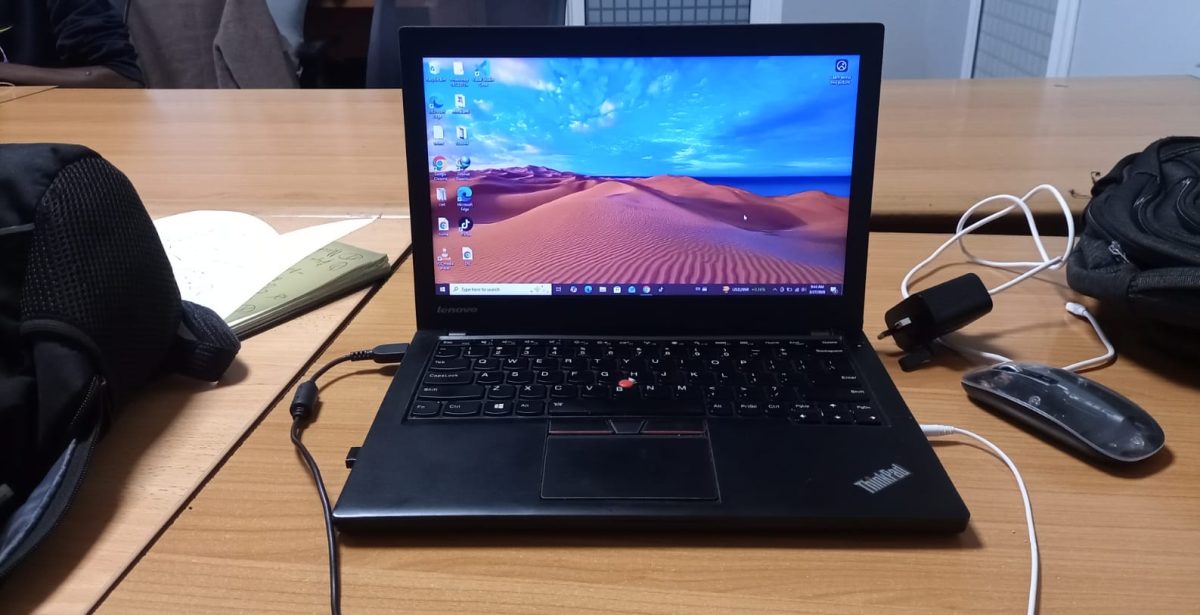
A wired mouse transmits data through a USB connection. This provides stable, low latency communication and is often preferred for competitive gaming or professional use.
Wireless mouse
Wireless mice send data using either Bluetooth or a dedicated USB receiver using radio frequency.
They transmit multiple updates per second. Many modern devices operate at polling rates of up to 1000 Hz, meaning the cursor is updated around 1000 times every second for smooth movement.
Step 5: The operating system interprets movement
The computer receives the data and the operating system translates it into cursor movement on the screen.
In systems such as Microsoft Windows or macOS, the system controls how the cursor behaves based on:
- Sensitivity settings
- Display resolution
- Acceleration rules
- User preferences
This ensures consistent movement across different devices and screen sizes.
Step 6: Mouse clicks become digital commands
Under each button are small mechanical switches.
When a button is pressed:
- The switch closes an electrical circuit
- A signal is generated instantly
- The signal is sent to the computer
- The system performs the assigned action
Typical functions include:
- Left click for selecting and opening
- Right click for context menus
- Scroll wheel for navigation
Many modern mice also include programmable buttons for shortcuts in software, editing tools and gaming controls.
Step 7: Why surface type affects accuracy
Optical sensors depend on detecting surface texture. Highly reflective or transparent surfaces can disrupt tracking because the sensor struggles to detect consistent patterns.
This is why mouse pads are commonly used. They provide a stable, textured surface that improves tracking accuracy and responsiveness.
Step 8: DPI and sensitivity explained
DPI stands for dots per inch and refers to how far the cursor moves relative to physical movement.
Typical ranges:
- Low DPI (400–800): precise control, often used in design work
- Medium DPI (800–1600): balanced everyday use
- High DPI (1600 and above): fast movement, common in gaming
A higher DPI means the cursor travels further with less physical movement of the hand.
Step 9: How wireless mice manage power
Wireless mice are designed for energy efficiency. They include built in power management systems that:
- Reduce sensor activity when idle
- Enter sleep mode after inactivity
- Wake instantly when movement is detected
This allows batteries or rechargeable cells to last from several weeks to months depending on usage.
Step 10: Why mouse movement feels instant
Although the process involves sensing, processing, transmission and interpretation, all of it happens extremely fast.
From hand movement to cursor response, the delay is often just a few milliseconds. This near instant feedback is what makes using a mouse feel natural and seamless.
Every movement is the result of continuous scanning, rapid computation and real time communication between hardware and software systems working together without interruption.