Advertisement
Signs you need to replace your phone screen
30th March, 2026 02:47 PM
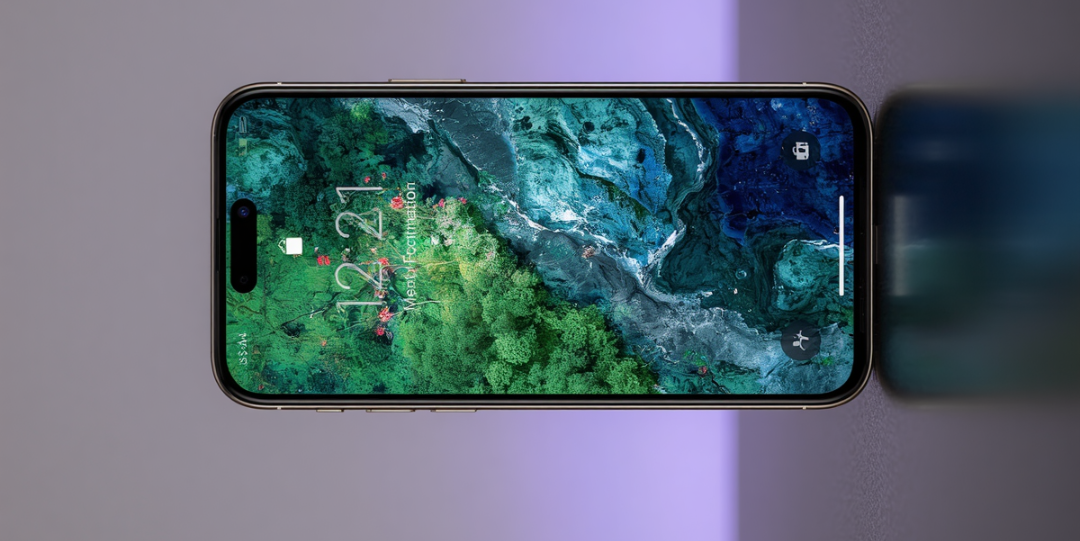
A phone screen is one of the most used and most vulnerable parts of any device.
Many people continue using damaged screens until they completely fail, often waiting for a black spot or full blackout.
However, there are early warning signs that indicate your screen needs replacement before it gets worse.
Recognising these signs early can prevent further damage, improve usability, and protect internal components.
Why screen damage should not be ignored
Modern smartphone screens combine display and touch functionality in one unit.
Damage does not only affect visibility but also responsiveness and internal performance.
Ignoring early signs can lead to complete screen failure, increased repair costs, or even damage to the phone’s internal hardware.
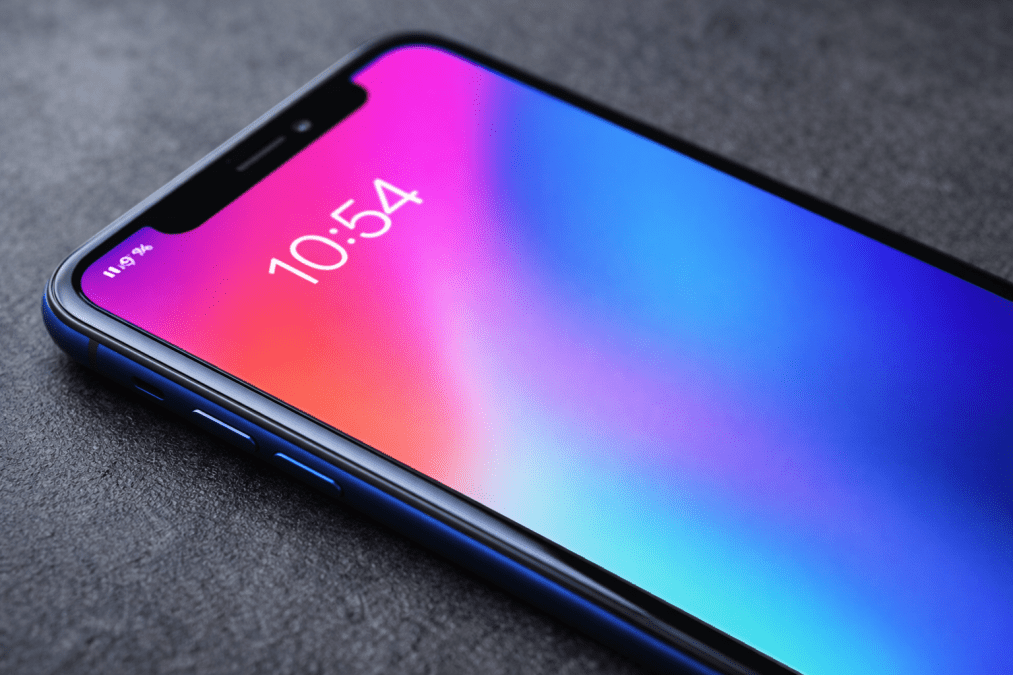
Screen lag or hanging
One of the first signs of a failing screen is delayed response.
If your phone takes longer to react when you tap or swipe, the issue may not always be the processor.
In many cases, the touch layer of the screen begins to fail, causing input delays.
This creates a “hanging” effect where commands are not registered immediately or require repeated taps.
Phone operating on its own
This condition is often referred to as ghost touch.
The screen starts registering inputs without you touching it. Apps may open randomly, messages may type themselves, or settings may change unexpectedly.
Ghost touch is usually caused by damage to the digitiser layer, which is responsible for detecting touch.
It often worsens over time and can make the phone difficult to control.
Decline in screen brightness or backlight
A noticeable drop in brightness or uneven lighting across the screen is a key warning sign.
The backlight system, especially in LCD screens, may begin to fail.
This can result in dim areas, flickering, or inconsistent brightness levels.
Reduced brightness affects visibility and may indicate deeper display damage.

Dead pixels or black spots
Black spots, coloured dots, or sections of the screen that no longer display images are clear indicators of damage.
These are often caused by pressure, impact, or internal screen failure.
While small spots may seem harmless at first, they can spread and affect larger areas of the display.
Waiting until the screen becomes completely black can lead to total loss of usability.
Cracks affecting touch sensitivity
Not all cracks are purely cosmetic.
Even small cracks can interfere with touch response, especially if they reach the digitiser layer.
You may notice areas that no longer respond to touch or require extra pressure.
Over time, cracks can expand and expose internal components to dust and moisture.
Screen flickering
Flickering is a sign of unstable display performance.
The screen may flash, dim randomly, or show inconsistent brightness.
This can be caused by internal connection issues or damage to the display panel.
Persistent flickering should not be ignored as it often worsens.
Discolouration or unusual lines
Vertical or horizontal lines, colour distortions, or patches on the screen indicate display damage.
These issues are often linked to internal faults in the screen panel or connections.
They can affect visibility and indicate that the screen is deteriorating.