Advertisement
5 ways to increase the speed of your laptop
31st October, 2025 08:02 AM
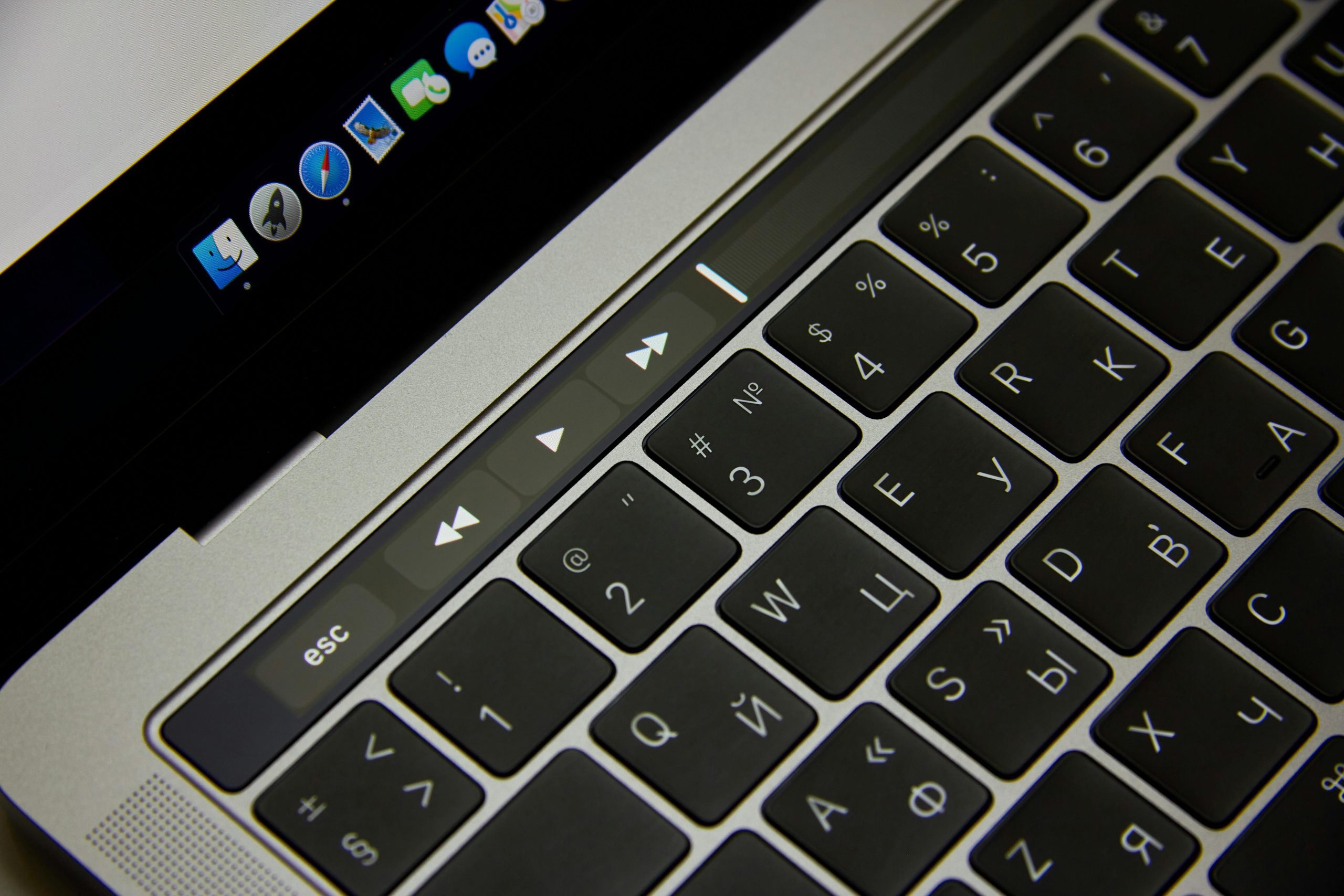
Is your laptop running slower than it used to? Over time, devices naturally lose speed due to heavy usage, software bloat, and outdated hardware.
The good news is that you do not always need to buy a new machine to enjoy better performance.
With a few adjustments and some smart maintenance, you can give your laptop a noticeable boost in speed. Below are five practical and effective ways to make your laptop run faster and more efficiently.

Increase your RAM
Random Access Memory (RAM) is one of the most important factors that determine how quickly your laptop can process tasks.
When you have too many programmes open or are working with heavy applications such as video editors, design software, or virtual machines, your computer may slow down if it runs out of available memory.
By increasing the RAM, your laptop can handle multiple processes at once without freezing or lagging.
Before upgrading, check how much RAM your laptop supports and what type is compatible. Many modern laptops allow users to add an extra RAM stick, while some ultra-thin models have the memory soldered onto the motherboard.
If your device allows upgrades, this can be one of the most cost-effective ways to achieve a major performance boost.
Switch to a lightweight operating system
Your operating system plays a huge role in overall system performance. If you are using an older laptop, operating systems like Windows 10 or 11 can consume a large portion of your device’s resources.

Switching to a lighter system such as Kali Linux, Ubuntu, or ChromeOS Flex can help your laptop run more smoothly.
Lightweight operating systems use fewer resources, which frees up memory and processor power for other tasks. They are also known for fast boot times and stability.
If you mainly use your laptop for browsing, documents, or simple development work, switching to a lighter OS can make a big difference without compromising your workflow.
Disable auto-start apps and background processes
When you turn on your laptop, many applications automatically launch in the background. These programmes consume memory and processing power, slowing down both the startup process and overall performance.
You can manage this easily through your system’s settings by turning off unnecessary start-up applications.
It is also good practice to close background processes you are not actively using. For example, chat apps, cloud sync tools, or update managers often run silently but consume resources.
Disabling or managing them carefully will make your laptop feel quicker and more responsive.

Update software and drivers
Outdated software can lead to poor performance, system crashes, and even security vulnerabilities. Regularly updating your operating system, applications, and device drivers helps your laptop run more efficiently.
Updates often fix bugs, improve compatibility, and enhance speed.
Make it a habit to check for updates at least once a month. Most modern systems allow automatic updates, which can save time and ensure your laptop remains in top condition.
Replace your hard drive with an SSD
If your laptop still relies on a traditional Hard Disk Drive (HDD), upgrading to a Solid-State Drive (SSD) is one of the most effective ways to increase speed.
SSDs are significantly faster than HDDs because they use flash memory instead of spinning disks. This means faster boot times, quicker file transfers, and smoother performance overall.
An SSD upgrade can transform even an old laptop, giving it a fresh start.
The improvement is often immediate and noticeable, making this one of the best upgrades you can make.
By following these practical tips, you can extend your laptop’s life and make everyday computing faster and more enjoyable.
Regular maintenance, smart upgrades, and keeping your system clean are simple steps that can bring your laptop back to peak performance.