Advertisement
Why turning on flight mode helps mobile phones charge faster
30th July, 2026 01:13 PM
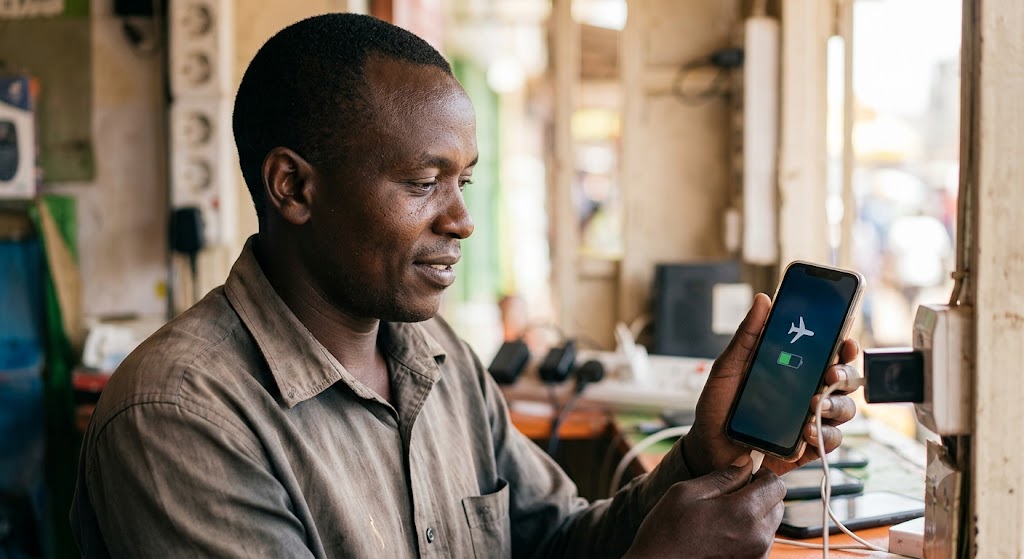
Almost every mobile phone user has experienced the panic of a dying battery right before leaving the house. Whether preparing for a morning commute or heading into a long day of work, getting enough charge in a short window is a common challenge.
Flipping a phone into flight mode while plugged into a wall socket is a simple trick that speeds up charging without costing a single shilling.
How background networks drain incoming power
When a mobile phone connects to a charger, electrical current flows directly into the battery. If network functions stay active, the device continuously splits that incoming power.
Cellular modems, Wi-Fi antennas, and location trackers run silently in the background, drawing energy to maintain active connections. In areas with weak network coverage, mobile phones work even harder, boosting transmitter power to reach distant cell towers.
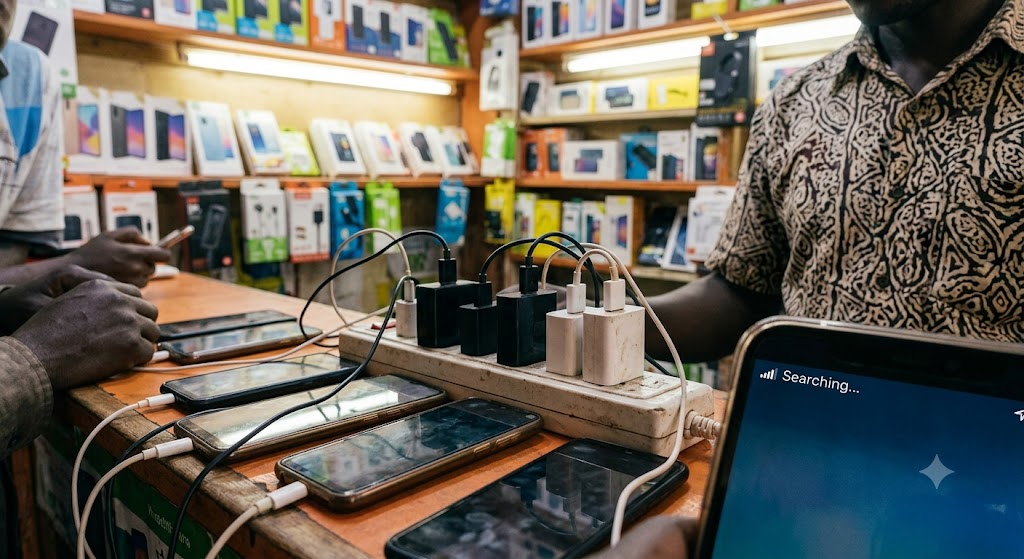
Switching to flight mode disables these wireless radios immediately. Without incoming calls, app notifications, or location requests pulling energy, the battery receives undivided power from the wall adapter.
In a tech evaluation testing mobile power draw, HowToGeek reported that “most smartphones use about 18.1% of the battery to maintain Wi-Fi and cellular connections. In contrast, airplane mode only consumes around 1.1% of the battery.”
By dropping network power draw down to almost zero, the phone directs virtually all incoming current toward replenishing the battery cell.
Simple ways to get the fastest charge
The exact time saved by using flight mode depends on charger wattage, cable quality, and room temperature. On standard wall chargers, turning off network features produces a clear improvement, saving anywhere from 5 to 15 minutes on a full charge cycle.
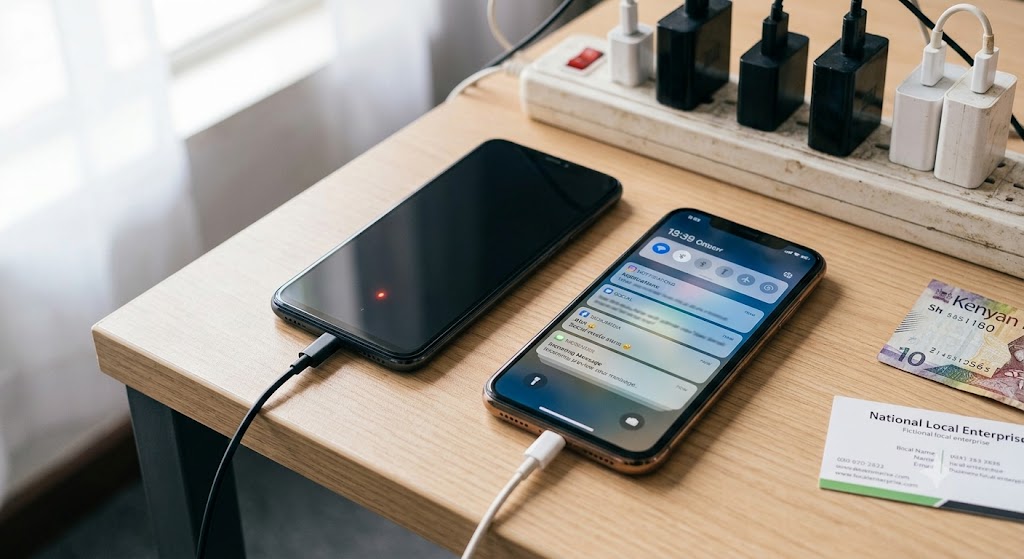
For phone users in places with spotty reception, turning on flight mode while charging makes an even bigger difference. A phone endlessly searching for network signals consumes extra energy and generates heat. Keeping the device offline prevents unnecessary warming, allowing the charger to deliver current smoothly.
To get the quickest results, combine flight mode with a reliable wall adapter, keep the screen turned off, and place the device in a cool spot. It is a habit that gets phones back in action faster without needing to buy a fast charger.