Advertisement
How to make your phone battery last 3x longer
20th March, 2026 11:02 AM
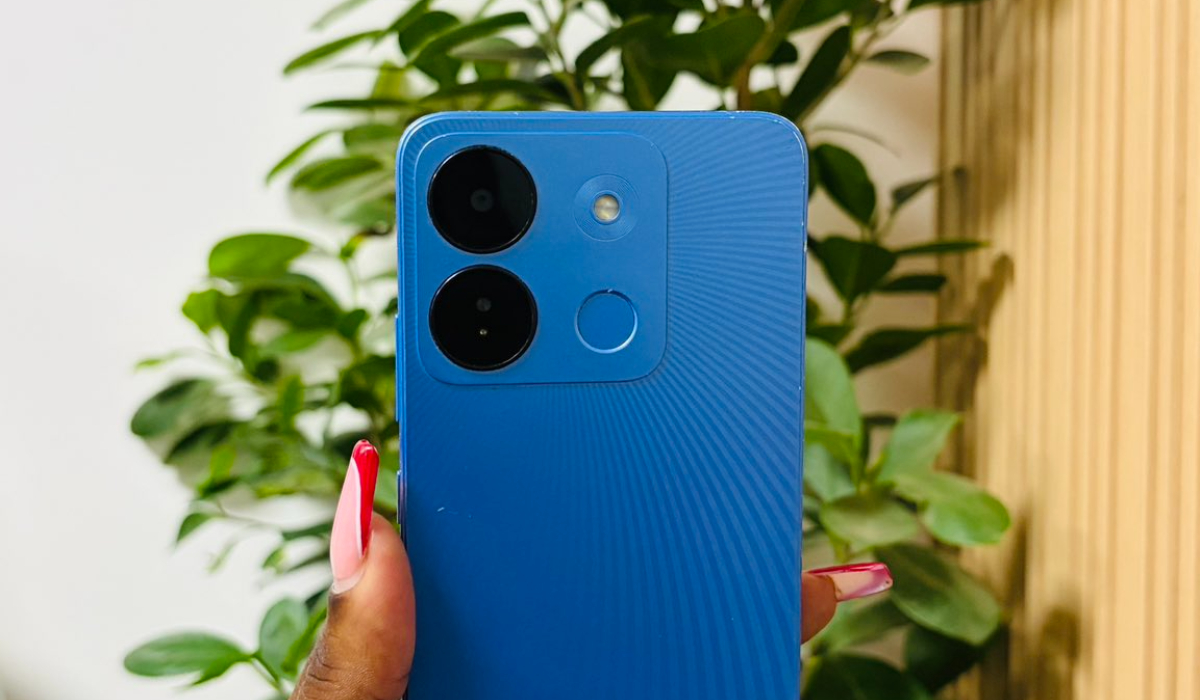
Making your phone battery last longer is important, especially when you rely on your device throughout the day.
Many people experience fast battery drain due to common habits that can be adjusted easily. With a few changes, you can significantly extend your battery life and reduce how often you need to charge your phone. Below are three practical ways to make your phone battery last up to three times longer.
Reduce screen brightness and timeout
One of the biggest battery drains is your phone screen. Keeping brightness at a high level uses more power than necessary. Lowering your screen brightness can help save a lot of energy throughout the day. You can also turn on auto-brightness so your phone adjusts depending on the lighting around you.
Another important step is reducing screen timeout, which is how long your screen stays on when you are not using it. Setting it to a shorter time helps prevent unnecessary battery use when the phone is idle.
Manage background apps and notifications
Many apps continue running in the background even when you are not using them. These apps can drain your battery without you realising it. It is important to check which apps are running and close the ones you do not need.
You can also restrict background activity for certain apps in your settings. Notifications can also affect your battery life, especially if you receive many alerts throughout the day. Turning off unnecessary notifications can reduce battery usage and keep your phone running longer.
This simple step can make a noticeable difference in overall battery performance.
Use battery saver mode and limit heavy usage
Most phones have a built-in battery saver mode that helps reduce power consumption. When enabled, this feature limits background activity, reduces performance slightly, and minimises power usage. Turning it on when your battery is low can help extend its life until you can charge it.
You should also avoid using heavy apps such as games or video streaming for long periods when you are trying to save battery. These apps consume more power and can drain your phone quickly. Keeping your phone in battery saver mode and avoiding heavy tasks can significantly improve battery life.
Small adjustments in how you use your device can go a long way in preserving battery power and keeping your phone reliable throughout the day.