Advertisement
Instagram tips: How to control who sees your posts and stories
17th July, 2026 06:49 PM

Instagram gives users several privacy tools that allow them to decide who can view their posts, Stories and other activity.
Whether you want to keep your content limited to friends or prevent certain people from interacting with your account, understanding these settings can help you stay in control of your online presence.
Here are some of the most useful ways to manage who sees what you share on Instagram.
Switch to a private account
One of the easiest ways to control your audience is by making your account private. When your account is private, only people you approve as followers can see your posts, Stories and Reels.
To do this, open Instagram, go to your Profile, tap the three-line menu in the top-right corner, select Settings and activity, then Account privacy, and turn on Private account.
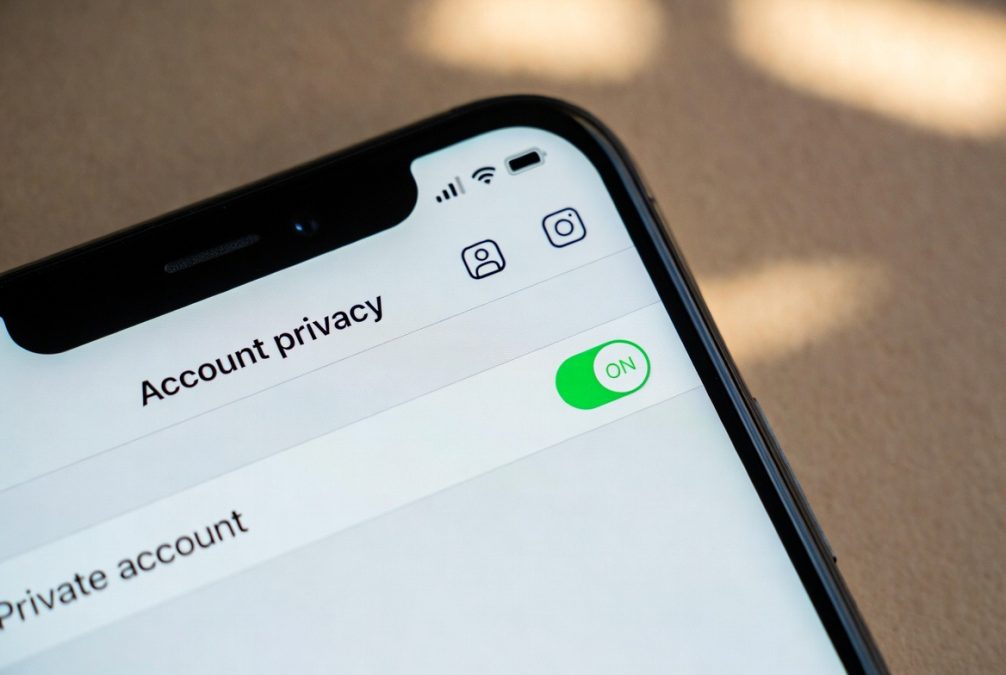
If your account is public, anyone can view your content unless you block them.
Hiding stories
You may want most people to see your Stories while hiding them from a few individuals. Instagram allows you to do this without blocking or unfollowing anyone.
Go to Settings and activity, tap Hide story and live, then choose Hide story and live from. From there, select the accounts you do not want to see your Stories or Live videos.
Close friends feature
If you only want a select group of people to see certain Stories, use the Close Friends feature.
Create a Close Friends list by going to your profile, opening the menu and selecting Close Friends. Add the people you trust, then choose the green Close Friends option whenever you post a Story.
Only those on your list will be able to view it.
Control comments, tags and mentions
Instagram also lets you choose who can comment on your posts or tag and mention you.
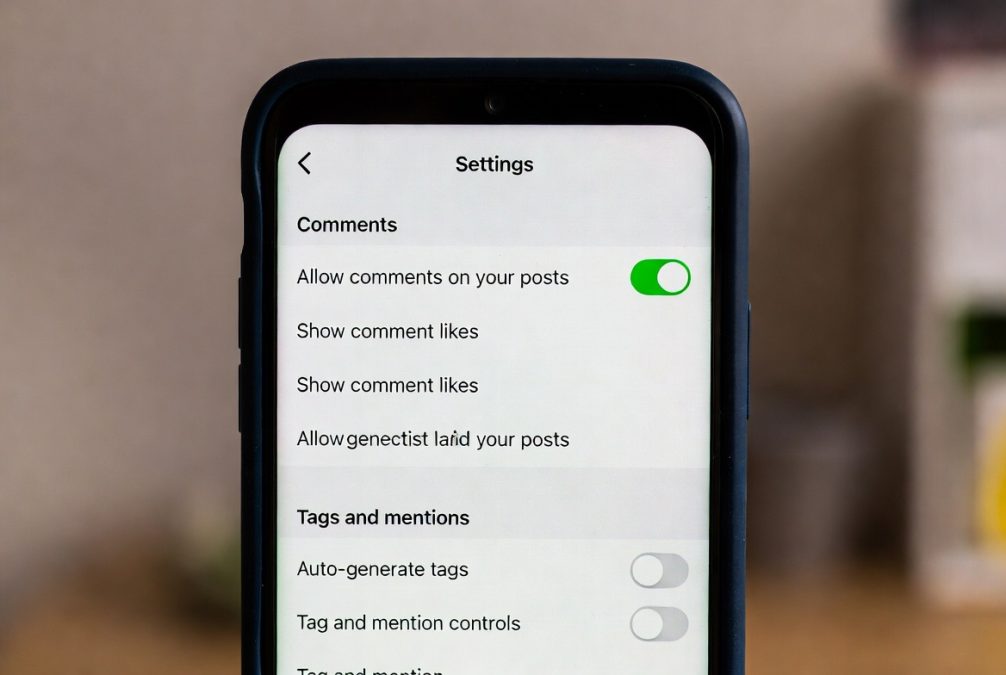
Under Settings and activity, you can adjust Comments, Tags and mentions, and Messages to limit interactions to people you follow, your followers, or no one at all.
These settings can help reduce unwanted interactions and spam.
Block or restrict unwanted accounts
If someone is bothering you, Instagram offers both Block and Restrict options.
Blocking prevents someone from finding your profile or contacting you, while restricting limits how they interact with your account without notifying them.
To block or restrict someone, visit their profile, tap the three dots in the top-right corner and select the option you prefer.
Taking a few minutes to review your Instagram privacy settings can make your experience safer and more enjoyable.
Whether you share personal moments or create content for a wider audience, using these tools ensures you remain in control of who can see and interact with what you post.
Author
William Muthama
William Muthama is a digital journalist with a focus on entertainment, human interest, and current affairs. Share stories: [email protected]/ [email protected]
View all posts by William Muthama