Advertisement
How a supermarket POS works in a nutshell
15th April, 2026 04:07 PM
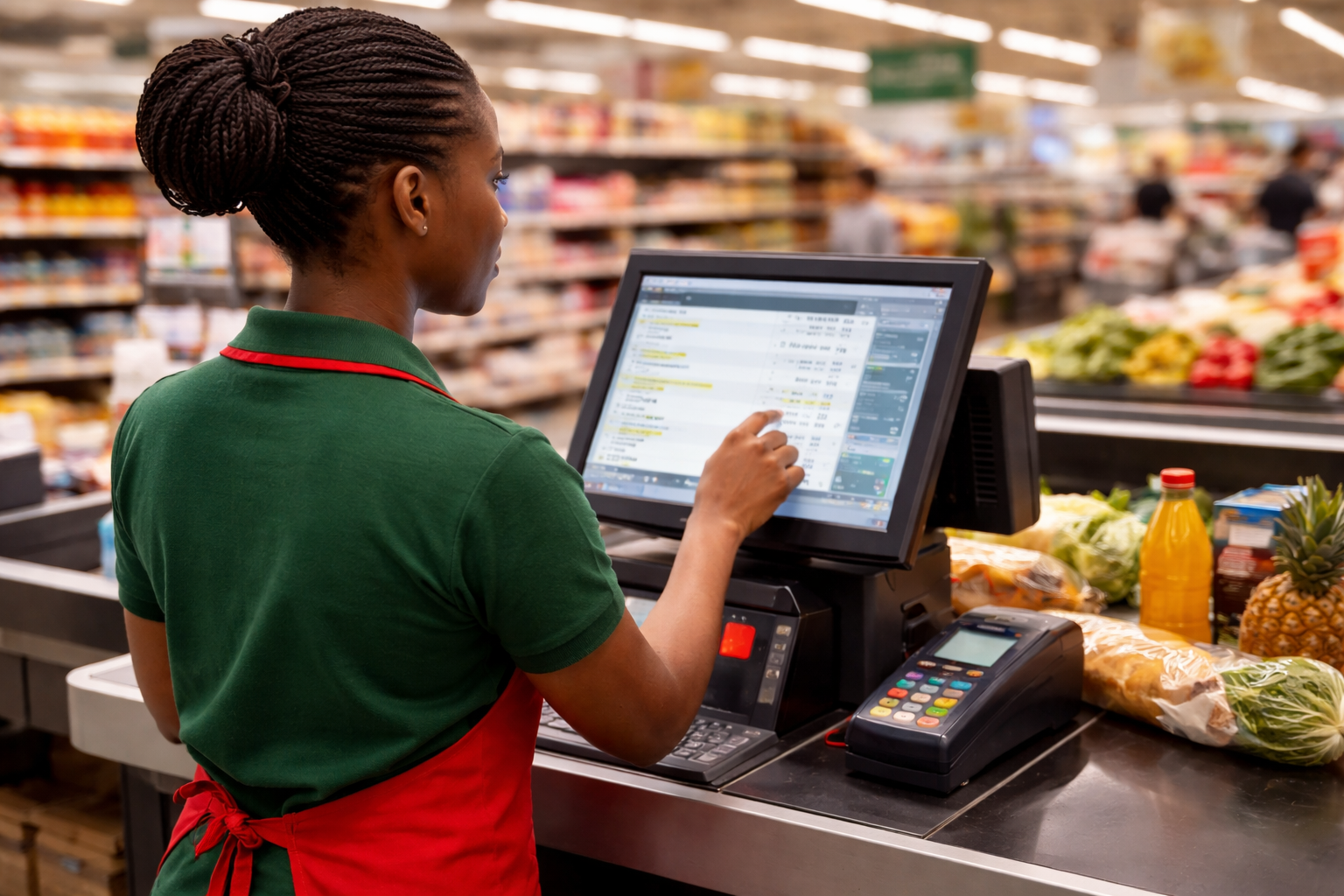
You pick bread, milk, soap and a few snacks, then head to the checkout.
The cashier scans your items, asks how you want to pay, prints a receipt and the next customer steps forward.
It all looks simple from the outside. Behind that quick process is a Point of Sale system, commonly called a POS.
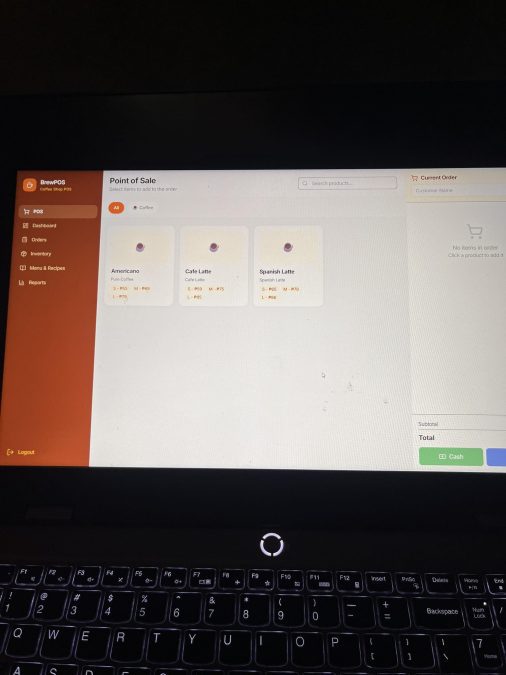
A supermarket Point of Sale Service (POS) is the combination of hardware and software used to sell items, receive payments, track stock and record every transaction.
It is the final point where shopping becomes a completed sale.
Modern supermarkets depend on it because it improves speed, accuracy and accountability.
The main parts of a POS
Before looking at the steps, it helps to know the key parts most checkout counters use.
The barcode scanner reads the code printed on products. Once scanned, the system instantly identifies the item and its price.
The register or CPU is the brain of the setup. It runs the POS software, stores transaction data and communicates with connected devices.
The screen or monitor shows scanned items, prices, totals and payment options. Some stores have a customer-facing display too.
The payment terminal handles card, mobile wallet or contactless payments. It securely communicates with banks or payment networks.
The cash drawer stores notes and coins. It opens automatically when a cash payment is processed.
The receipt printer produces proof of purchase, usually showing items bought, taxes, total paid and change given.
Step 1: Customer brings items to the register
The process begins when a shopper arrives at the checkout with selected goods.
The cashier places the items near the scanner and prepares to ring them up.
At this stage, the POS is ready to create a new sale.
Step 2: The cashier rings up all items
The cashier scans each barcode one by one. Every scan tells the system what the item is, its price and sometimes whether a discount applies.
If an item has no barcode, the cashier may search it manually or enter a product code.
As each item is added, the running total updates instantly. This reduces human error compared with typing prices manually.
At the same time, the system may also reduce stock levels in the inventory records.
Step 3: Payment method is selected
Once all items are entered, the cashier asks how the customer wants to pay. Common options include cash, debit card, credit card or mobile money.
The cashier selects that payment method on the screen, and the POS prepares the next step.
Step 4: Transaction is processed
If the customer pays cash, the cashier enters the amount received. The system calculates any balance or change due, then opens the cash drawer.
If the customer uses a card or a digital payment, the payment terminal sends the request securely for approval. Once accepted, the sale is marked as paid.
This stage is important because it confirms the business has actually received money.
Step 5: Receipt is printed
After successful payment, the POS generates a receipt. It can be printed or sent digitally in some stores.
The receipt normally shows the store name, date, items purchased, taxes, payment method, total cost, and sometimes return policy details.
What happens in the background
Even after the customer leaves, the POS continues working. It updates sales reports, adjusts inventory, records cashier activity and helps managers track fast-moving products, peak shopping hours and revenue.
That information helps supermarkets reorder stock, prevent losses and make better decisions.
Why POS matters
Without a POS, checkout lines would move more slowly, mistakes would increase, and stock control would be harder.
A good system saves time for customers and gives businesses better control of money and products.