Kenya Power explains what to do if your ‘MyPower’ app keeps showing a sign-in error
By Steve Ireri, September 5, 2026Kenya Power has explained to Kenyans what they can do if they encounter challenges signing in to its MyPower App after downloading it.
In a Facebook post on Friday, September 4, 2026, power utility said first-time users may experience difficulties when attempting to sign in because they need to register on the application before they can access their accounts.
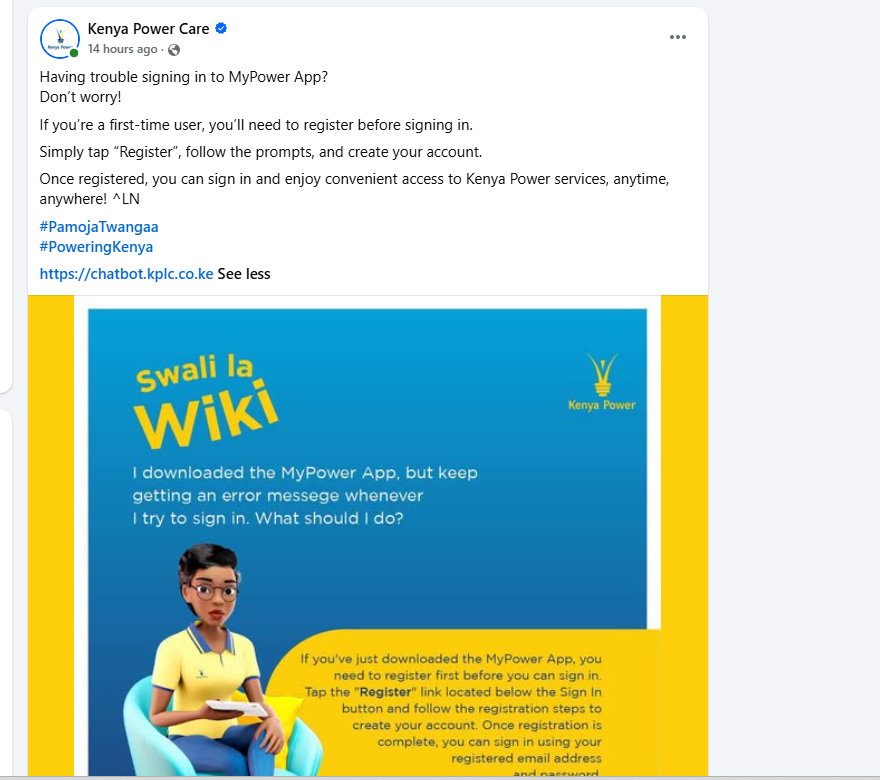
“If you have just downloaded the MyPower App, you need to register first before you can sign in,” Kenya Power said.
The utility advised new users to tap the “Register” option located below the “Sign In” button before attempting to access the application.
It further instructed users to follow the prompts provided on the application and complete the registration process by creating an account.
“Tap the ‘Register’ link located below the Sign In button and follow the registration steps to create your account,” Kenya Power said.
The clarification came in response to a question from a MyPower App user who said they had downloaded the application but continued receiving an error message whenever they attempted to sign in.
Kenya Power explained that downloading the application does not automatically create an account for a first-time user, meaning customers must first complete the registration process before they can sign in.
“If you are a first-time user, you’ll need to register before signing in,” the utility said.
The registration process requires users to follow the prompts provided on the application and create their accounts before returning to the sign-in page.
Once registration has been completed, customers can then use the details they provided during registration to access the application.
“Once registered, you can sign in and enjoy convenient access to Kenya Power services, anytime, anywhere,” Kenya Power said.

The utility therefore urged customers who have just downloaded the application and are experiencing sign-in difficulties to first check whether they have completed the registration process.
For users who have not registered, the process begins by opening the MyPower App and tapping the “Register” link found below the “Sign In” button.
“Once registration is complete, you can sign in using your registered email address and password,” Kenya Power said.
The clarification is particularly useful for customers who may assume that the error message indicates a technical problem with the application when they are simply attempting to sign in without first registering.
Kenya Power’s guidance means that first-time users should not proceed directly to the sign-in option after downloading the application.
Instead, they should first create an account through the registration option before using their credentials to sign in.