Types of RAM explained: DDR3, DDR4, DDR5 and their uses in computers
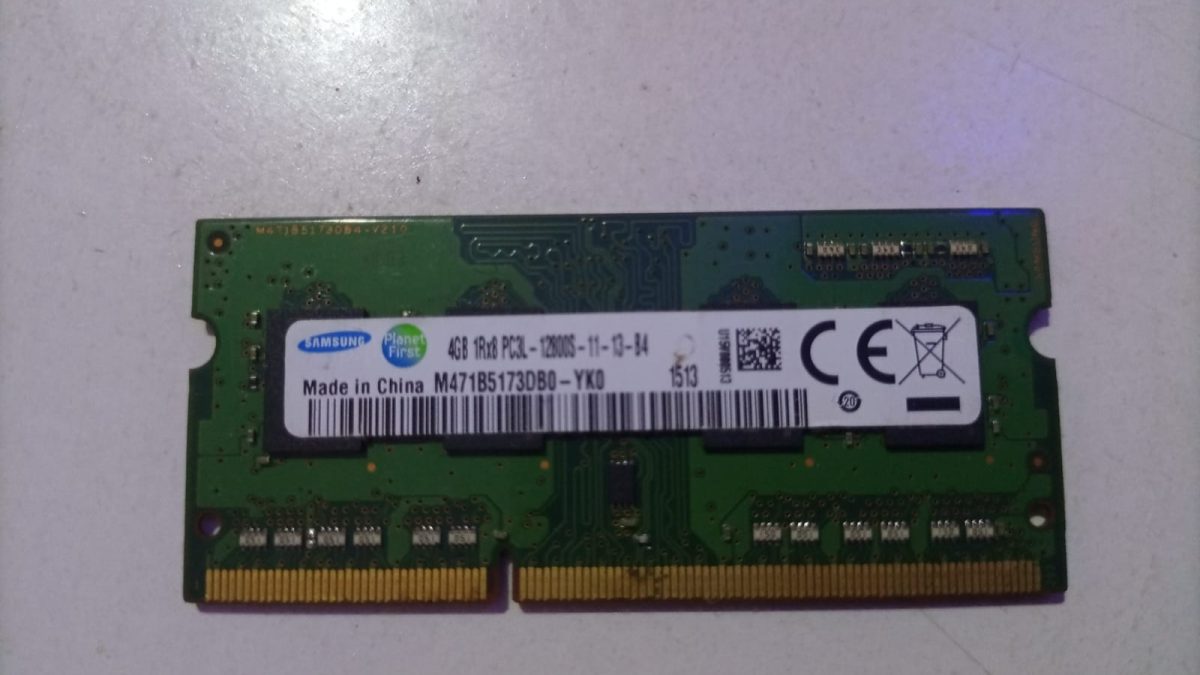
When people talk about improving computer performance, one of the first things that comes up is Random Access Memory (RAM).
You’ve probably heard someone say, “This laptop is slow, maybe it needs more RAM.” But what exactly is RAM, and are all RAMs the same?
You might also like

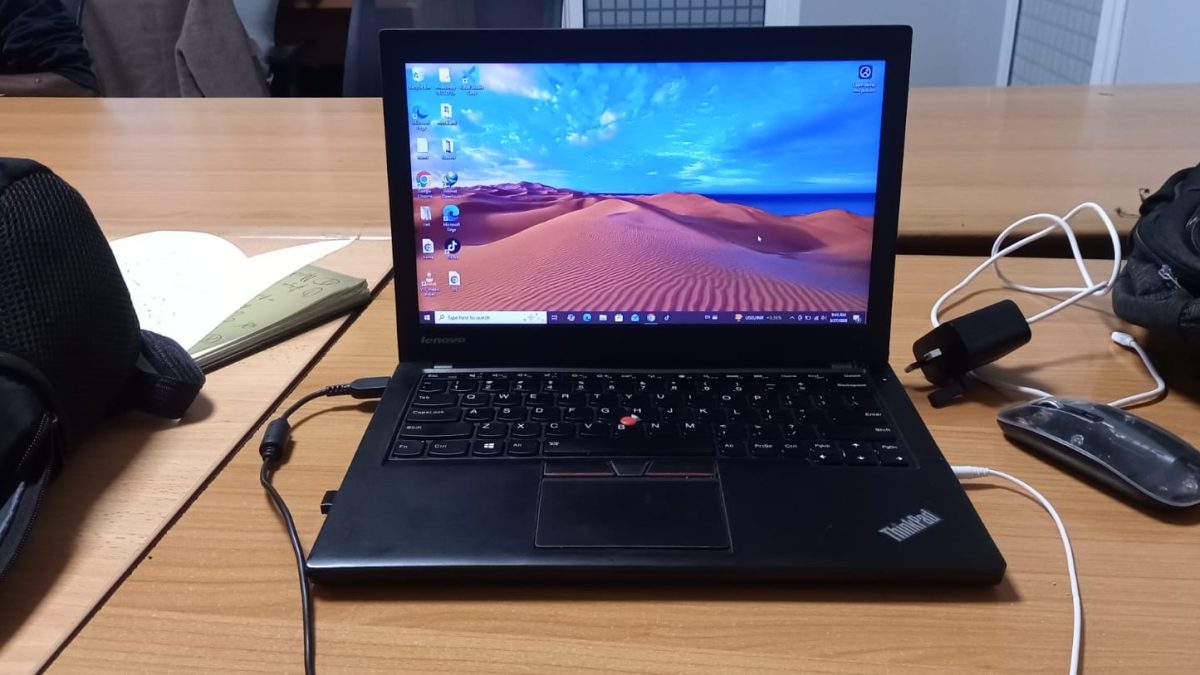
RAM, which stands for Random Access Memory, is the part of a computer that temporarily stores data your system is actively using.
It allows your device to run applications smoothly without constantly going back to storage. The more efficient your RAM is, the faster your system feels.
But not all RAM is built the same. There are different types, and each plays a role depending on the device and purpose.
DDR RAM
DDR stands for Double Data Rate, and it is the most common type of RAM used in modern computers.
Over the years, it has evolved into different versions such as DDR3, DDR4, and DDR5.
DDR3 is older and slower compared to newer versions. DDR4 is currently the most widely used, offering better speed and efficiency.
DDR5 is the latest, designed for high performance systems with faster data transfer and improved power usage.
In real use, newer DDR versions allow your computer to open applications faster, handle multitasking better, and run modern software smoothly.
If you are buying a new laptop or desktop in 2026, DDR4 or DDR5 is what you should be looking for.
SRAM
SRAM, or Static RAM, is much faster than DDR RAM but also more expensive. Because of this, it is not used as main memory in computers.
Instead, SRAM is used in cache memory inside the processor. This is where the CPU stores frequently used data for quick access. It helps reduce delays and improves overall performance.
You may not see SRAM listed when buying a laptop, but it plays a critical role behind the scenes by making your processor faster and more responsive.
DRAM
DRAM, or Dynamic RAM, is the general category that includes DDR RAM. It stores data temporarily and needs to refresh constantly to keep information.
This is the type of RAM your system uses when running programs, browsing, or playing media.
It is cheaper than SRAM and is used as the main working memory in most devices.
Without DRAM, your computer would struggle to run even basic tasks smoothly.
VRAM
VRAM stands for Video RAM, and it is specifically used by the graphics card. If you are into gaming, video editing, or graphic design, this type of RAM becomes very important.
VRAM stores data related to images, videos, and graphics. The more VRAM you have, the better your system can handle high resolution visuals and complex graphics.
For example, when playing a modern game or editing a video, VRAM ensures smooth rendering and reduces lag.
LPDDR RAM
LPDDR stands for Low Power Double Data Rate RAM. It is commonly used in laptops, tablets, and smartphones because it consumes less power.
This type of RAM helps improve battery life while still providing good performance. You will often find it in thin and lightweight laptops.
The trade off is that LPDDR RAM is usually not upgradeable, so you need to choose the right amount when buying the device.
Why RAM matters
RAM affects how your computer handles tasks. With enough RAM, you can open multiple applications, switch between them easily, and work without delays.
If RAM is too low, your system becomes slow, freezes, or struggles to keep up. This is because it has to rely more on storage, which is much slower.
For everyday use, 8GB is a good starting point. For heavier tasks like gaming or editing, 16GB or more is recommended.
Understanding the different types of RAM helps you make better decisions when buying or upgrading a computer.
It is not just about having more RAM, but also having the right type for your needs.
From DDR for general use, to VRAM for graphics, and LPDDR for energy efficiency, each type plays a specific role.
Once you know how they work, choosing the right system becomes much easier.