Advertisement
Understanding the difference between an IP address and a MAC address
08th May, 2026 11:25 AM
If you have ever checked your Wi-Fi settings, fixed internet problems, or listened to a tech expert talk about networking, chances are you have heard the terms ‘IP address’ and ‘MAC address’.
To many people, they sound almost the same. After all, both involve numbers and devices connected to the internet. But in reality, they perform completely different jobs.
Understanding the difference between an IP address and a MAC address can help you troubleshoot internet problems faster, improve your online security knowledge, and better understand how devices communicate.
This guide breaks everything down in a simple, relatable way without complicated networking jargon.
What is an IP address?
An IP address is like your home address on the internet.
Just as a delivery driver needs your physical address to bring a package to your house, devices on the internet need an IP address to send information to your phone, laptop, smart TV, or router.

Whenever you:
- Open YouTube
- Browse Google
- Use WhatsApp
- Stream Netflix
- Play online games
your device uses an IP address to communicate with other devices and servers online.
Example of an IP address
A normal IP address may look like this:
192.168.1.1
Or this newer version:
2001:0db8:85a3:0000:0000:8a2e:0370:7334
Do not worry about memorising them. What matters is understanding what they do.
What is a MAC address?
A MAC address is different.
Instead of identifying your device on the internet, a MAC address identifies the actual physical device itself.
Think of it as your device’s fingerprint.
Every internet-enabled device comes with a unique MAC address built into its hardware by the manufacturer.
That includes:
- Phones
- Laptops
- Routers
- Smart TVs
- Printers
- Gaming consoles
Example of a MAC address
A MAC address looks like this:
00:1A:2B:3C:4D:5E
Unlike IP addresses, MAC addresses usually stay the same.
Simplest way to understand difference
Here is a real-life example most people can relate to.
Imagine you order food online.
- Your IP address is like your house location or street address.
- Your MAC address is like your face or identity inside the house.
The delivery rider uses your address to find your home. Once there, they identify the actual person receiving the order.
That is exactly how networking works.
Main difference between an IP address and a MAC address
| Feature | IP address | MAC address |
|---|---|---|
| Purpose | Identifies a device on the internet or network | Identifies the physical device |
| Assigned by | Internet provider or router | Device manufacturer |
| Can change? | Yes | Rarely |
| Works where? | Across networks and the internet | Inside local networks |
| Example | 192.168.1.1 | 00:1A:2B:3C:4D:5E |
Why your device needs both
Your device actually uses both addresses at the same time.
Here is what happens when you open a website:
- Your device requests the website
- The IP address helps locate the destination server online
- Your local network then uses the MAC address to identify the exact device receiving the data
- The webpage loads successfully
Without both systems working together, internet communication would be chaotic.
Can an IP address change?
Yes, very often.
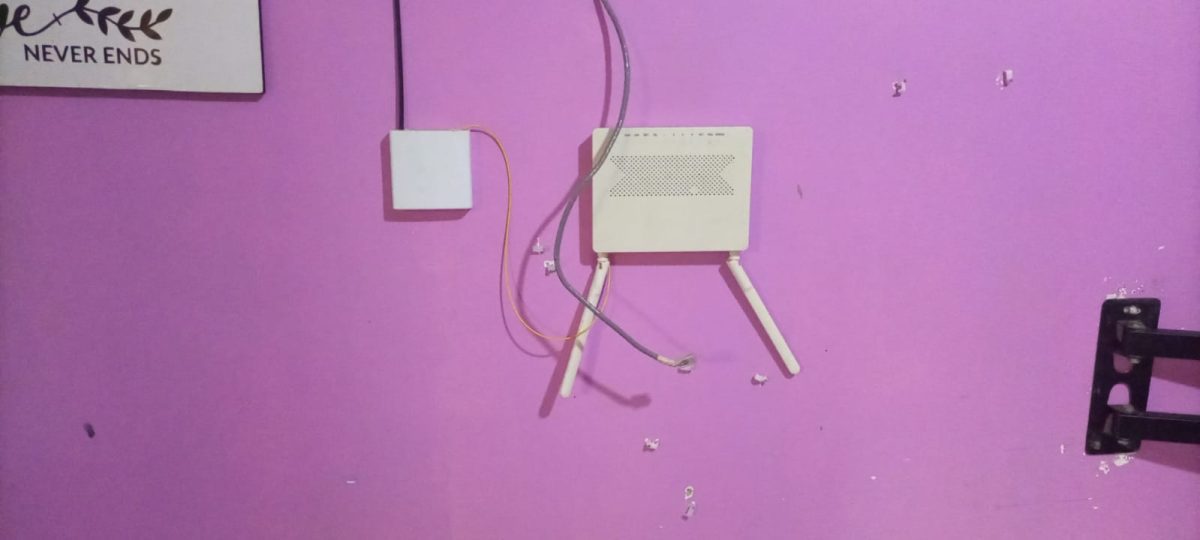
Most people use dynamic IP addresses, meaning they can change automatically.
Your IP address may change when:
- You restart your router
- You switch Wi-Fi networks
- Your internet provider refreshes connections
- You use mobile data instead of home internet
That is completely normal.
Can a MAC address change?
Normally, no.
A MAC address is built into the device hardware during manufacturing.
However, advanced users can temporarily change or “spoof” a MAC address using software tools. This is sometimes done for privacy, testing, or security purposes.
For everyday users, though, MAC addresses usually remain permanent.
Public IP address vs private IP address
This confuses many people, so let us simplify it.
Public IP address
This is the address visible on the internet.
Your internet service provider gives it to your router.
Websites and online services see this address.
Private IP address
This works only inside your home or office network.
For example:
- Your phone
- Laptop
- Smart TV
all receive private IP addresses from your router.
These are not visible publicly online.
Why IP addresses matter
Without IP addresses:
- Websites would not load
- Emails would not arrive
- Video calls would fail
- Online gaming would not work
- Streaming services would break
In short, the internet would stop functioning properly.
Why MAC addresses matter
MAC addresses help routers and networks recognise devices correctly.
They are important for:
- Network security
- Device identification
- Managing connected devices
- Blocking unknown gadgets from Wi-Fi
Some routers even allow users to approve or deny devices using MAC addresses.
How to find your IP address
On Windows
- Open Command Prompt
- Type:
ipconfig
- Press Enter
On Android
- Open Settings
- Tap Wi-Fi
- Select your connected network
On iPhone
- Go to Settings
- Tap Wi-Fi
- Tap the connected network
How to find your MAC address
On Windows
- Open Command Prompt
- Type:
getmac
- Press Enter
On smartphones
Go to:
- Settings
- About Phone
- Status or Wi-Fi Information
You will see the MAC address listed there.
IP address vs MAC address in cybersecurity
Both play a major role in online security.
IP addresses help with
- Tracking suspicious activity
- Blocking hackers
- Managing internet traffic
- Detecting attacks
MAC addresses help with
- Identifying specific devices
- Controlling Wi-Fi access
- Preventing unauthorised devices from joining networks
However, neither should be relied upon alone for complete security.
Common misunderstandings
“IP address and MAC address are the same thing”
No. They work differently and solve different networking problems.
“A MAC address connects you to the internet”
Not directly. Internet communication mainly depends on IP addresses.
“My IP address never changes”
Most home internet connections use changing IP addresses unless you pay for a static one.
Which one is more important?
Both are essential.
- IP addresses help devices communicate across networks and the internet.
- MAC addresses help devices identify each other within local networks.
You cannot properly run modern networks without both.
Final thoughts
The difference between an IP address and a MAC address becomes much easier once you stop looking at them as technical numbers.
Think of it this way:
- Your IP address is your online location.
- Your MAC address is your device’s built-in identity.
One helps data find your network. The other helps the network find your exact device.
Understanding these basics can make troubleshooting easier, improve your tech knowledge, and help you better understand how the internet works behind the scenes.
Whether you are setting up Wi-Fi, fixing internet problems, or simply learning about networking, knowing the difference between IP addresses and MAC addresses is a valuable skill in today’s connected world.