Advertisement
How to increase typing speed on phones and laptops
11th May, 2026 05:05 PM
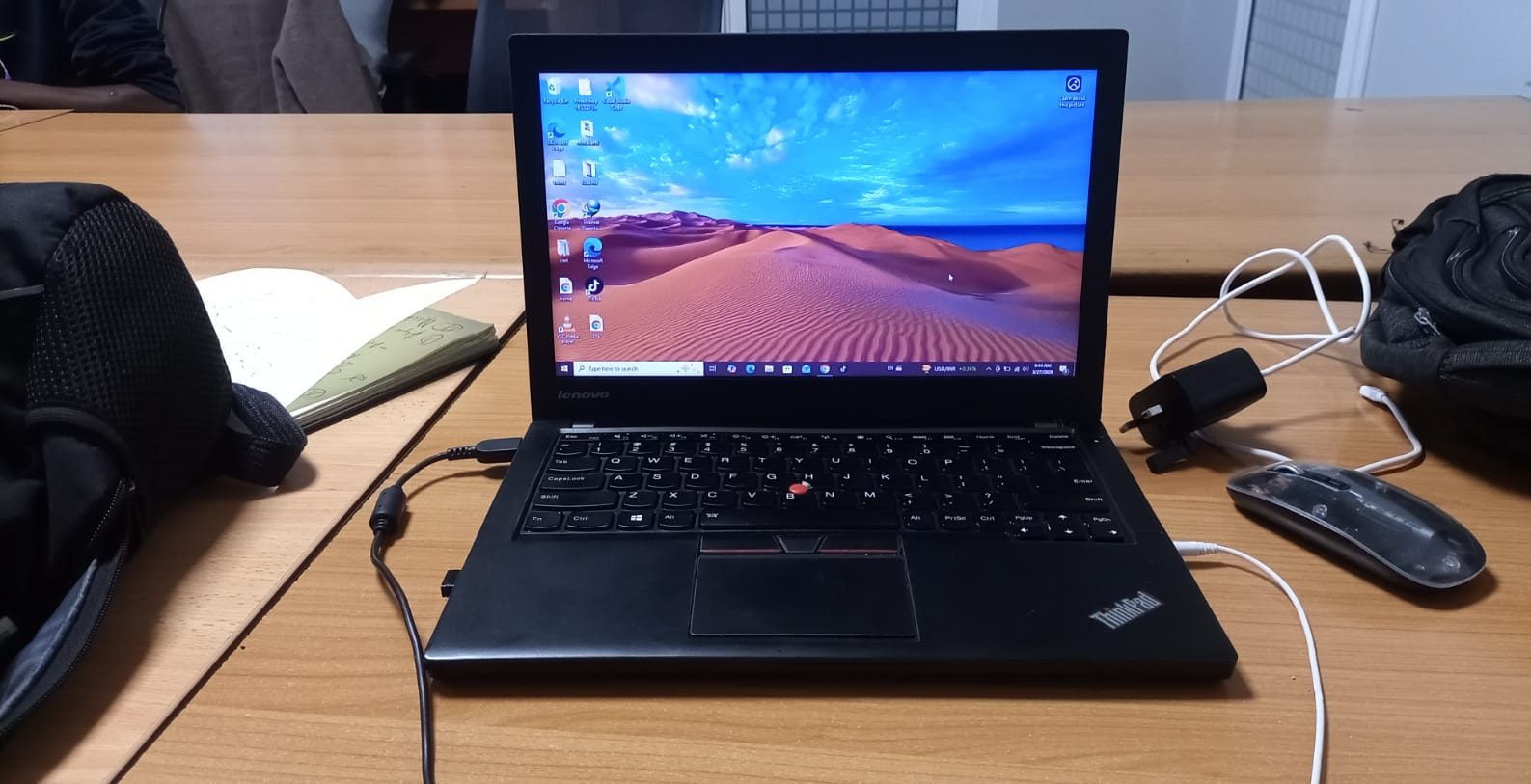
Typing speed rarely improves through force alone. It grows quietly, almost like learning rhythm in music.
At first the fingers hesitate across the keyboard, searching for letters one by one.
Then with practice, the hands begin remembering paths the mind no longer has to explain. Words start flowing instead of being hunted.
For students racing against assignment deadlines, and journalists chasing breaking stories before competitors arrive, typing speed on laptops, phones or even computers becomes more than convenience.
But experts say fast typing is not simply about moving fingers quickly. It is about accuracy, posture, muscle memory, focus, and even cleanliness.
A keyboard remembers every habit the hands bring to it.
Learn the keyboard instead of chasing letters
Many slow typists spend too much time looking for keys.
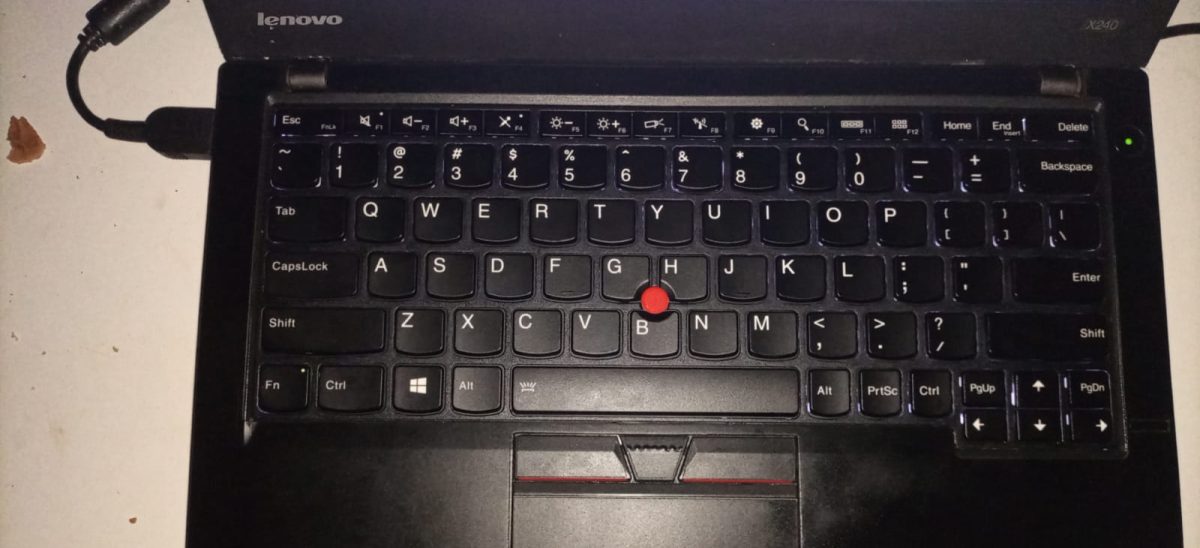
The eyes keep dropping toward the keyboard while the brain pauses to locate each letter. This interrupts flow and reduces typing rhythm.
Typing instructors recommend learning touch typing, a method where fingers rest on the home row keys and move automatically through repetition.
The home row usually begins with the fingers resting on A, S, D, F and J, K, L keys. From there, each finger controls specific regions of the keyboard.
At first the process feels uncomfortable, almost like teaching the hands a new language.
But over time, muscle memory begins taking over. The fingers stop searching. They start knowing.
Accuracy matters more than speed at first
Many beginners try typing fast immediately and end up creating endless spelling mistakes.
Experts say this slows improvement because the brain develops poor habits under pressure.
Typing coaches often recommend focusing on accuracy before speed. Once the hands consistently hit the correct keys, speed naturally follows.
A calm typist with fewer mistakes usually works faster than a rushed typist constantly pressing backspace.
The keyboard rewards patience before it rewards speed.

Keep your fingers clean
Dirty or sticky fingers quietly reduce typing performance.
Hands coated with oil, lotion, sweat, food residue, dust, or gummy substances create friction between the fingertips and keys. This may slow movement, cause missed keystrokes, and make typing feel heavier than it should.
People who type while eating snacks often notice crumbs entering the keyboard gaps, making certain keys harder to press over time.
Sticky fingers can also increase accidental key presses because the fingers fail to glide smoothly across the keyboard surface.
Clean, dry hands help maintain lighter movement and better control.
The keyboard responds best to fingers that move freely, almost like dancers crossing a polished floor.
Sit properly to reduce fatigue
Typing speed is connected closely to body posture.
When shoulders are tense, wrists bent awkwardly, or the neck leaning too far forward, the body tires faster. As fatigue rises, typing rhythm breaks apart.
Experts recommend sitting upright with relaxed shoulders and elbows bent naturally beside the body. The screen should remain near eye level to reduce neck strain.
Wrists should not be pressed hard against desk edges because prolonged pressure may cause discomfort during long typing sessions.
Good posture allows the hands to move with less resistance.
The body becomes an ally instead of a burden.
Practice daily in small sessions
Typing speed improves through repetition more than intensity.
Practising for 15 to 30 minutes consistently each day often works better than exhausting marathon sessions once a week.
The brain builds muscle memory gradually. Daily repetition strengthens the connection between thought and finger movement until typing starts feeling almost automatic.
Even short practice sessions accumulate quietly over time, like drops of rain eventually filling a river.
Stop looking at the keyboard constantly
One of the biggest barriers to faster typing is visual dependence on keys.
When the eyes remain fixed on the keyboard, the brain never fully develops spatial memory of letter positions.
At first, avoiding the keyboard may feel painfully slow. Mistakes increase. Frustration rises.
But that discomfort is often the doorway to real improvement.
Over time, the fingers begin travelling independently, guided more by memory than sight.
The screen becomes the destination.
Not the keys.
Use all fingers instead of only two or three
Many slow typists rely heavily on index fingers alone.
This creates unnecessary movement because a few fingers must travel across the entire keyboard repeatedly.
Touch typing distributes work across all fingers, reducing distance travelled and improving efficiency.
Each finger develops responsibility for certain keys, allowing the hands to move faster with less effort.
It becomes less like hunting and more like choreography.
Reduce distractions while typing
Typing speed drops when concentration keeps breaking.
Constant phone notifications, loud environments, multitasking, and switching between conversations interrupt the brain’s rhythm.
Fast typing often happens during deep focus, when thoughts move continuously without interruption.
The mind flows more smoothly when attention stays anchored on one task at a time.
Silence sometimes types faster than noise.