Advertisement
How to clean flat-screen displays without causing permanent damage
12th August, 2026 09:45 PM
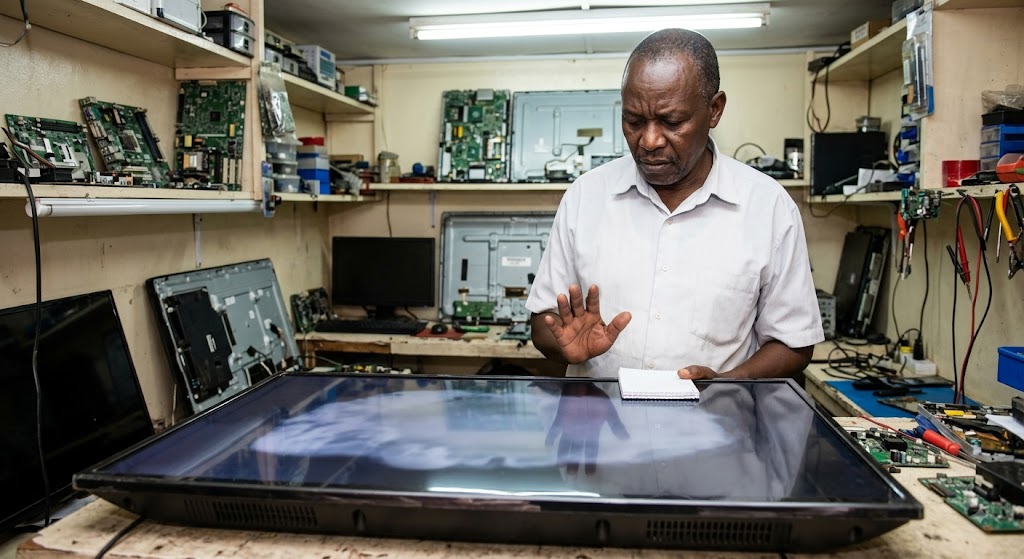
Most homes in Kenya now have a flat-screen TV, a laptop, or a desktop monitor. When dust or oily fingerprints build up, grabbing a bottle of household window cleaner feels like the quickest solution.
However, spraying these harsh liquids onto modern screens is one of the easiest ways to ruin your expensive electronics for good.
How chemical cleaners damage modern screens
Older box televisions had thick glass fronts that could withstand tough household cleaning products. Modern flat screens are very different. They are made with soft plastic outer layers covered in microscopic chemical coatings designed to cut down light reflection.
As peer-reviewed optical research explains, “Antireflection coatings (ARCs) are predominantly utilized to suppress the Fresnel reflection losses when light propagates from one medium to another medium.”
Common glass cleaners contain active ingredients like alcohol and ammonia. When you spray these chemicals onto a screen, they eat away at those delicate protective layers.
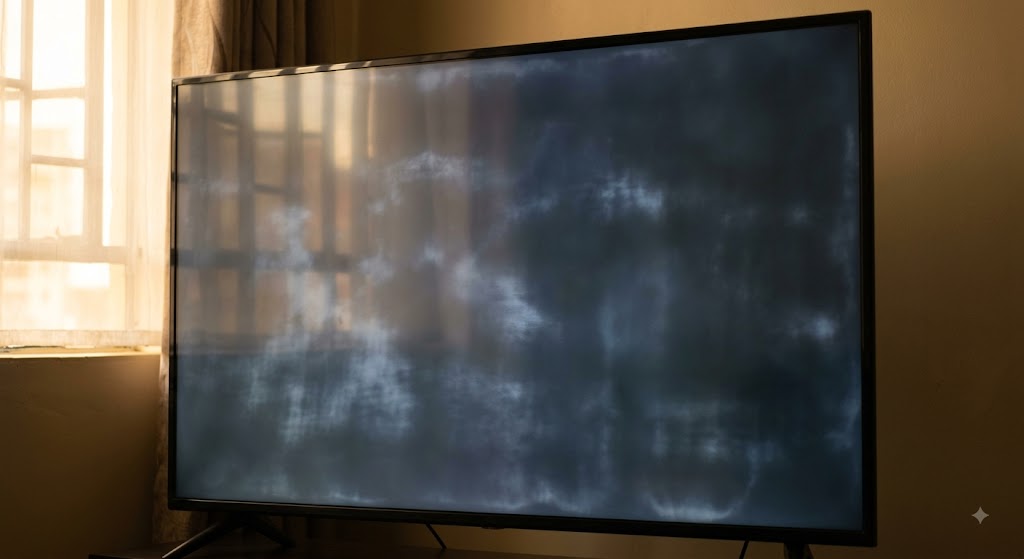
Over time, this causes cloudy patches, milky streaks, and permanent marks that never wipe off. Worse still, liquid sprayed on the display can run down into the lower edges, short-circuiting internal wiring.
Replacing a ruined TV panel can easily cost upwards of Ksh15,000, turning a simple weekend chore into an expensive mistake.
Safe ways to get a clear, streak-free display
Keeping your screen clear does not require expensive sprays or special gear. Start by switching off and unplugging the device to let it cool down completely. A dark, cold display makes smudges and dust much easier to see, while preventing any moisture from drying out too fast.
The best tool for the job is a clean, dry microfibre cloth, like the ones used to clean reading glasses. Microfibre threads easily lift fine dust and oily fingerprints without scratching soft surfaces.
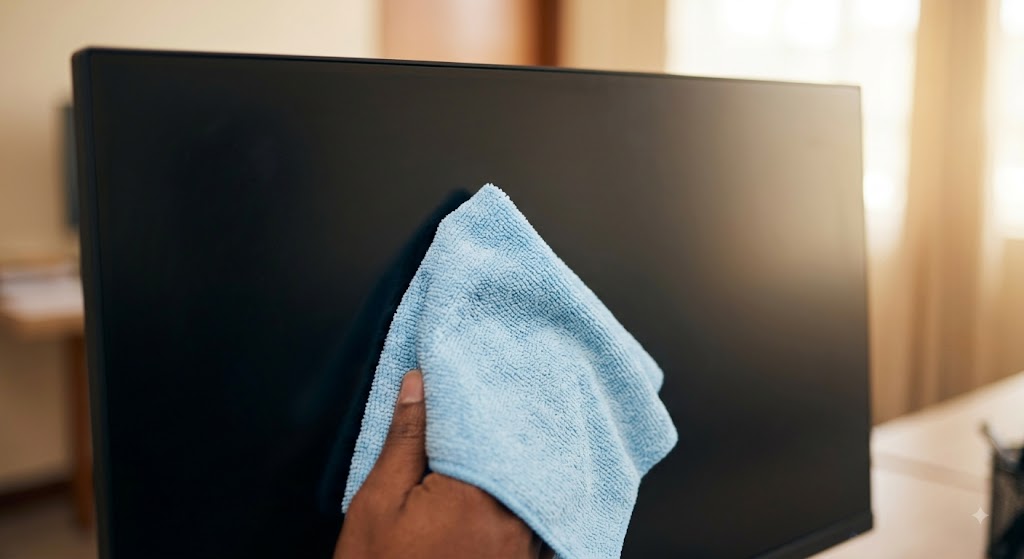
Wipe the display gently using light circular movements. Avoid pressing hard against the panel, as pushing down can press tiny specks of dirt into the surface, leaving scratches or damaging pixels.
For stubborn marks, lightly dampen one corner of the cloth with distilled water. Tap water contains minerals that leave white streaks on dark panels. The cloth should be barely damp, never dripping.
Wipe the spot gently, then immediately dry it with the dry side of the cloth. This simple routine keeps your screens looking brand new for years.