Advertisement
Digital skills children can learn during the August school holiday
27th July, 2026 08:31 PM
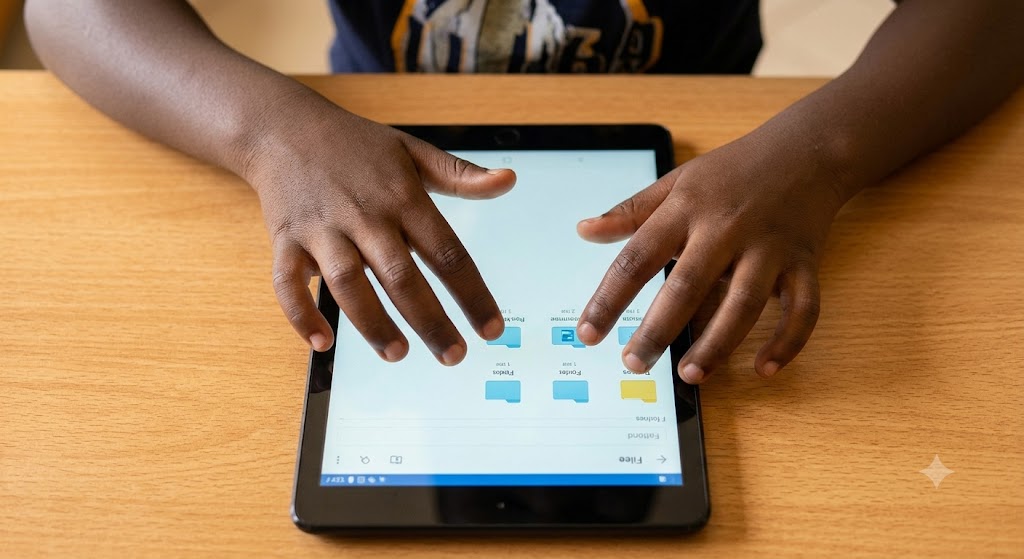
The August school holiday gives children across Kenya a needed break from early morning routines and daily homework.
Beyond rest and playing outside, the break starting August 2026 provides an opportunity to help children learn useful computer skills.
Simple tasks on a smartphone, tablet, or family computer can help young learners build confidence for school and everyday life.
Practical computer basics for primary and secondary learners
Children can start with basic tasks like typing properly, saving documents in organised folders, and using keyboard shortcuts. For primary and secondary school pupils, learning how to search for information online safely teaches them how to pick out genuine news and reliable study materials.

Using simple word processors and presentation tools helps children present their class assignments clearly, which fits directly with Competency-Based Curriculum practical activities.
Older children can also try basic coding through beginner platforms like Scratch, which use visual blocks instead of tricky programming lines. This teaches logical thinking and simple problem-solving in a fun way.
A peer-reviewed study published in Emerald Insight notes that “digital literacy is not only considered an academic skill, but also an essential life skill for children.”
Understanding how simple software works changes how children interact with screens, turning them from passive viewers into active learners.
Safe screen habits that benefit everyday growth
Online safety remains an important part of learning. Children should know how to create strong passwords, keep personal details private, and treat others respectfully on digital platforms.
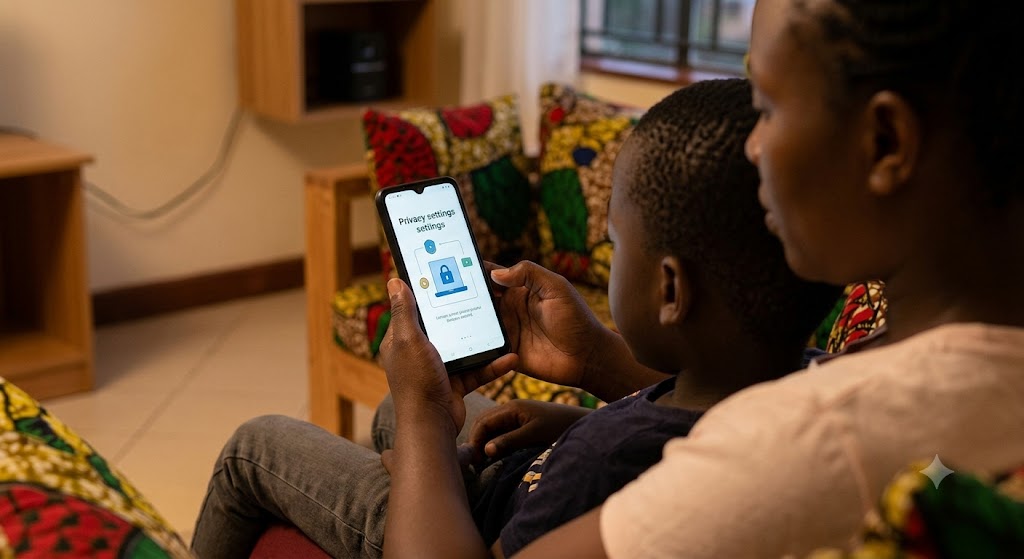
Simple conversations about identifying fake news and avoiding strangers online protect young users from common digital risks.
Research from UNICEF Innocenti highlights that “the time children spend online and the activities they engage in all contribute positively to a child’s digital skills development to a great extent.”
Parents do not need expensive devices or high-speed internet to start. A shared family phone, a basic computer, or a visit to a local cyber café can give children enough practice.
Setting aside 30 minutes a day keeps learning steady without causing eye strain.
Teaching children how to make simple spreadsheets for weekly household budgets or design greeting cards makes technology a helper at home.