How to know your laptop has viruses

Computer viruses and malware can affect performance, security, and overall usability of your laptop.
Many users ignore early warning signs, assuming the device is simply slow or outdated.
You might also like

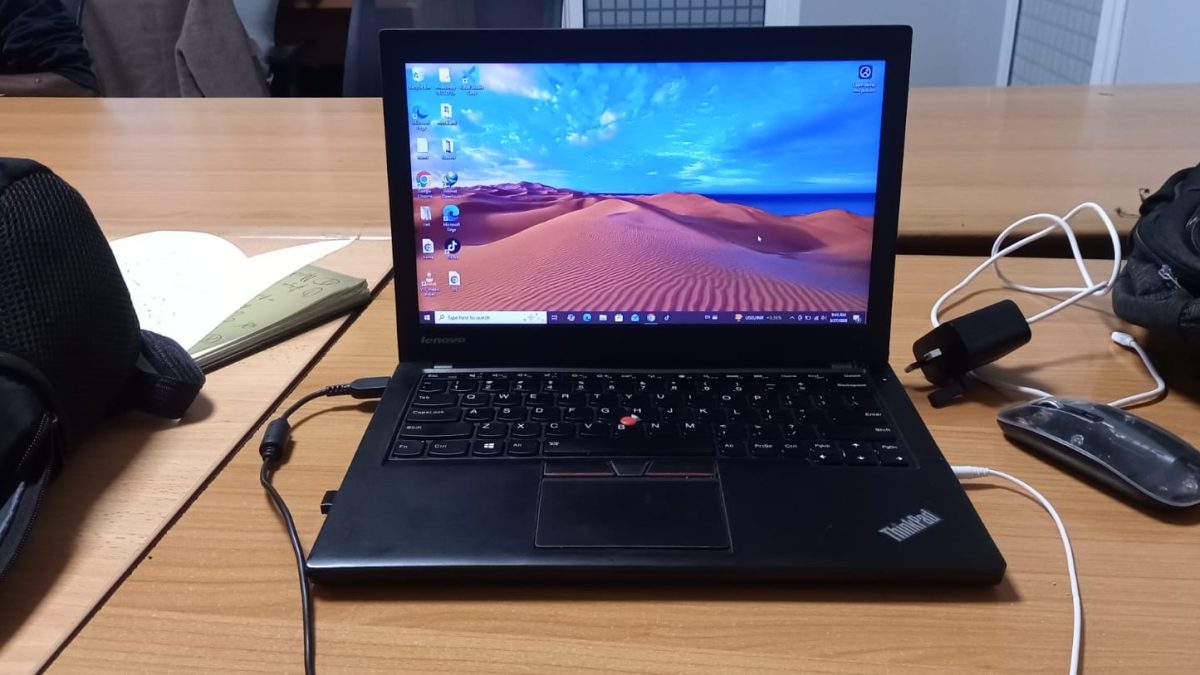
However, recognising these symptoms early can help prevent data loss and serious system damage.
This guide explains clear, fact based signs that your laptop may be infected with a virus.
Why detecting a virus early matters
Malware can steal personal data, damage files, and reduce system performance.
Some viruses run silently in the background, making them difficult to detect without paying attention to system behaviour.
Early detection allows you to remove threats before they spread or cause permanent damage.
Programs stopping or hanging frequently
One of the most common signs of a virus is when programs stop responding or freeze unexpectedly.
If applications that previously worked smoothly begin to crash or hang regularly, it may indicate malicious processes consuming system resources.
Viruses often run in the background, using CPU and memory, which interferes with normal program operation.
Unusually long boot time
A healthy laptop typically boots within 15 to 45 seconds, depending on hardware and system condition.
If your laptop suddenly takes several minutes to start, such as 3 to 5 minutes or more, it may be a sign of malware loading during startup.
Viruses often add themselves to startup processes, slowing down the boot sequence significantly.
User interface feels broken or abnormal
Changes in the user interface can indicate infection.
You may notice icons missing, windows behaving unusually, or system settings changing without your input.
The laptop may feel unstable or inconsistent in normal use.
This happens because malware can interfere with system files and settings.
Unexpected pop ups and ads
Frequent pop ups, especially when not using a browser, are a strong warning sign.
Adware and malicious software often display unwanted ads or redirect you to suspicious websites.
These interruptions affect both performance and security.
High CPU or memory usage without reason
If your laptop is slow even when running minimal applications, check system resource usage.
Viruses often run hidden processes that consume CPU and RAM.
This results in overheating, slow performance, and reduced battery life.
Unknown programs or files appearing
The presence of unfamiliar programs or files can indicate infection.
If you notice software you did not install, it may have been added by malware.
These programs often run silently and may not appear in obvious locations.
Disabled security features
Some viruses attempt to disable antivirus software or system security features.
If your security tools stop working or cannot be updated, it may be due to malicious interference.
This increases the risk of further infection.
Internet behaving abnormally
Slow internet, unexpected redirects, or data usage spikes can be linked to malware.
Some viruses use your connection to send data or download additional threats, affecting network performance.
A virus infected laptop often shows clear signs such as slow performance, long boot times, crashing programs, and unusual behaviour.
Ignoring these symptoms can lead to serious security risks and data loss.
Regular updates, antivirus protection, and cautious browsing are essential in preventing infections.
Recognising these warning signs early helps maintain system health and performance.