Advertisement
How to choose the right laptop charger: A complete buying guide
07th April, 2026 10:29 PM
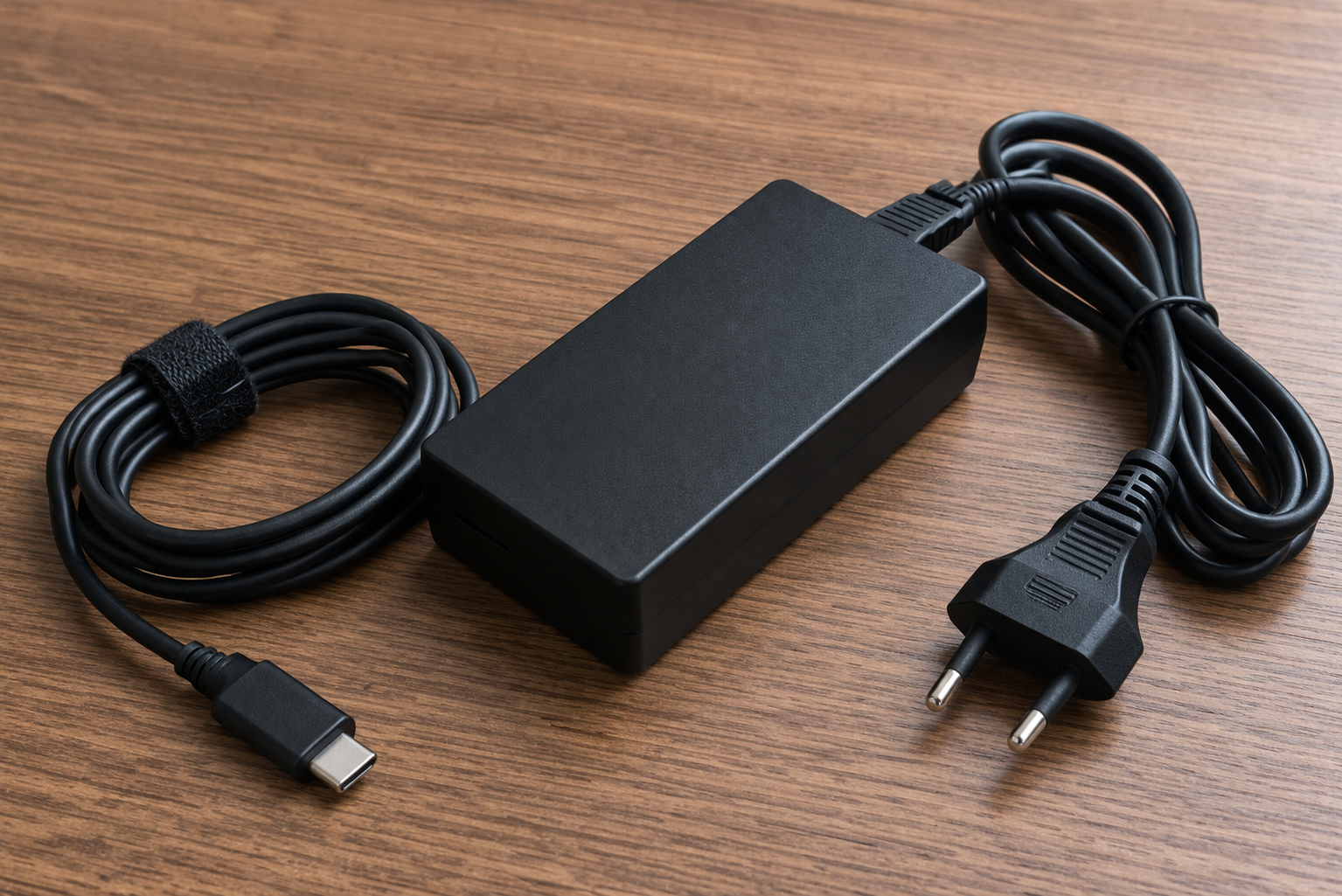
Many people only realise how important a laptop charger is when the original one gets lost, damaged, or stops working.
In that moment, the quick solution often feels simple: find any charger that fits the port and powers on the laptop.
However, that is where many go wrong. A charger is not just about the cable or the plug shape.
It is a critical component that directly affects your laptop’s battery, motherboard and overall lifespan.
Using the wrong one might still “work”, but silently cause damage over time.
Why the right charger matters
A laptop charger controls how power flows into your device. If that flow is unstable or mismatched, it can strain internal components.
When you use an incompatible charger, you risk:
- Overheating the laptop
- Damaging the battery
- Weakening the charging system
- In worst cases, affecting the motherboard
This damage does not always happen instantly. Sometimes, it builds slowly until the laptop starts showing signs like slow charging, sudden shutdowns or refusing to power on.
That is why choosing the right charger is not optional. It is essential.
What to check before buying
The first thing to look at is voltage (V). This must match exactly with your laptop’s requirement. If your laptop needs 19V, using anything higher or lower can cause serious issues.
Next is amperage (A). This can be equal or slightly higher than the original, but never lower.
A lower amperage means the charger struggles to supply enough power, which leads to overheating.
Then check the wattage (W). This is simply voltage multiplied by amperage.
It should match or exceed your original charger, but not be significantly lower.
Another important detail is the connector tip. Even if it fits physically, slight differences can affect how power is delivered.
A loose or tight fit can damage the charging port over time.
Finally, confirm brand compatibility. Some laptops, especially newer models, are sensitive and may reject non-original chargers entirely.
Original vs generic chargers
Original chargers are always the safest option. They are designed specifically for your laptop model and meet exact specifications.
However, high-quality third-party chargers can still work well if they meet all the required ratings.
The problem comes with cheap, unverified chargers that cut corners on safety.
A low-quality charger might:
- Deliver inconsistent power
- Lack proper insulation
- Overheat easily
- Fail quickly
While they may be cheaper upfront, they often cost more in the long run through repairs or replacements.
Simple buying tips
Always carry your old charger or note down its specifications before going to buy a new one. This avoids guesswork.
If buying online, double-check the model number and read product descriptions carefully. Do not rely on appearance alone.
When possible, buy from trusted electronics shops or authorised dealers. This reduces the risk of getting counterfeit products.
Also, avoid forcing a charger into your laptop. If it does not fit smoothly, it is likely not the right one.
Choosing a laptop charger should never be based on convenience alone. What looks like a small decision can have long-term effects on your device.
Taking a few extra minutes to check voltage, amperage and compatibility can save you from costly repairs and unexpected breakdowns.
In simple terms, if the charger is not designed for your laptop, it is not worth the risk.