Advertisement
How face unlock works on your phone and what most users don’t know
03rd March, 2026 11:20 PM
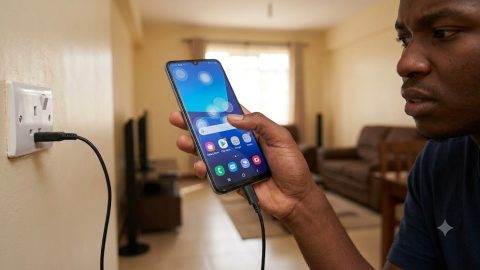
Phone security is one of the many things users globally cannot afford to ignore, owing to the consequences it carries when violated or neglected.
Just like pattern locks, fingerprint scans, and voice recognition, face unlocking is one of the most reliable ways of keeping a phone secure from unauthorised access.
Yet many people use it daily without fully understanding what happens the moment they raise their phones.
Step 1: Face registration during setup
The process begins when you first enable face unlock in your phone settings. The device asks you to position your face inside a frame and slowly move your head.
During this stage, the phone studies your facial structure. It measures key points such as the distance between your eyes, the shape of your cheekbones, the curve of your lips, and the outline of your chin.
Importantly, the phone does not store a simple photograph. Instead, it converts your facial measurements into encrypted digital data.
This information is stored securely inside a protected section of the device.

Step 2: Sensor activation
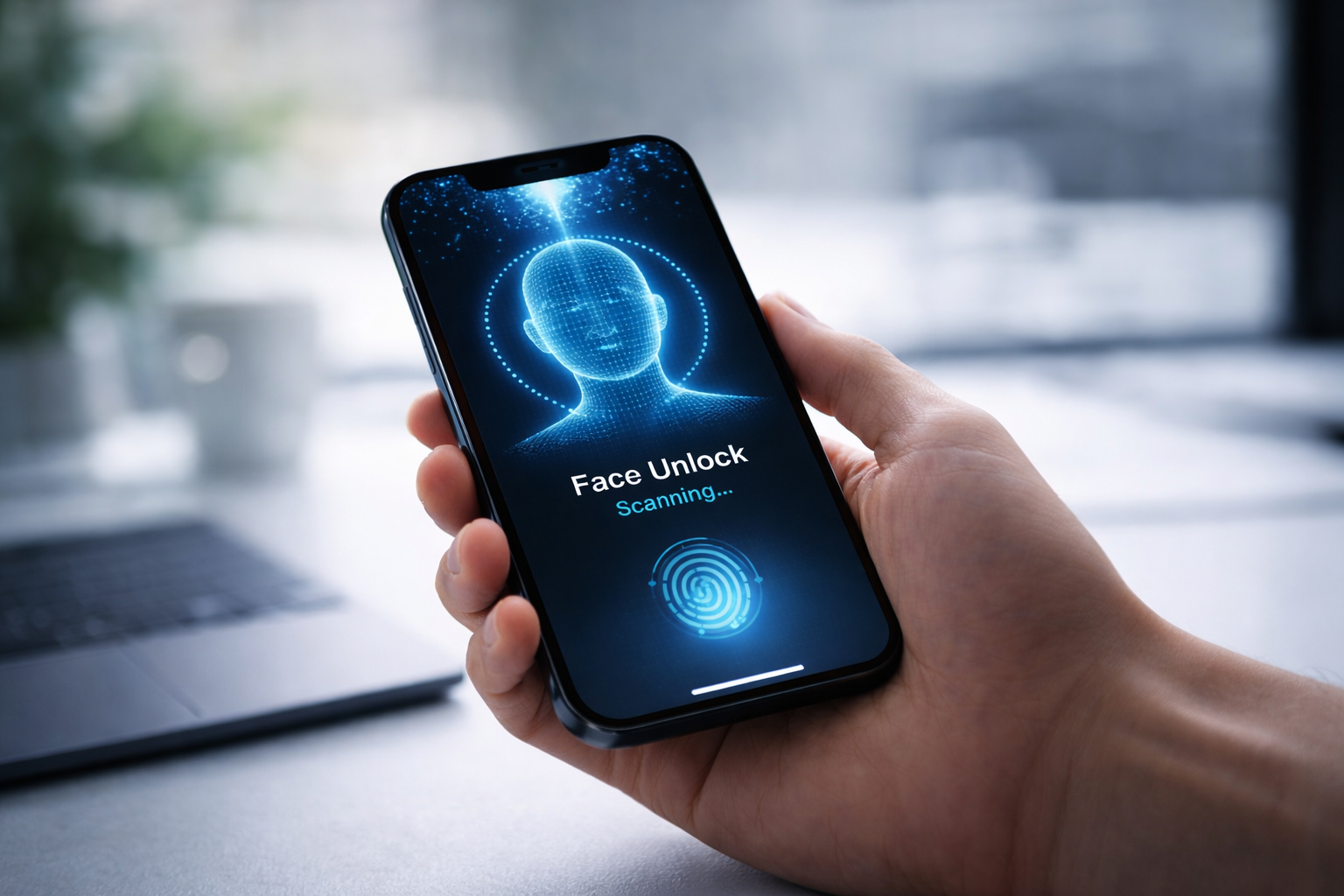
Each time you attempt to unlock your phone, the front camera and sensors activate instantly. On some devices, this happens the moment you tap the screen or lift the phone.
Basic models rely mainly on the front camera to capture your image. More advanced phones use infrared sensors or depth mapping technology to read the shape of your face more accurately.
Step 3: Real-time facial scanning
The phone captures your face again and analyses the same facial points it recorded during setup. It looks at structure rather than appearance, which is why it can still recognise you if you change hairstyles or wear glasses.
On premium devices, invisible infrared light may be projected onto your face to detect depth and confirm that it is a real person, not a flat image.

Step 4: Data comparison and validation
The newly captured scan is instantly compared with the encrypted facial template stored inside the secure processor.
If enough matching points are detected, the system confirms your identity. If the match falls below the security threshold, the phone denies access.
This entire process takes less than a second.
Step 5: Unlock response or security delay
If the validation is successful, the operating system receives approval, and the phone unlocks immediately.
If several attempts fail, many devices temporarily disable face unlock and require a PIN, password, or pattern.
This waiting period prevents repeated attempts by someone trying to gain unauthorised access.
What many users do not realise
Not all face unlock systems offer the same level of security. Basic camera-based systems may sometimes be fooled by high-quality photos.
Advanced 3D facial recognition systems are far more secure because they detect depth and real facial contours.
Lighting conditions also matter. Simpler systems may struggle in very dark environments, while infrared-based systems work even at night.
In everyday life, face unlock feels effortless. But behind that glance is a carefully designed sequence of scanning, comparison, encryption, and decision making. It is a quiet but powerful layer of protection built into the device you carry every day.