Advertisement
How to protect your M-Pesa account from fraudsters
27th September, 2025 09:39 AM
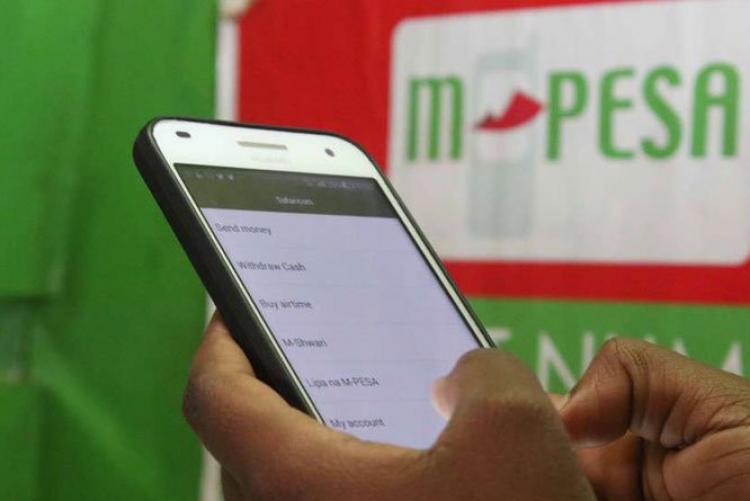
If you live in Kenya, chances are you use M-Pesa almost every day, whether it’s paying for groceries, sending money to family, or buying airtime. It’s simple, fast, and reliable. But as convenient as it is, M-Pesa has also become a target for fraudsters who are getting bolder and smarter by the day.
And the truth is, you don’t have to be careless to fall victim. Sometimes all it takes is a single rushed moment.
The following are practical ways to protect yourself from M-Pesa fraudsters.
Keep your PIN secret
Your M-Pesa PIN is like the lock on your front door. If someone else has it, you’re in trouble. Yet, many people still make the mistake of sharing it with friends, relatives, or even strangers who appear helpful.
Some even write it down in notebooks or store it on their phones. If you’ve done this before, you’re not alone, but it’s risky. Your PIN should be private, always. Change it if you feel it may have been exposed.
Beware of fake messages and calls
You’ve probably received one: a message that looks exactly like an M-Pesa SMS, telling you that you’ve received money, won a prize, or need to reverse a payment.
Some people even get calls from people who sound convincing, claiming they’re from Safaricom. The trick is that they want you to panic, rush, or follow instructions without thinking.
Here’s the golden rule: if anyone asks for your PIN, they’re not genuine. Safaricom will never, under any circumstances, need your PIN.
Confirm details before transacting
It’s easy to get distracted when paying for a matatu ride or sending money in a crowded place. But those seconds of rushing can cost you.

Always take a moment to confirm the number and name that pop up before entering your PIN. If something looks off, cancel the transaction. That extra five seconds of checking could save you from sending money to a fraudster.
Stick to official channels
Fraudsters thrive on creating fake shortcuts, fake apps, fake numbers, and fake messages. But there’s a simple way to protect yourself: only use Safaricom’s official numbers and apps.
Dial *234# for customer service, call 100 if you’re stuck, or use the verified M-Pesa app from your app store. Anything outside these channels is unsafe.
Report, don’t ignore
If you ever get a suspicious SMS or call, don’t just delete it. Forward it to 333, Safaricom’s fraud line. By reporting, you’re not just protecting yourself, you’re also protecting your neighbour, your mum, your friend, and anyone else who could be targeted next.
Update your SIM card and apps
Lastly, make sure your SIM card is registered in your own name and up to date. If you’re using the M-Pesa app, update it regularly. Updates aren’t just about new features; they often come with stronger security.
Fraudsters are alwaysworking on new tricks, but they rely on one thing: catching you off guard. If you stay alert, take your time, and never share your PIN, you’re already ahead of them.
Author
William Muthama
William Muthama is a digital journalist with a focus on entertainment, human interest, and current affairs. Share stories: [email protected]/ [email protected]
View all posts by William Muthama