Advertisement
Ways to back up photos safely in your phone
25th May, 2026 12:02 PM
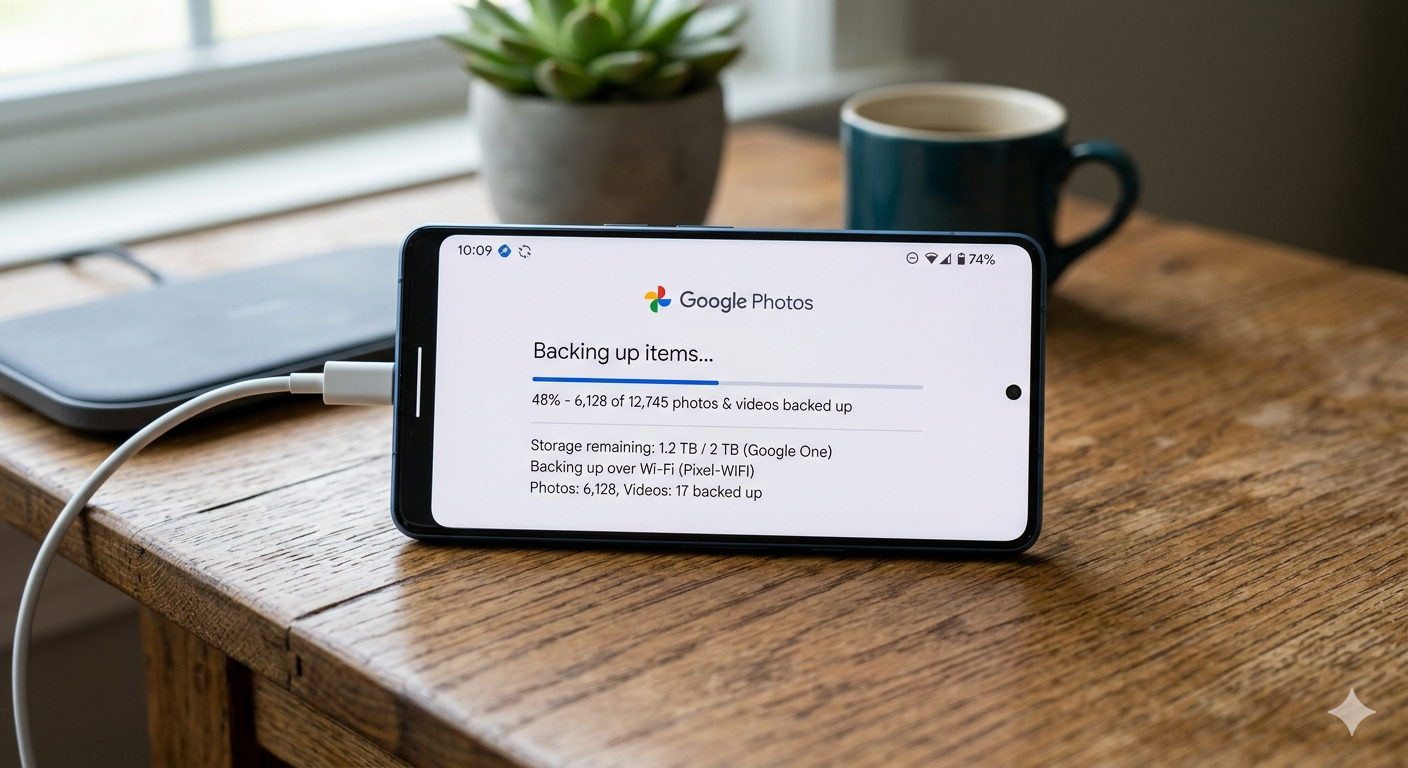
In today’s digital age, photos have become more than just pictures; they hold memories of special moments, milestones, and everyday life. Yet, many people only realize their importance when a phone is lost, damaged, or stolen.
Backing up photos is one of the simplest ways to protect them, and it does not require technical skills or expensive tools. With a few practical steps, anyone can keep their memories safe and accessible.
Understanding why backup matters
Phones are convenient but not always reliable for long-term storage. Accidental deletion, software crashes, or even full storage can lead to lost photos. That is why cloud services and backup tools are now widely used. Platforms such as Google Photos, Apple iCloud, and Microsoft OneDrive allow users to store photos safely online and access them from different devices.
As explained in Google Photos support, “When backup is turned on, your photos and videos are saved to your Google Account.” This simple feature ensures that even if a phone is lost, the images remain secure in the cloud.
Step one: Use built-in cloud services
Most smartphones already come with built-in backup systems. Android users can rely on Google Photos, while iPhone users can use iCloud. Once activated, these services automatically upload photos whenever the phone is connected to Wi-Fi. This removes the need for manual transfers and reduces the risk of forgetting to save important files.
Step Two: Manage storage and sync settings
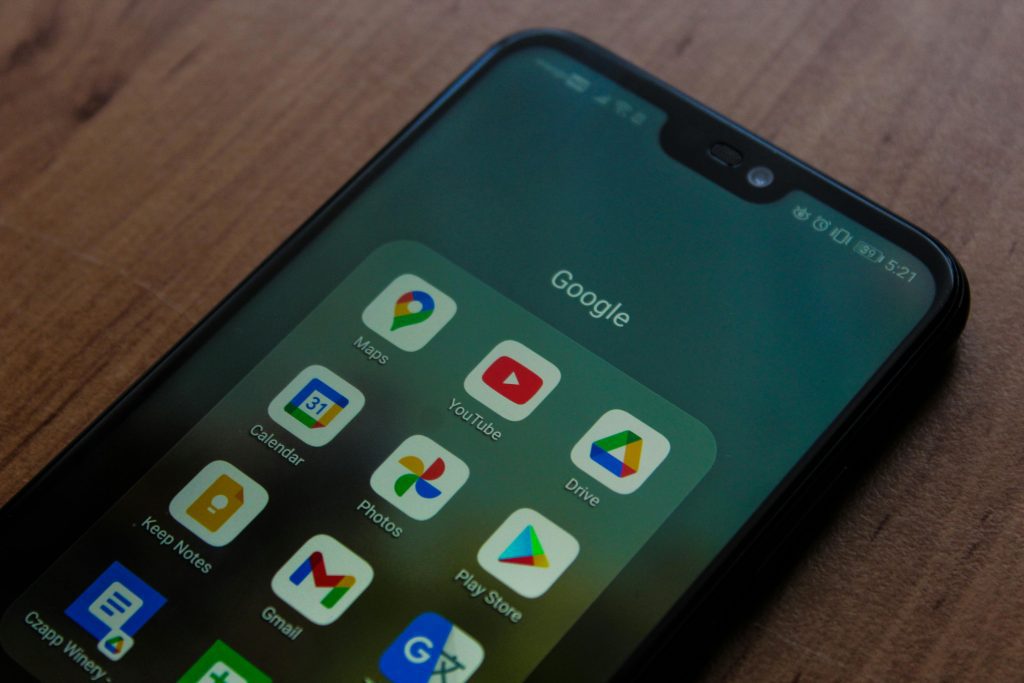
Backup is not just about turning on a feature; it also involves managing storage. Many cloud services offer limited free space, so it is important to check what is being uploaded. Users can choose to back up only photos, exclude videos, or compress files to save space. Regularly checking sync settings helps ensure everything is running smoothly without interruptions.
Step Three: Add extra backup options
Relying on one backup method may not be enough. Experts often suggest using more than one platform for added safety. For example, photos can be backed up on both Google Photos and a secondary service like OneDrive. External storage devices such as memory cards or hard drives can also serve as offline backups for extra protection.

Consistency is key. Once backup habits are formed, they help prevent panic during unexpected phone issues. It is a simple routine that can save years of memories.
Staying safe and organised
Organising photos after backup also makes them easier to find. Creating folders, deleting duplicates, and labeling albums can help users stay organized. This not only frees up space but also improves accessibility when searching for specific memories.