Advertisement
Simple habits to stop your phone storage running out
13th May, 2026 11:05 AM
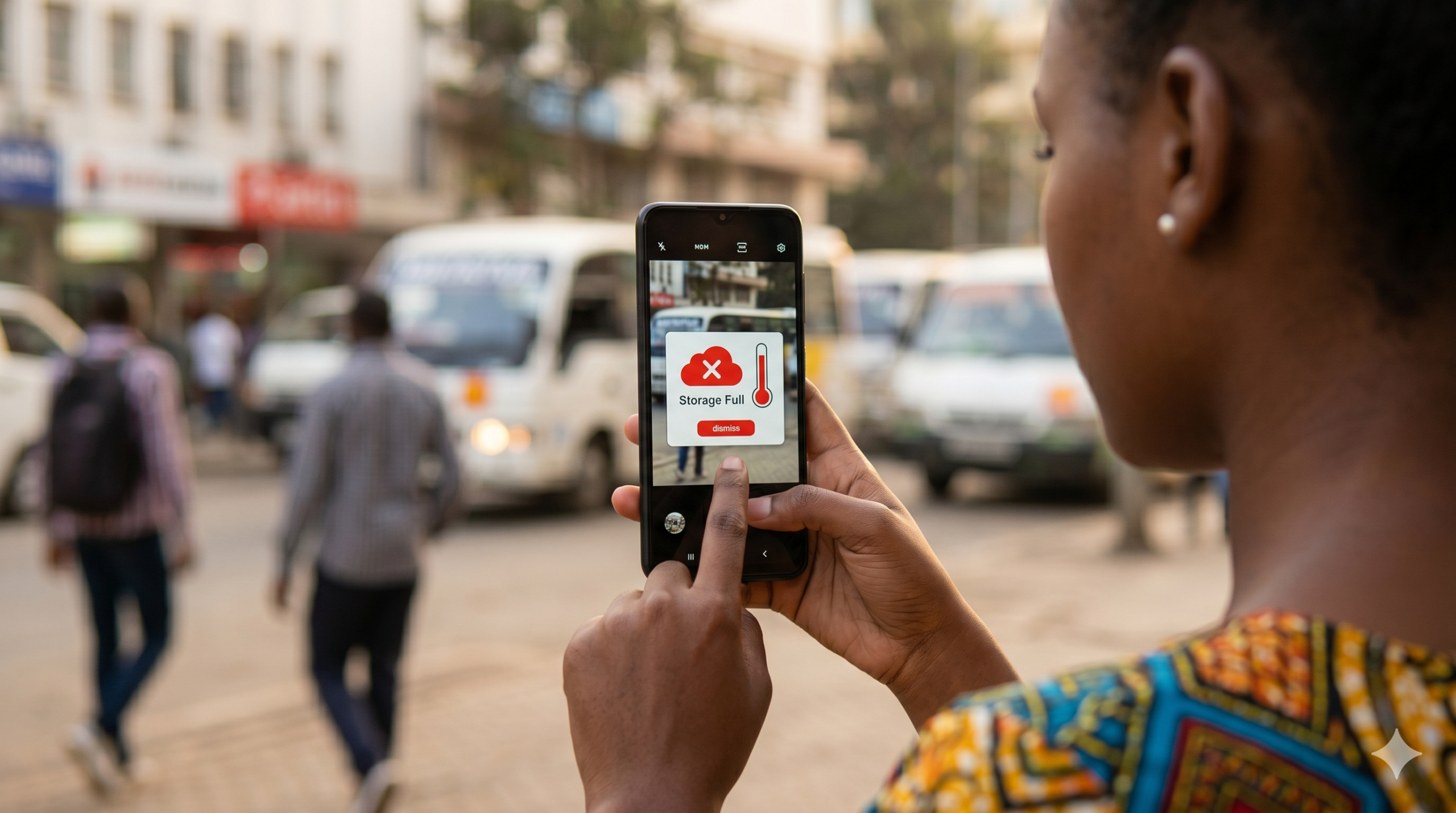
Your phone buzzes at the worst moment. You try to take a photo, record a voice note, or download a file, and it happens. Storage Full. Again.
If this sounds familiar, you are far from alone.
Psychologists at Northumbria University, writing in the journal Human-Computer Interaction, found that “the tendency to accumulate digital information items and a failure to delete unnecessary items leads to digital clutter,” and that this clutter “can have negative impacts on productivity, as individuals struggle to locate files and applications, creating feelings of anxiety.”
That finding will resonate with anyone who has ever missed a moment because their phone was too full to take a photo.
The good news is that staying on top of your storage does not require a tech degree.
It just takes a few habits, and most of them take under five minutes.
Start with the big three: photos, WhatsApp and apps
Photos are almost always the biggest culprit.
A 2025 study in Frontiers in Psychology found that smartphones now account for 94 per cent of all photos taken globally, with 5.3 billion photos captured every day.
It is no surprise that most of us are sitting on thousands of images we have never looked at twice – blurry shots, accidental screenshots, and fifteen near-identical selfies from the same session.
Set aside ten minutes once a week (Sunday evenings work well, everything is relaxed) to scroll through your gallery and delete duplicates.

You do not necessarily need to be ruthless; just keep the best version of each moment and let the rest go.
WhatsApp is the next major offender.
Every video, sticker, voice note and meme that lands in your chats saves itself automatically to your phone. Over months, this quietly eats up several gigabytes.
Go to WhatsApp → Settings → Storage and Data → Manage Storage. From there, you can see exactly which chats are taking up the most space and clear them with one tap.
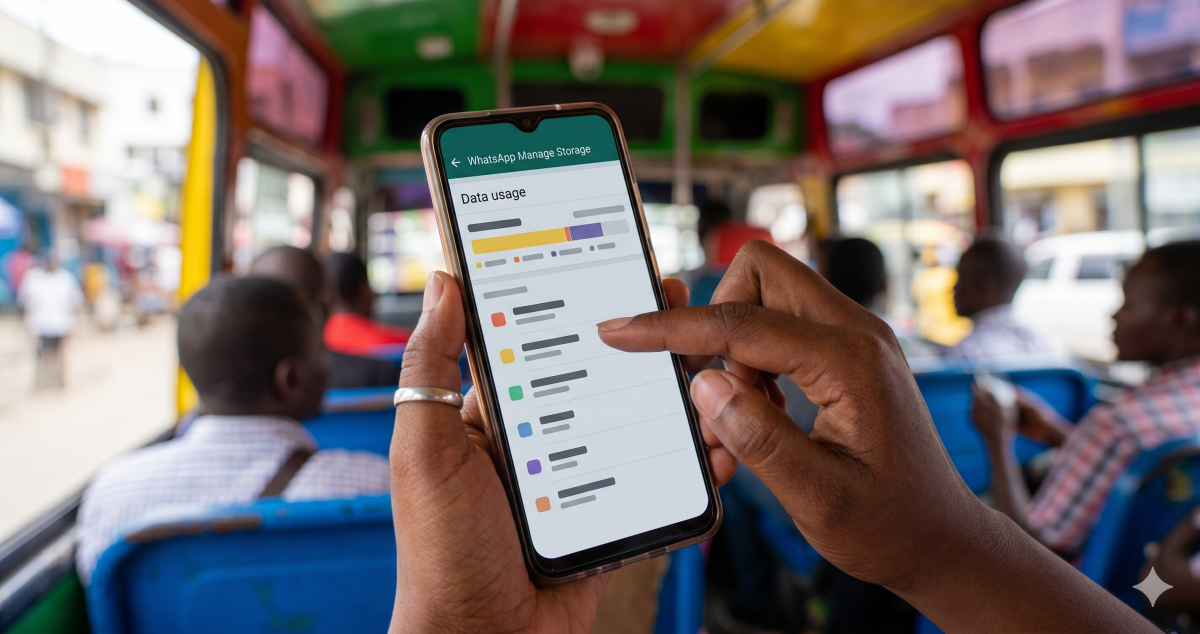
Consider switching off automatic media downloads for video and audio, you can always save what matters manually.
For apps, do a quick monthly audit. Open your phone’s Settings → Storage and look at which apps you have not opened in the last 30 days. If it has been sitting untouched that long, delete it. You can always reinstall.
Make cloud backup your safety net, not your afterthought
Move your photos off your device altogether. Google Photos (free up to 15GB), iCloud or Dropbox can automatically back up your images over Wi-Fi overnight, meaning you can safely delete local copies without losing a single memory.

Set your backup to run on Wi-Fi only to avoid burning through data, and confirm the backup has completed before you clear your gallery. Once it becomes routine, you will rarely think about storage again.
A few other quick wins: clear your browser cache monthly (Settings → Apps → Browser → Clear Cache), keep your downloads folder empty (most files in there were opened once and forgotten) and restart your phone weekly, which clears temporary files that accumulate quietly in the background.
Your phone is one of the most-used tools in your day. Keeping it light is crucial in making sure it is ready when you need it.