Advertisement
How to stop phone subscriptions you no longer use
26th May, 2026 12:43 PM
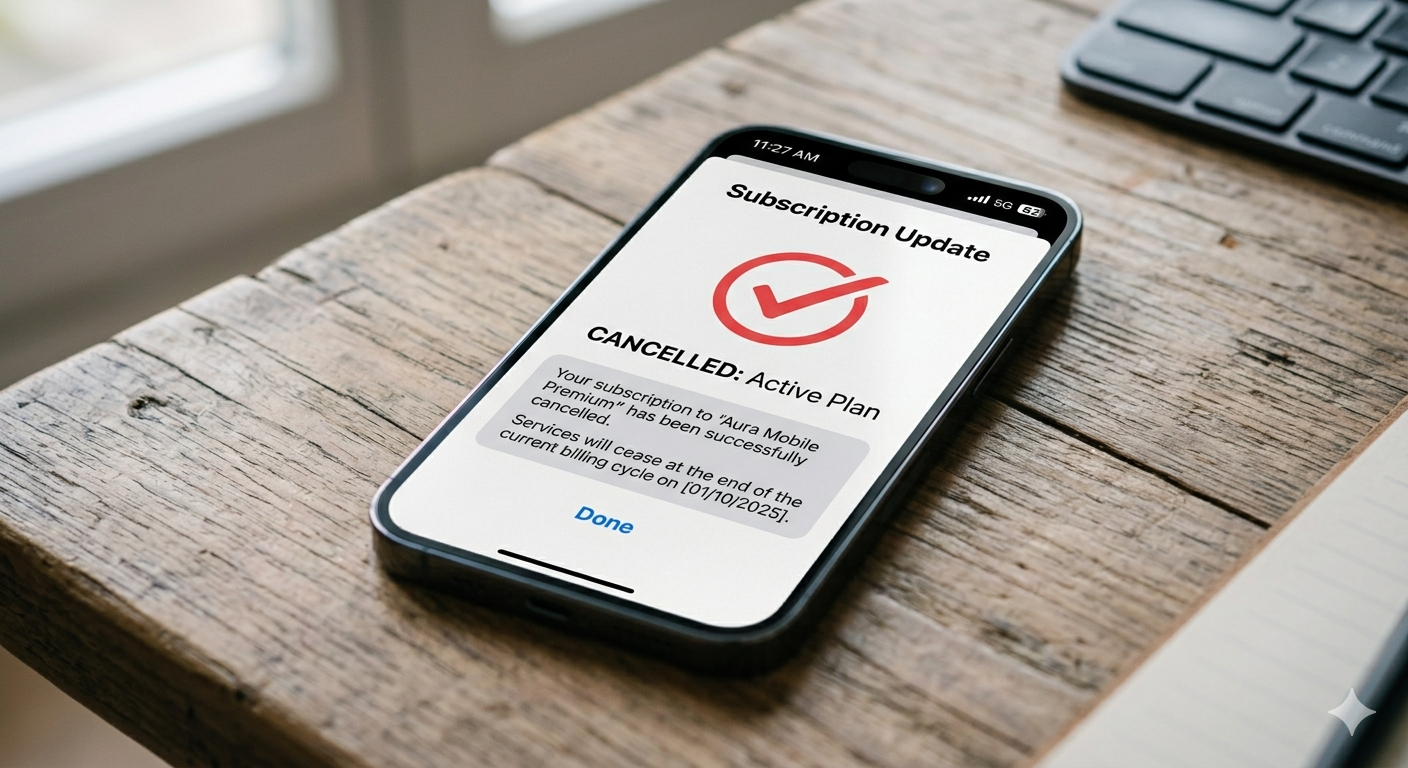
Many phone users often notice small monthly deductions disappearing from their mobile money, card, or airtime without a clear explanation. In most cases, these charges come from subscriptions that were activated during free trials, app downloads, or one-time sign-ups and then forgotten over time.
Streaming platforms, fitness apps, cloud storage services, and mobile games are some of the common culprits. While each charge may seem small, they can add up over months, quietly eating into a budget without notice.
According to reports from Apple Support, users are encouraged to regularly review active subscriptions linked to their Apple ID, as many renew automatically unless manually cancelled. “View and manage your subscriptions in your account settings to avoid unwanted renewals,” they stated.
Where to check what you are paying for
Most subscriptions are managed through the phone’s app store or payment settings rather than inside the apps themselves.
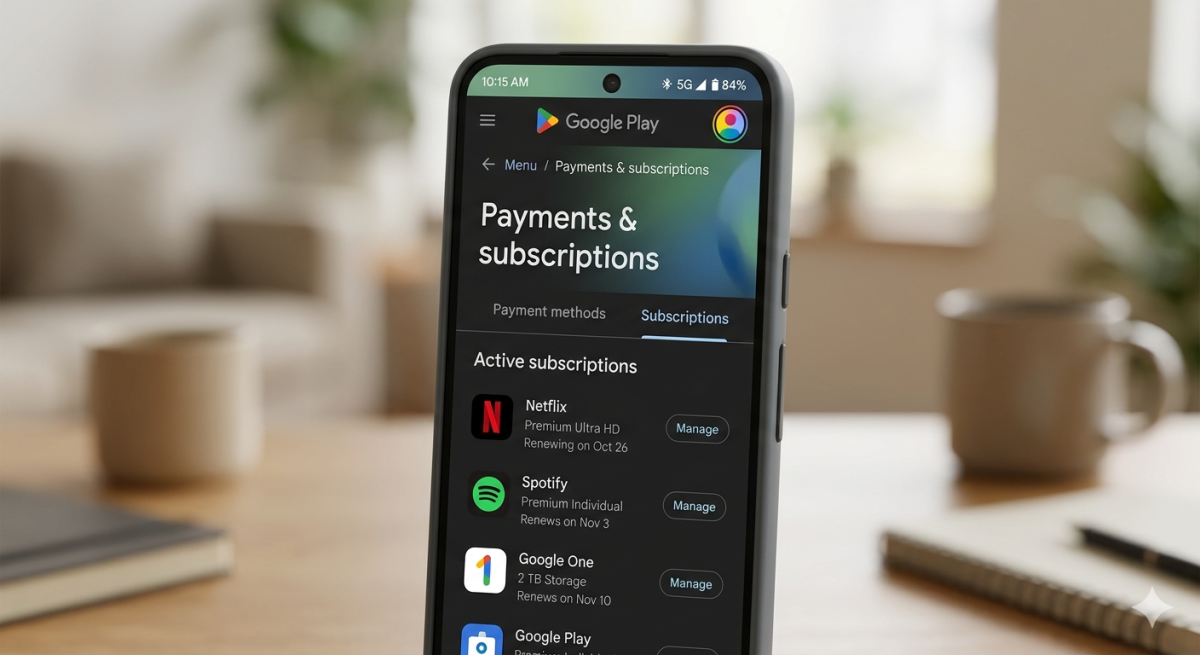
For Android users, Google Play Help explained that all active subscriptions can be viewed under the “Payments and subscriptions” section. From there, users can see renewal dates, pricing, and cancellation options.
On smartphones, it is also important to check linked payment methods such as mobile money services or saved cards, as some apps process payments directly through them.
Experts in digital consumer protection noted that many users forget subscriptions because free trials convert automatically into paid plans unless cancelled before the trial ends.
How to cancel and avoid future subscription
Cancelling unwanted subscriptions usually takes only a few steps once they are identified. Users are advised to open their app store settings, locate the subscription list, and select the service they no longer need before choosing “cancel.”
After cancellation, the service often continues until the end of the billing period, but no further charges are made afterwards.
It is also recommended to set calendar reminders before free trials expire, especially for services that require card details upfront. Check statements regularly to spot unfamiliar deductions early.
Simple habits to stay in control
To avoid falling into repeated subscription charges, users are encouraged to adopt a few simple habits. These include reviewing app permissions before downloading, avoiding unnecessary free trials, and checking monthly statements for small recurring payments.
Turning off auto-renewal immediately after starting a trial can also help prevent accidental charges.
In many cases, forgotten subscriptions are not the result of big mistakes but rather small oversights that build up over time. With regular checks and a bit of awareness, users can easily take back control of their monthly spending and ensure their money goes only to services they actively use.