Advertisement
How to clean a smartphone safely without causing damage
24th May, 2026 10:46 AM
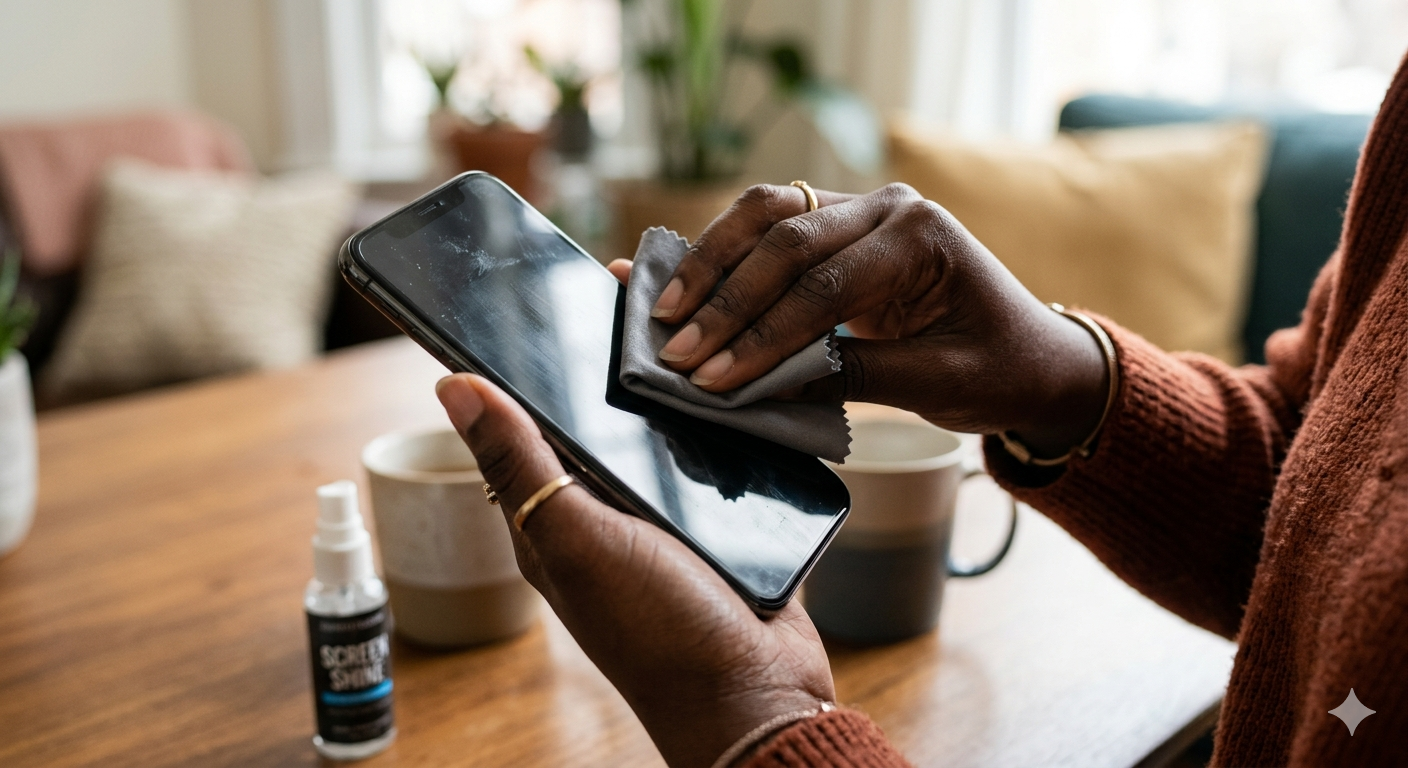
Smartphones are handled almost everywhere, from busy streets to kitchens and public transport, making them some of the most frequently touched personal items. Over time, dust, fingerprints, and germs build up on the screen and inside small openings like the charging port.
While cleaning is necessary, using the wrong method can easily lead to moisture damage or long-term performance issues. Experts from major device manufacturers like Apple and Samsung emphasised that careful, dry-based cleaning is the safest approach for most users.
Cleaning the Screen Safely
The screen is the most visible part of a phone, but also the most sensitive. According to Apple Support, users are advised to avoid spraying liquid directly onto devices. Instead, a soft, lint-free cloth slightly dampened with water or 70 per cent isopropyl alcohol is recommended.
Avoid getting moisture in any openings and don’t use aerosol sprays or abrasives.
To clean safely, the phone should first be switched off and unplugged from any charger. Gentle circular wiping helps remove fingerprints without scratching the surface. Microfiber cloths are preferred because they trap dust without leaving marks. Avoiding household cleaners like bleach or vinegar, as these can damage protective coatings on the screen over time.
Handling the Charging Port with Care
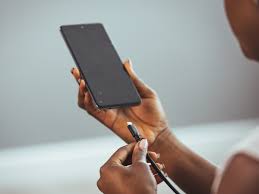
The charging port is one of the most delicate parts of a smartphone and is often overlooked during cleaning. Dust, lint, and small debris can accumulate inside, leading to slow or inconsistent charging. However, using water or sharp objects can permanently damage internal connectors.
Experts recommend using a dry, soft brush, such as a clean, unused toothbrush or a small anti-static brush, to gently loosen dirt. A can of compressed air can also help blow out dust without contact. It is important to avoid inserting pins, needles, or other metal objects, as they can bend or break internal components.
If moisture accidentally enters the port, manufacturers advise leaving the phone to air-dry completely before attempting to charge it again. Rushing this process can lead to short circuits or corrosion.
Common Mistakes to Avoid
Many phone users unknowingly damage their devices while trying to clean them. One of the most common mistakes is using too much liquid or cleaning while the phone is still charging. Another is relying on rough materials like paper towels, which can scratch the screen surface over time.
Another frequent error is assuming all cleaning products are safe for electronics. Strong chemicals found in glass cleaners or disinfectants can wear down protective coatings designed to reduce fingerprints and glare. Samsung care guidelines warn against excessive moisture, stressing that only lightly dampened cloths should be used when necessary.
Keeping a smartphone clean does not require complicated tools or expensive products. With the right technique and a careful approach, users can maintain both hygiene and device safety.