Advertisement
How a smartphone shuts down
06th March, 2026 01:02 PM

Pressing the power button and watching a phone go dark feels almost instant. One tap and everything disappears. But inside that small device, a careful chain of events unfolds before the screen finally fades to black.
A smartphone does not simply “switch off.” It performs an orderly shutdown, step by step, making sure apps close properly, data stays safe, and hardware powers down in the correct order.
It begins with the power button
Everything starts when a user presses and holds the power button.
The phone quickly recognises this action and the operating system responds by displaying the power menu. On most devices, this menu shows options such as restart, power off, or emergency mode.
When the user taps Power off, the device begins preparing to shut down.
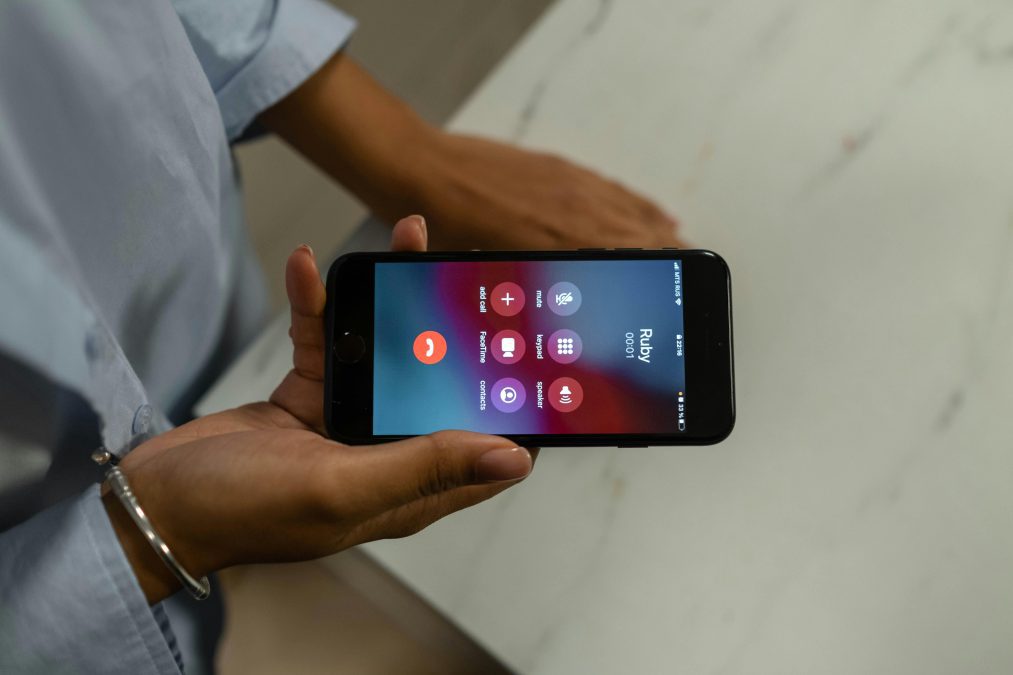
The operating system clears the stage
Before the phone can go silent, the operating system has to tidy things up.
It sends signals to running apps telling them to stop their work. Music players pause. Messaging apps close their connections. Background services begin wrapping up their tasks.
This step prevents files from being damaged and makes sure nothing important is left unfinished.
Once everything is under control, the system hands over the task to the deeper layers of the phone.
The kernel takes control
At the heart of every smartphone lies the kernel, the part of the system that manages how software interacts with hardware.
When the shutdown begins, the kernel starts ending system processes one by one. It shuts down internal services, communication systems, and other core functions that keep the phone running during normal use.
Think of it as turning off the lights room by room before leaving the house.

The phone’s brain prepares for sleep
Next comes the System on Chip, often called the SoC. This is the main brain of the smartphone, the tiny chip that holds the processor, graphics engine, and many other essential components.
Once the software side of the shutdown is complete, the SoC signals that the device is ready for power to be cut.
Power is finally cut
The final step belongs to the Power Management Integrated Circuit, known as the PMIC.
This small but important component controls how electricity flows inside the phone. When it receives the signal from the system, it begins cutting power to the hardware.
The processor stops. Memory shuts down. Radios and sensors fall silent.
Darkness on the screen
With the flow of electricity halted, the display finally turns black.
At that moment, the phone is truly off. No apps are running, no signals are being sent, and the device rests quietly until the power button is pressed again.
A quiet but complex process
What looks like a simple action takes several coordinated steps behind the scenes. The user starts the process. The operating system clears running tasks.
The kernel closes system processes. The phone’s internal chip prepares the hardware. The power management system finally cuts the electricity.
All of this happens in just a few seconds.
So the next time your phone screen fades to black, remember that a tiny orchestra of software and hardware has just completed a perfectly timed shutdown.