Advertisement
How to tell if your phone has been hacked
18th May, 2026 03:59 PM

Mobile phones have become central to daily life in Kenya, used for banking, communication, work, and social media.
Because of this, cyber criminals increasingly target smartphones to steal money, personal data, and access to mobile money accounts.
Phone hacking is not always obvious, but there are clear warning signs that users can look out for.
Strange notifications appear
One of the early signs of a compromised phone is unusual or fake notifications.
These may include messages that look like mobile money alerts such as “KCB has sent you Ksh 276,000” or random system pop ups that do not match your normal banking activity.
In some cases, hackers use fake alerts to trick users into clicking harmful links or approving transactions without realising.

Phone overheating and fast battery drain
A hacked phone often works in the background without the user knowing.
Malicious software can continuously run processes that consume power and data.
This leads to the phone overheating even when not in use and the battery draining much faster than normal.
If your phone suddenly cannot hold charge like before, it may be a warning sign.
Slow performance and lagging
Another common symptom is sudden slowness. Apps may take longer to open, the screen may freeze, and the phone may restart without reason.
This happens because hidden malware uses system resources, reducing performance and making the device feel overloaded.
Unexpected STK push messages
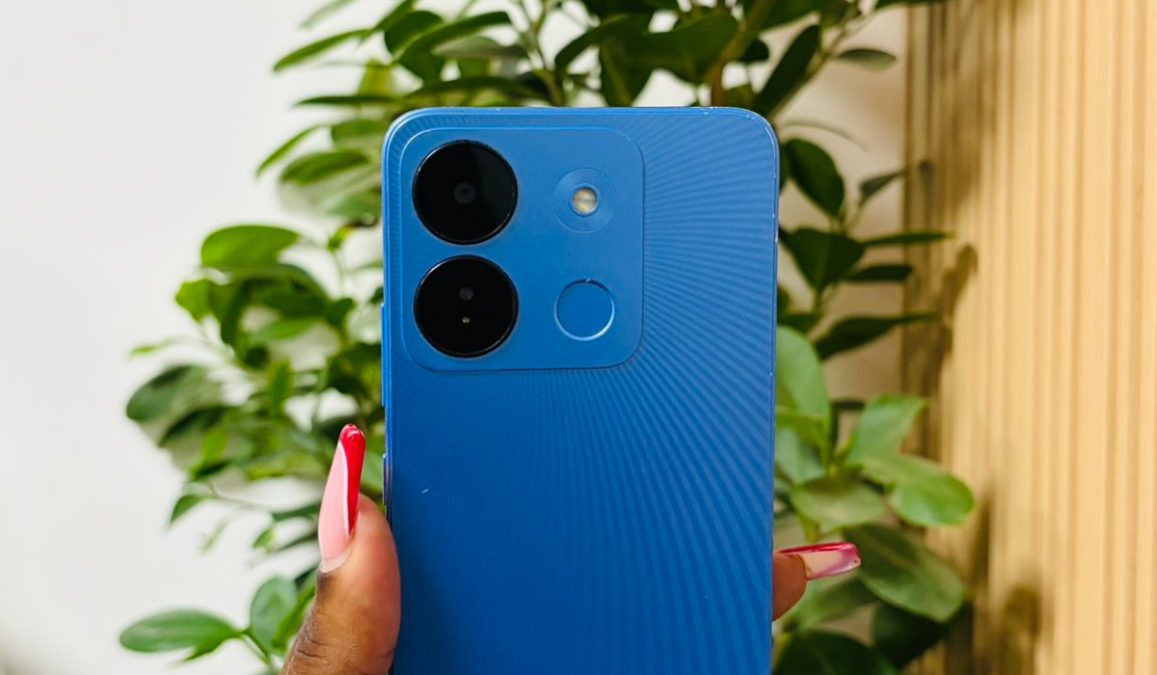
In Kenya, mobile money fraud is often linked to suspicious STK push requests.
You may receive prompts asking you to approve payments you did not initiate.
If you notice repeated or unknown STK prompts, it could mean your number or device has been targeted for financial access attempts.
Unusual apps or activity
Sometimes hackers install hidden apps or gain access through malicious downloads.
You may notice apps you do not remember installing, strange permissions being requested, or data usage increasing unexpectedly.
What to do if your phone is hacked
If you suspect your phone has been compromised, quick action is important.
First, install and run a trusted security tool such as Google Play Protect. It scans apps and files to detect harmful software and remove threats.
Second, back up important data such as contacts, photos, and documents. This ensures you do not lose valuable information during cleanup.
Third, change all important passwords immediately, especially for email, mobile banking, and social media accounts.
Use strong and unique passwords.
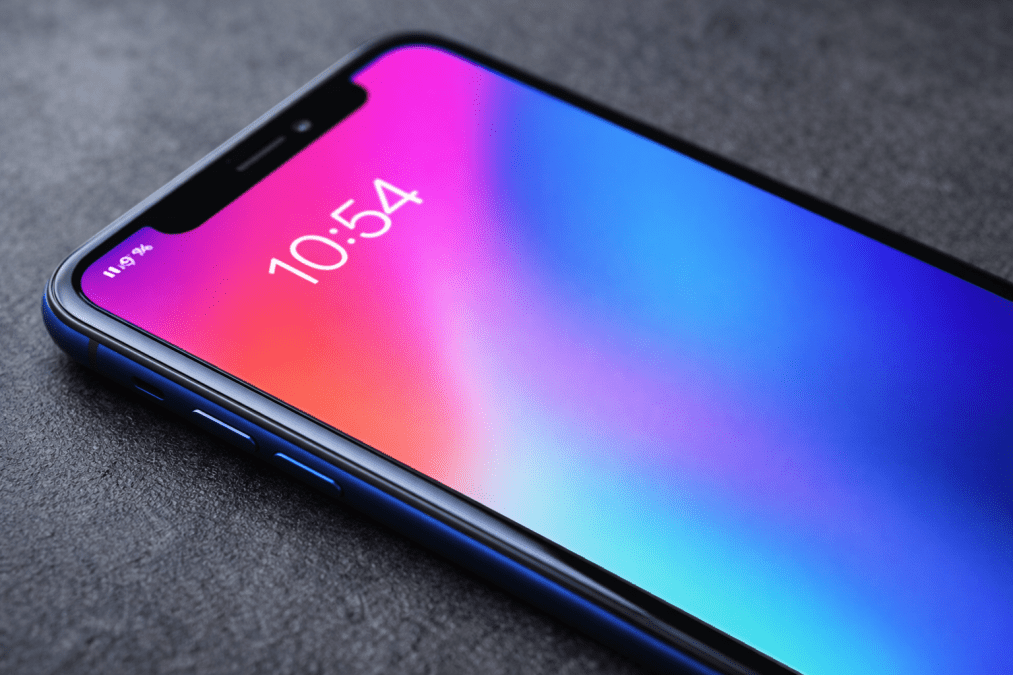
Finally, perform a factory reset of the device. This removes most malware by restoring the phone to original settings.
After resetting, reinstall apps carefully and only from official stores like Google Play Store.
Staying safe going forward
Phone security depends on careful usage.
Avoid clicking unknown links, downloading apps from untrusted sources, or sharing personal details through random messages.
Regular updates and security checks also help reduce risk.
As cyber threats continue to grow, awareness remains the strongest protection.
Knowing the early signs of hacking can help users act quickly and protect their money and personal data.