Advertisement
Steps to follow if you have blocked or forgotten your M-Pesa PIN
10th December, 2025 12:49 PM
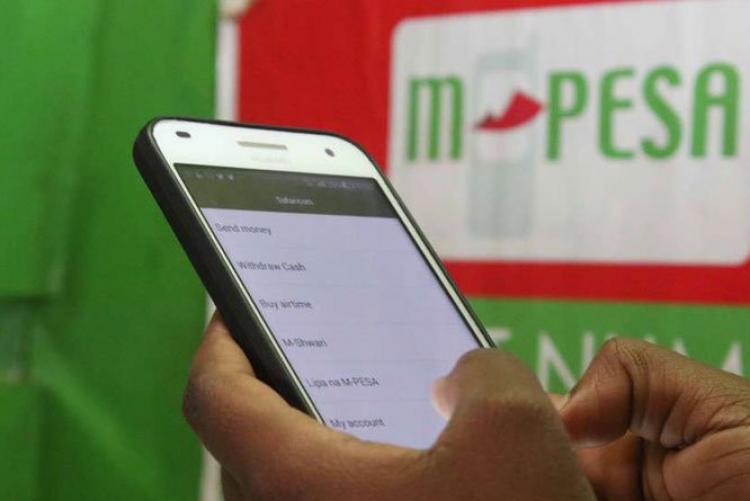
Safaricom has made it simple for customers to unlock or reset their M-PESA PINs whenever they accidentally block their accounts. This usually happens when the wrong PIN is entered three times in a row, which triggers an automatic lock for security reasons. If this happens to you, here are the steps you should follow:
*1. Dial 334#
Start by dialling *334# on your Safaricom line. This code opens the main M-PESA service menu, where you can access different self-service options.
2. Select “My account”
From the menu, choose the option labelled My Account. This section contains tools that help you manage your M-PESA details and settings.
3. Choose “M-PESA PIN manager”
Once inside My Account, scroll to and select M-PESA PIN Manager. This is the section dedicated to all PIN-related services, including unlocking and resetting your PIN.
4. Select “M-PESA PIN unlock”
Tap on M-PESA PIN Unlock. This option is specifically designed for customers whose PINs have been blocked after multiple failed attempts.
5. Enter your ID number
You will be asked to enter the ID number you used when registering your Safaricom line. This could be your National ID, passport, or any other official document you used at the time. Entering the correct number confirms your identity and ensures the account belongs to you.
6. Receive confirmation message
After submitting your ID number, Safaricom will send you a message confirming that your M-PESA PIN has been successfully unlocked. Once unlocked, you can continue transacting normally.