Advertisement
5 simple ways to fix a hanging phone
08th December, 2025 08:38 PM

A hanging phone can be frustrating, especially when you’re trying to text, record videos, or browse social media. Many users experience phone lag due to low storage, outdated apps, background processes, or overheating.
Fortunately, you don’t always need a technician; several simple steps can restore your device’s speed within minutes.
Clear phone storage
One of the most common causes of freezing is low internal storage. When your device runs out of space, it struggles to load apps and process tasks. Start by deleting unnecessary photos, videos, and duplicate files. You can also back them up to Google Drive.
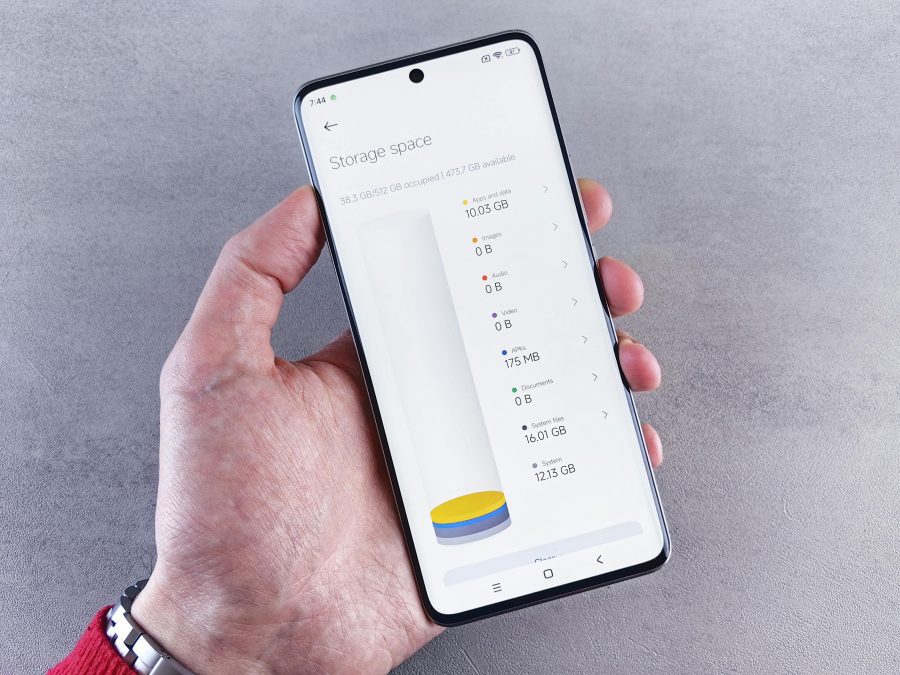
Uninstall unused apps, clear app cache in settings, and remove large downloads from WhatsApp.
Creating at least 2–4GB of free space immediately boosts performance on most Android phones.
Close background apps
Background activity can overwhelm your phone’s processor, especially if you multitask frequently. Make it a habit to close apps you’re not using. On Android, swipe up and clear recent apps; on iPhone, double-tap the home bar and swipe away.
Also, disable auto-start apps like TikTok, Instagram, and some games that run silently. This frees up RAM, helping your device respond faster and reducing random freezes.
Restart the device
It may sound simple, but restarting your phone fixes a lot of software glitches. A reboot clears temporary files, resets processes, and refreshes memory.
If your phone hangs often, restart it at least once a day. For extremely frozen screens, long-press the power button for 10–15 seconds to force a shutdown. Once it boots up again, performance usually improves immediately.
Update apps & software
Outdated software can cause bugs, crashes, and heavy lag. Make sure your phone’s operating system is up to date by checking the settings menu. Also, update apps through the Google Play Store or App Store.
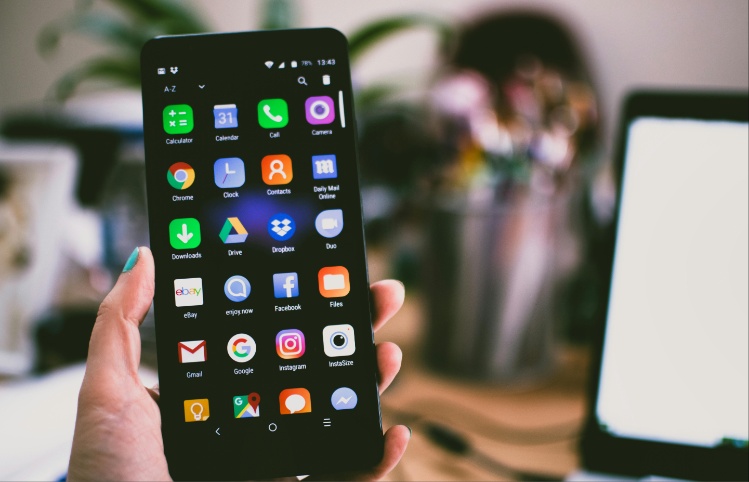
Developers frequently release fixes that improve speed and reduce memory usage. If an app continues to freeze even after updates, consider uninstalling and reinstalling it.
Remove problematic apps
Some apps are heavy, poorly coded, or filled with ads that slow down your phone. If you recently installed an app and noticed hanging, that app could be the culprit.
Uninstall suspicious apps, especially free VPNs, RAM boosters, battery-saving apps, or cloned apps they often run in the background and drain resources.
Stick to trusted applications with high ratings and good reviews.
A hanging phone isn’t always a sign of permanent damage. In many cases, simple maintenance keeps your device running smoothly.
By clearing storage, closing background apps, updating software, and removing problematic applications, you can significantly improve your phone’s performance without spending money on repairs.
If the problem persists even after trying these steps, consider backing up your data and performing a factory reset or visiting a certified technician for diagnosis.
Author
William Muthama
William Muthama is a digital journalist with a focus on entertainment, human interest, and current affairs. Share stories: [email protected]/ [email protected]
View all posts by William Muthama