Advertisement
How to check and repay HELB loan
18th August, 2025 01:51 PM
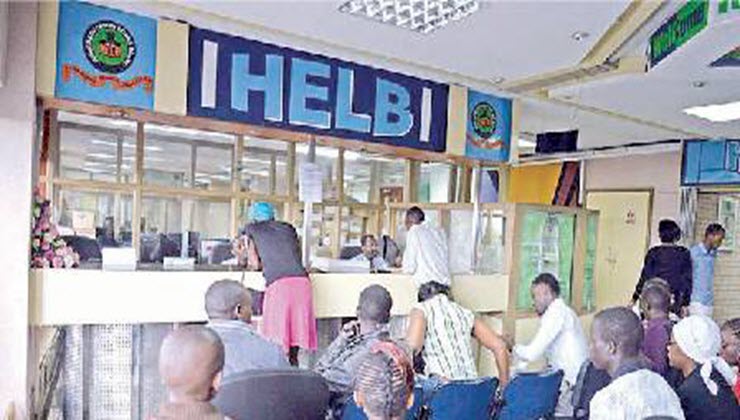
The Higher Education Loans Board (HELB) is a statutory government body mandated to provide equitable and impactful tertiary education financing through strategic partnerships and prudent financial management.
HELB offers three main categories of loans: Undergraduate Loans, TVET Loans, and Jielimishe Loans.
Loan repayment obligations
According to the HELB Act (1995), a loanee is required, within one year of completing studies—or earlier if the Board recalls the loan—to:
1. Provide HELB with updated contact details.
2. Begin loan repayment, including accrued interest.
3. If in formal employment, authorise their employer to deduct loan repayments and remit them to HELB.
Integration with eCitizen
Following a government directive through a Gazette Notice, eCitizen is now the official digital payment platform for all government services.
HELB has fully integrated with this system, meaning all loan repayments must be made through HELB’s designated platforms, which link directly to the eCitizen gateway.
Loan repayment options
1. USSD Code (*642#)
Dial *642#
Log in or register
Select Loan Repayment
Choose M-Pesa
Enter the repayment amount and your M-Pesa PIN
You will receive SMS confirmations from both HELB and eCitizen
2. HELB mobile app
Download the HELB Mobile App from the Play Store
Log in or create an account
Select Pay Loan
Confirm your phone number and repayment amount
Enter your M-Pesa PIN when prompted
You will receive SMS confirmations from both HELB and eCitizen
3. Loanee self-service portal
Visit www.helb.co.ke
Select the Self-Service option from the menu
Click Loan Repayment then Make Payment
Enter the amount, select your preferred payment option, and confirm
Complete the process as prompted
Once payment is made, your statement will update automatically
4. Employer portal (for employers remitting on behalf of staff)
Visit www.helb.co.ke and log into the Employer Portal
Upload the remittance list and verify details
Confirm and print the e-slip
Click Payments on the menu, select the remittance record, then click Make Payment
Enter the phone number to receive eCitizen notifications and process the payment
Once completed, the payment record updates automatically
Employers can generate updated statements from the portal.