Advertisement
Hidden iPhone shortcut that instantly boosts everyday efficiency
25th August, 2025 06:55 PM
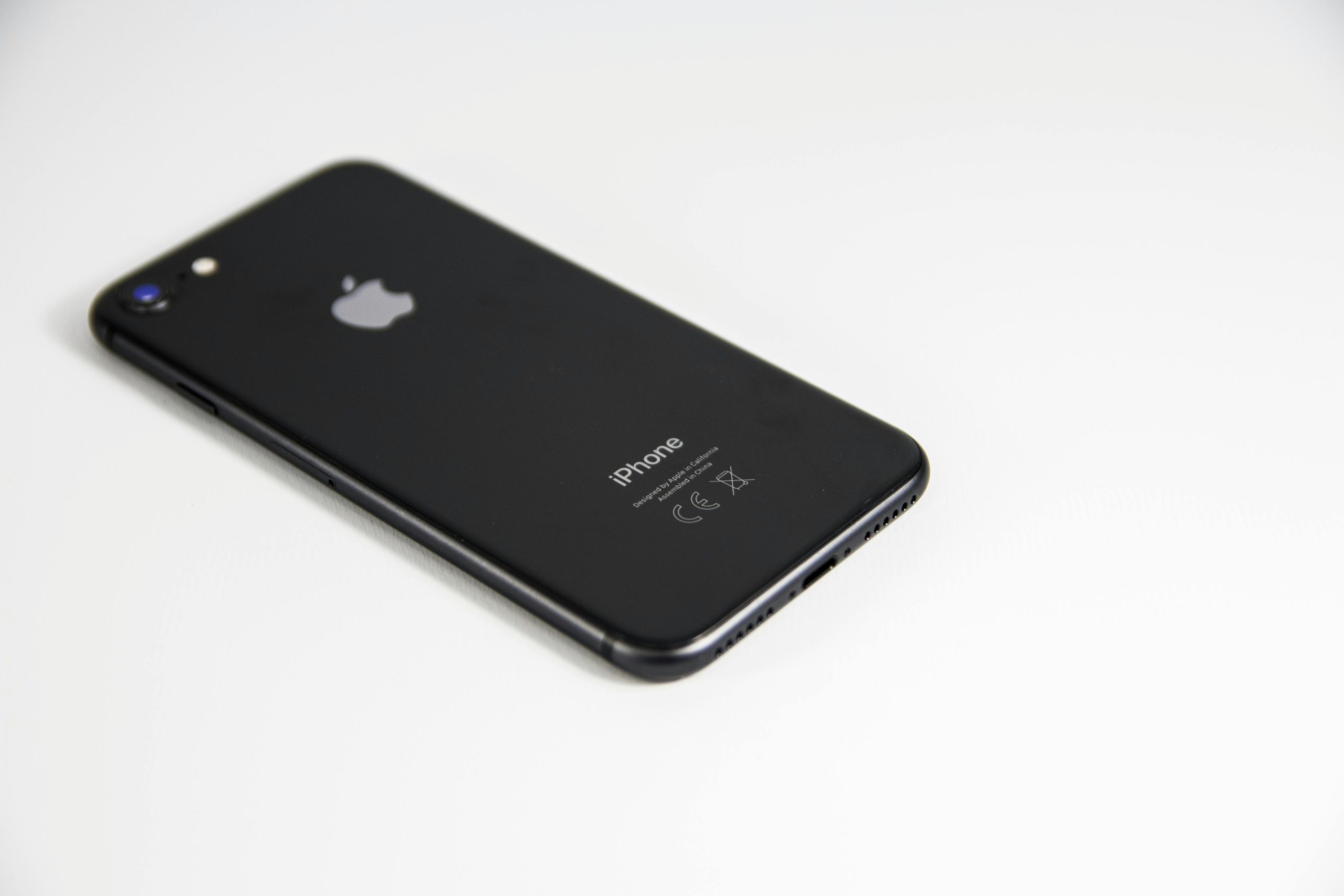
If you use an iPhone, there is a good chance you’re not tapping into its full potential, literally.
The devices come loaded with features designed to streamline your experience, yet many remain under the radar. One such feature is Back Tap, a surprisingly powerful shortcut that lets users perform common actions by simply double-tapping or triple-tapping the back of their phone. It is quick, discreet, and requires no extra apps or accessories.
Originally introduced as part of Apple’s Accessibility suite, Back Tap was designed to help users with mobility challenges navigate their devices more easily. But as users discovered its broader utility, it quickly became a productivity favourite for anyone looking to speed up routine tasks.
With Back Tap enabled, users can link simple taps to actions like taking a screenshot, opening apps, muting the phone, or even triggering automation via Shortcuts. The feature functions even through most phone cases and is fully customizable in the Settings menu.
According to a 2022 Pew Research Centre report on mobile device usage, users overwhelmingly favour features that reduce multi-step actions into a single gesture, especially when performing high-frequency tasks like messaging, taking photos, or recording notes.
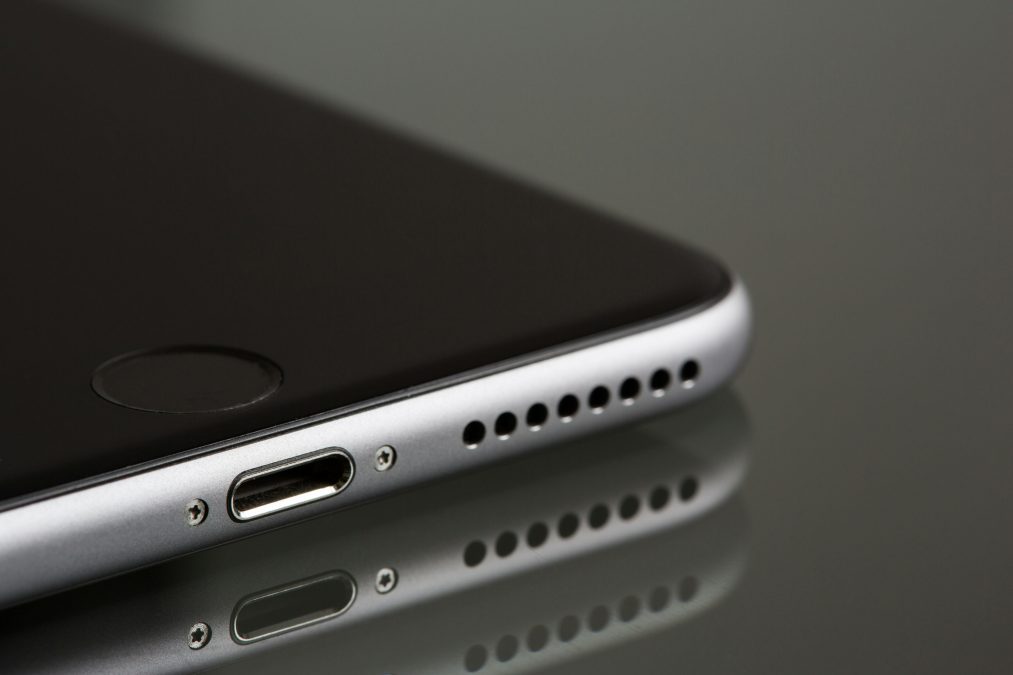
And that is where Back Tap shines.
Smart shortcuts, real convenience
Instead of fumbling to press multiple buttons, Back Tap lets you snap a screenshot with a quick tap, ideal for saving receipts, memes, or maps. Prefer instant access to your flashlight or camera? Assign those functions to a triple-tap and skip the usual swipe-and-scroll routine.
The feature is especially handy for those using smart home automation. For instance, you can program a double-tap to dim your lights or activate a nighttime routine using pre-set Shortcuts.
A 2021 usability study by the Journal of Usability Studies found that reducing repetitive actions on smartphones led to a measurable increase in task efficiency and user satisfaction, particularly when gestures replaced screen navigation.
For professionals and creatives, Back Tap can launch voice memos on the fly, perfect for students in lectures or journalists capturing spontaneous interviews.
Small feature, big payoff
There are a few things to keep in mind: Back Tap only supports one function per gesture, one for double-tap, one for triple-tap. And while it works through most cases, extremely thick or rugged ones may reduce sensitivity.
Still, the trade-off is worth it. Back Tap blends into your daily flow, saving time and energy without any added clutter. In an age of overwhelming digital interfaces, it is the kind of tool that quietly makes life easier.
Whether you are deep into automation or just looking for a faster way to take screenshots, Back Tap is one of those features that, once discovered, feels like second nature.