Advertisement
Why your Bluetooth earbuds stutter whenever the microwave is running
23rd July, 2026 12:48 PM

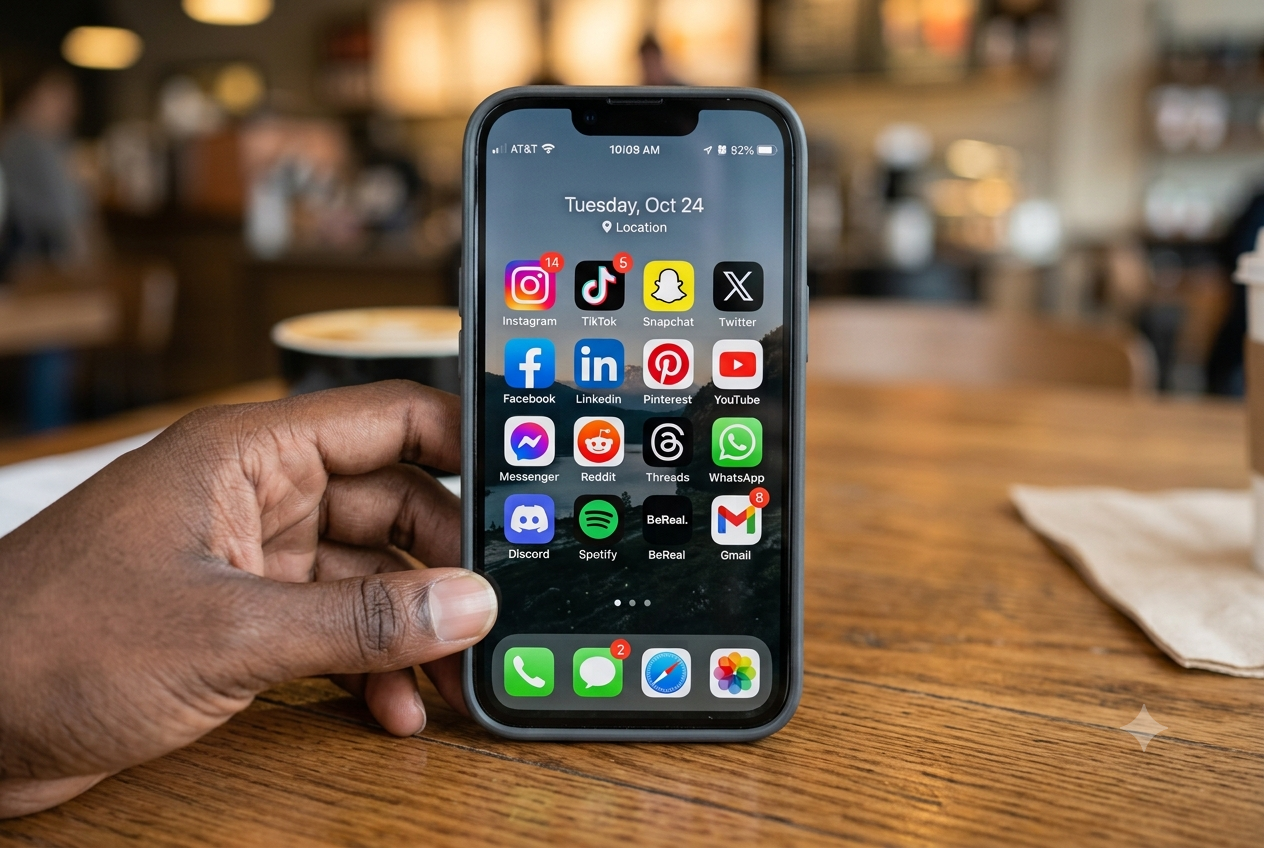
You are in the kitchen reheating food while listening to music on your wireless earbuds. The moment you press start on the microwave oven, your audio stutters, crackles, or stops completely.
It is easy to blame a dying battery or faulty headphones, but the real culprit is a simple battle of radio waves inside your home.
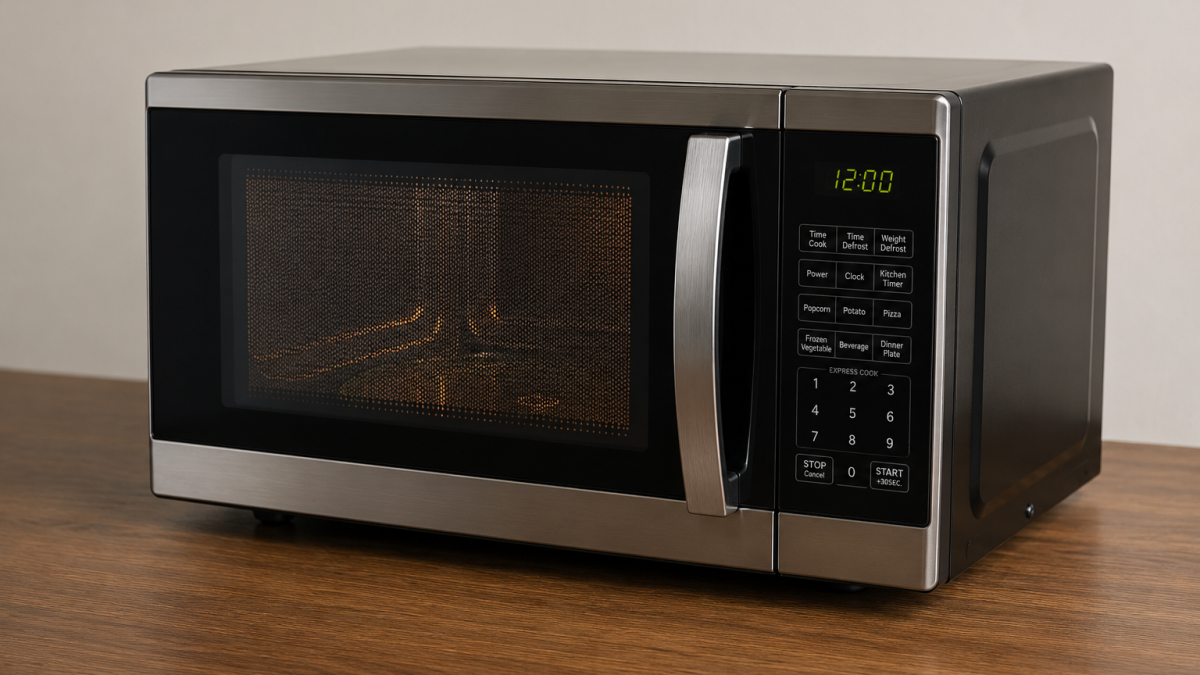
Both your Bluetooth earbuds and kitchen microwave rely on the exact same 2.4-gigahertz radio band to work. Bluetooth sends small, continuous streams of data from your phone to your ears across this invisible frequency.
Meanwhile, a microwave uses an internal device called a magnetron to flood its cooking chamber with high-powered 2.4-gigahertz waves. These waves shake water molecules in your food rapidly to generate heat.
How radio wave leakage creates continuous noise
While modern microwaves use thick metal casings and fine door meshes to keep electromagnetic energy trapped inside, tiny amounts of radio waves escape during cooking cycles.
Peer-reviewed research published in 2012 notes that “this leakage can be considered in practical terms as an interference source in the 2.4 GHz Industrial Scientific Medical (ISM) band.”
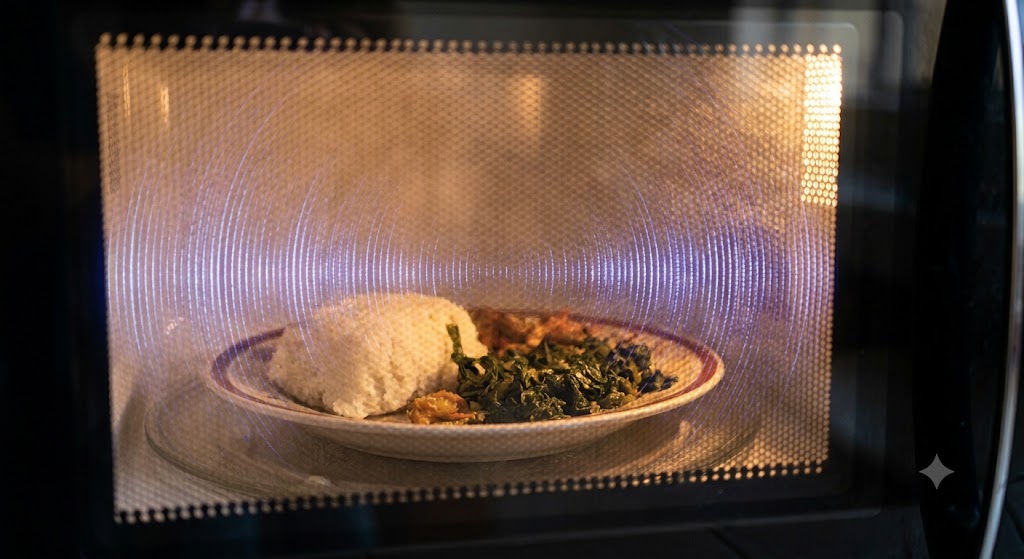
Because a microwave operates at around 1,000 watts while Bluetooth earbuds transmit at just a few milliwatts, that small spill of radio noise completely drowns out your audio signal.
Bluetooth tries to protect itself through a process called frequency hopping, switching channels up to 1,600 times a second to find a clear path. However, an operating microwave creates such a wide wall of noise that your earbuds cannot receive data packets fast enough, causing instant audio drops.
Easy steps to stop your audio from cutting out
Fixing this everyday issue does not require buying new gadgets. Physical distance is your best defence because radio wave power drops off sharply as you move away from the source.

Simply stepping two or three metres away from the microwave gives your earbuds enough breathing space to maintain a clean connection.
If you are streaming music over your home internet, changing your Wi-Fi router settings from the 2.4-gigahertz band to a 5-gigahertz band also helps.
Clearing unnecessary internet traffic off the shared frequency makes it much easier for Bluetooth to hop across open channels, keeping your music playing smoothly while your meal cooks.