Advertisement
How bluetooth works and what you probably didn’t know
18th March, 2026 12:04 AM
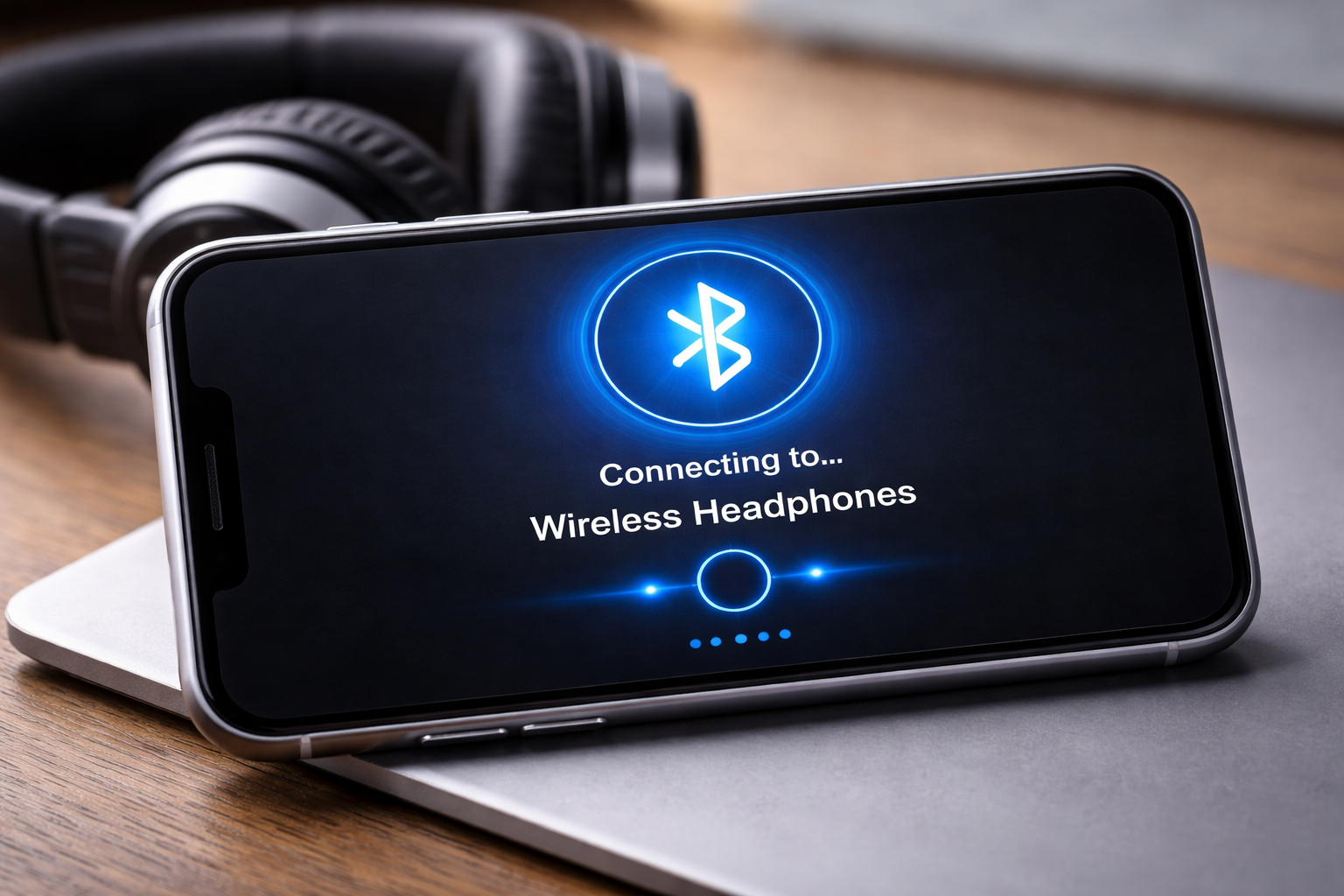
Bluetooth is one of the most widely used wireless technologies today. From connecting wireless earphones to sharing files between phones and laptops, Bluetooth makes everyday digital tasks simple and cable free. But how exactly does Bluetooth work?
In simple terms, Bluetooth uses short range radio waves to connect devices and transfer data without the need for internet or wires.
Here is a clear, step by step explanation of how Bluetooth works and why it is important.
Step 1: Bluetooth turns on
The process starts when you enable Bluetooth on your device. This could be a smartphone, laptop, speaker or smartwatch.
Once Bluetooth is turned on, the device becomes discoverable, meaning other nearby devices can detect it.
Step 2: Devices start scanning
After turning on Bluetooth, your device begins scanning for other Bluetooth enabled devices within range. Typically, Bluetooth works best within a distance of about 10 metres.
At the same time, the other device must also have Bluetooth turned on and set to be visible.
Step 3: A device is found
Once scanning is complete, your device displays a list of available nearby devices. These could include wireless earphones, speakers, car systems or other phones. You then select the device you want to connect to.
Step 4: Pairing begins
Pairing is the process of linking two Bluetooth devices together. When you select a device, the pairing process starts automatically.
In some cases, a PIN or confirmation code appears on both devices. You must confirm that the codes match. This step ensures that the connection is secure and prevents unauthorised access.
Step 5: Connection is established
After successful pairing, a secure short range connection is created between the two devices. This connection uses radio waves, meaning no internet or mobile data is required.
Once connected, the devices can communicate directly with each other.
Step 6: Data is transmitted wirelessly
With the connection in place, data can now be shared between devices. This includes audio, files, contacts and other forms of information.
For example, when you listen to music using wireless earphones, Bluetooth is transmitting audio signals from your phone to the earphones in real time.
Step 7: Devices remember each other
After the first connection, Bluetooth devices often save each other in memory. This means the next time Bluetooth is turned on, they can reconnect automatically without repeating the pairing process.
Bluetooth works by allowing devices to discover each other, pair securely and exchange data using short range radio waves.
Through a simple process of turning on, scanning, pairing and connecting, devices can communicate wirelessly with ease.
As technology continues to grow, Bluetooth remains a key part of modern digital life, making connections faster, simpler and more convenient.