Advertisement
Phone settings that make watching World Cup on your phone easier and cheaper
06th June, 2026 06:42 PM
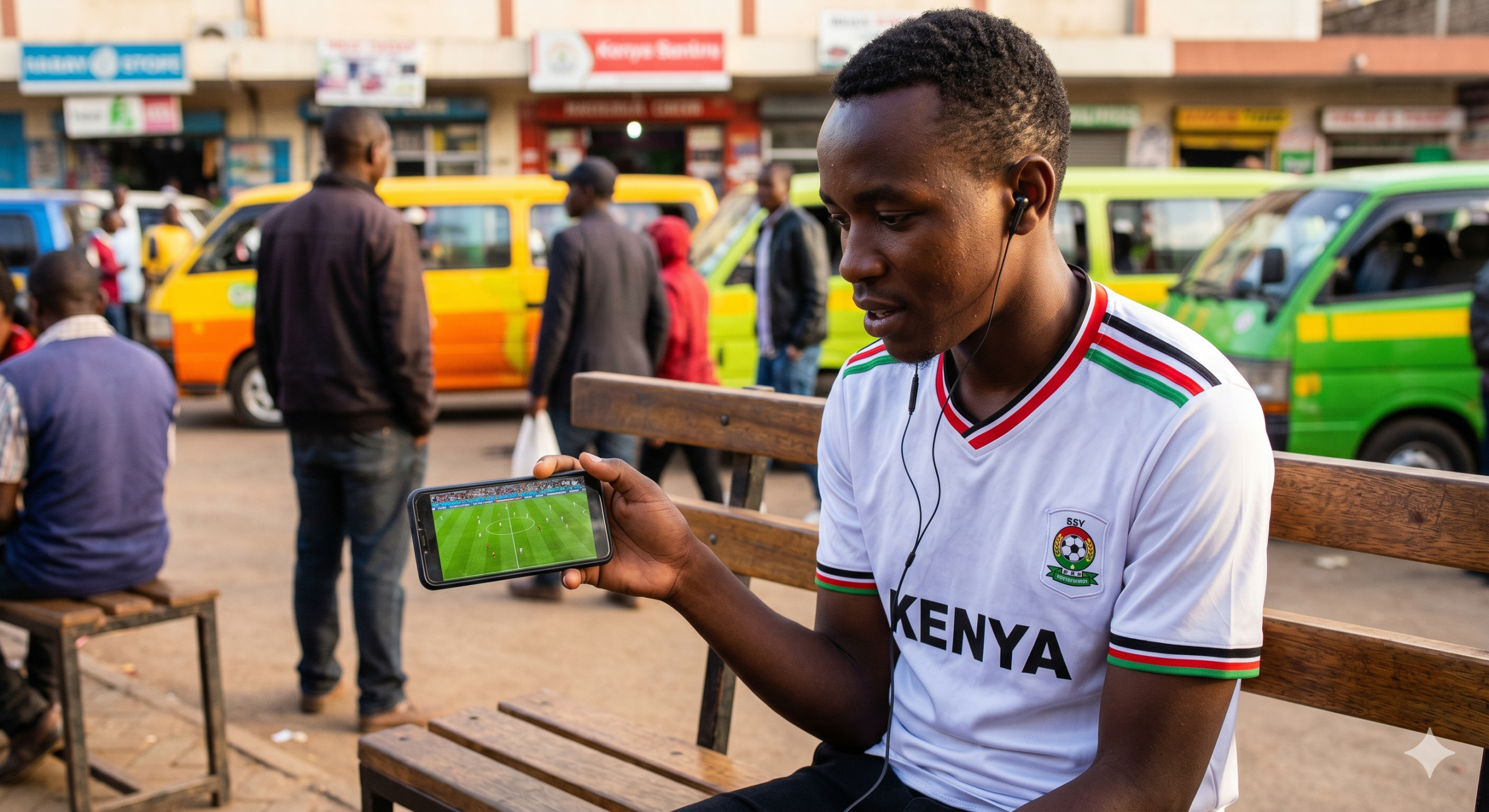
The FIFA World Cup kicks off on June 11, 2026, and millions of Kenyans will watch the live action on their smartphones using mobile data.
While streaming on the go offers great flexibility, live matches can quickly consume internet bundles or suffer from sudden quality drops. Making a few quick adjustments to your device settings before kickoff ensures a smooth and continuous viewing experience.
Saving your data and stopping the lag
Data management is the most important factor when streaming live sports on a mobile network. Most official broadcasting apps default to automatic video quality, which constantly scales up to the highest available resolution.
This feature can empty a Ksh500 data bundle before halftime. Opening the app settings and selecting a fixed resolution like 480p or 720p keeps the action clear on a small screen while cutting down data usage by more than half.
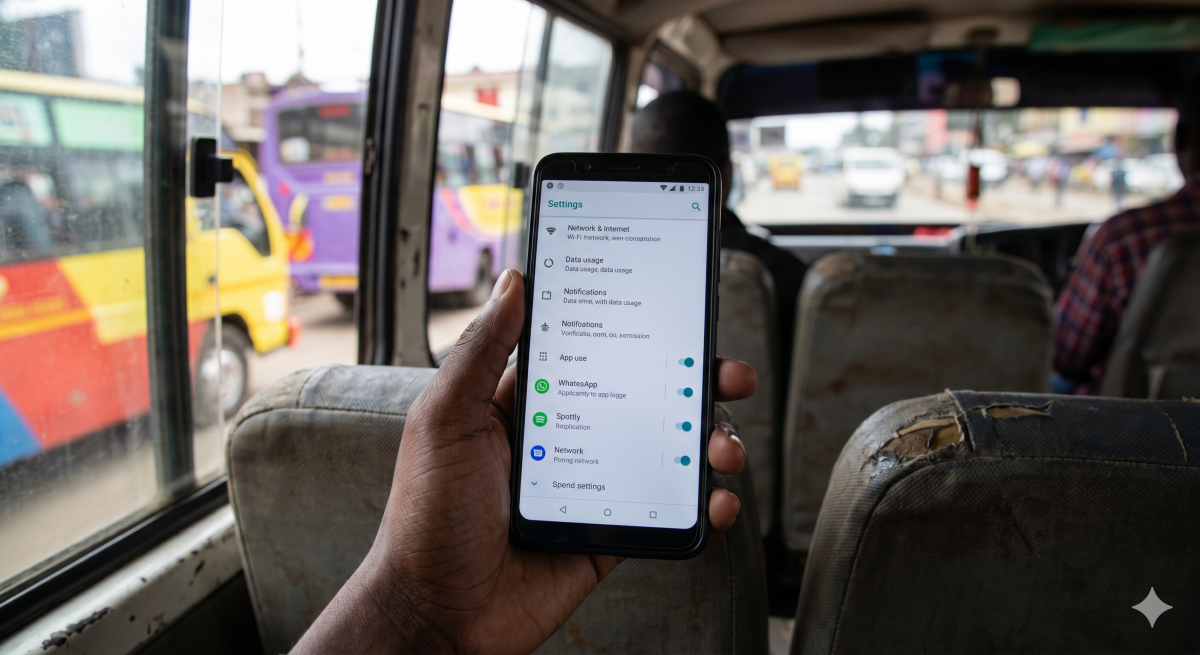
Internet speeds can also drop when other applications run silently in the background. Navigating to the primary phone settings and turning off background data for social media platforms ensures the streaming app gets full access to the network.
According to peer-reviewed research on digital streaming habits, “mobile users [are] less failure tolerant than non-mobile users when these two groups have similar experiences.”
A screen freeze right before a major goal is highly disruptive; restricting background apps helps maintain a stable connection.
Optimising your screen and speaker output
Display settings require manual adjustment to handle a ninety-minute football match without draining the battery entirely. Turning off automatic brightness and locking the screen at roughly seventy per cent keeps the pitch fully visible even in well-lit rooms.
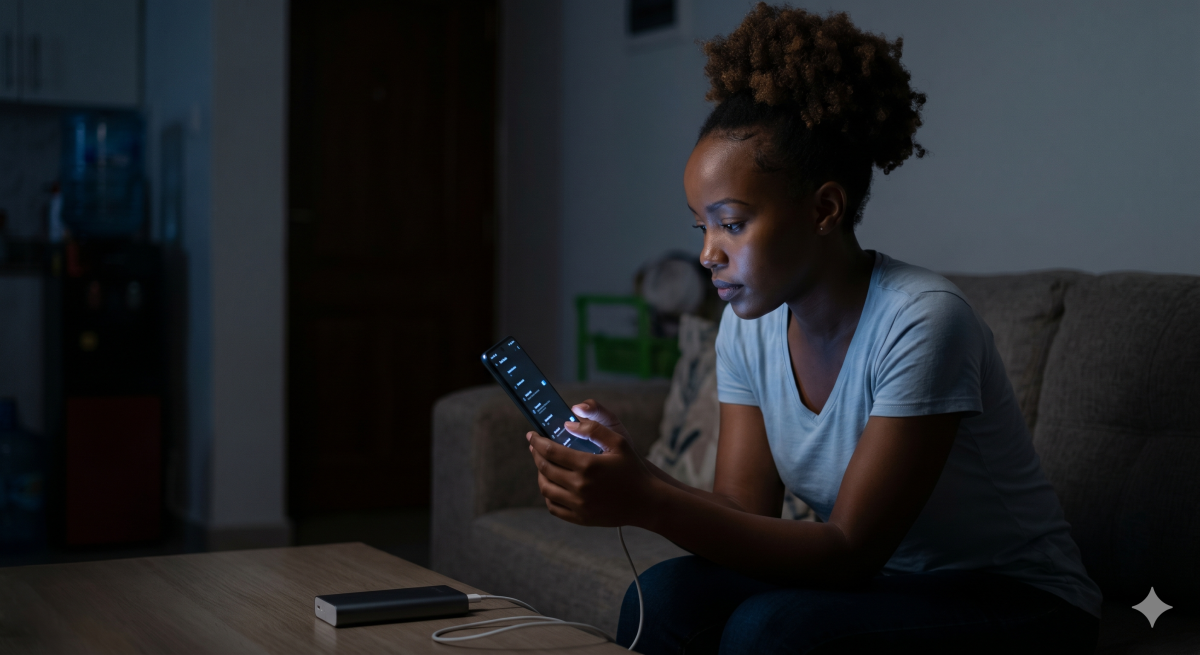
If the device uses an AMOLED screen, enabling dark mode for the system interface helps conserve power during long streaming sessions. Activating the ‘Do Not Disturb’ feature is also helpful; it prevents incoming promotional texts and notifications from blocking the match during active play.
Audio quality needs attention if you are watching the game without earphones.
Built-in phone speakers often sound thin, making it hard to hear the match atmosphere over ambient noise. Checking the sound settings for system equalisers or options like Dolby Atmos helps fix this issue.
Choosing the ‘Cinema’ or ‘Vocal’ audio preset boosts the crowd noise and makes the commentary clear. These simple tweaks turn a standard smartphone into an efficient pocket stadium for the tournament.