How public Wi-Fi networks expose your private data
By Dan Kauna, July 26, 2026Walking into a coffee shop, buying a cup of tea, and connecting to free Wi-Fi is standard for many remote workers and students across Kenya.
Whether you are sending work emails, checking social media, or logging into banking apps, open hotspots offer quick convenience. But that free internet connection comes with hidden risks.
Unencrypted public Wi-Fi networks leave your phone or laptop wide open to cybercriminals using the same router.
How hackers steal your personal details
When you log onto an open network that does not ask for a password, your browsing information moves through the air unprotected. Cybercriminals on that same network can use basic packet interception tools to view what you send and receive in real time.
A peer-reviewed cybersecurity study published on ResearchGate points out that “Public Wi-Fi hotspots are often unsecured, meaning that anyone on the same network can potentially see the data being transmitted.”
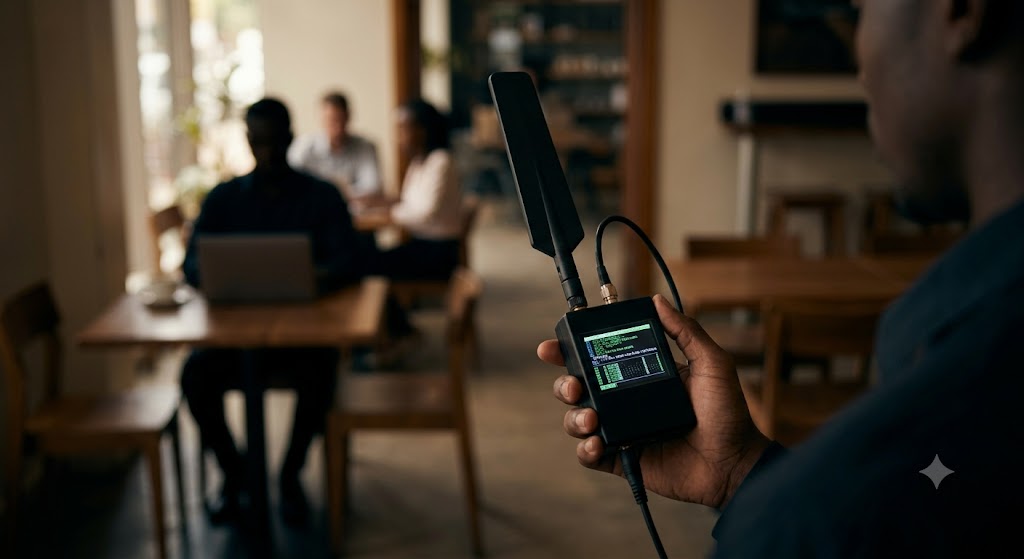
On these open networks, bad actors can easily grab your passwords, session cookies, and login credentials. They can even set up fake access points that copy the cafe network name to trick your phone into connecting.
Spending Ksh250 on a coffee only to lose Ksh50,000 from your bank account to an online thief is a heavy price to pay for free internet access.
Simple ways to protect your phone and laptop
Staying safe on public networks does not require complex technical skills. Cyber security professionals recommend using a Virtual Private Network, commonly known as a VPN.
A VPN scrambles your internet traffic so that anyone trying to spy on your online activity sees only unreadable code.

If you do not have a reliable VPN app installed, turning off Wi-Fi and using your phone’s mobile data hotspot is the safest choice. Mobile cellular networks encrypt your connection by default, keeping local hackers out.
It is also wise to switch off the auto-join Wi-Fi setting on your phone. This stops your device from silently connecting to unsecured public networks as you walk around town.
Taking these quick precautions keeps your private data secure while working on the move.