How to file tax returns in 2026 before KRA deadline
By William Muthama, June 30, 2026The clock is ticking for millions of Kenyans as the Kenya Revenue Authority (KRA) sets Tuesday, June 30, 2026, at midnight as the final deadline for filing 2025 income tax returns.
No extensions have been announced, leaving taxpayers with a narrow window to comply or risk penalties.
Every holder of a KRA PIN must file returns whether they earned income or not. That includes salaried workers, business owners, freelancers, landlords and those submitting nil returns.
Failure to comply attracts a penalty of Ksh2,000 or five per cent of tax due, whichever is higher, plus interest on outstanding amounts.
KRA offers several channels for filing tax returns. Below is a step-by-step guide on how to file your 2025 Income Tax Returns
WhatsApp filing option
For many taxpayers, the fastest route is the KRA Shuru WhatsApp service, which has quietly become one of the simplest filing tools though still widely underused.
To begin, save 0711 099 999 or open wa.me/254711099999, then send “Hi” or “Shuru” to activate the chatbot.
Next, select the option to file your income tax return and proceed through the prompts.
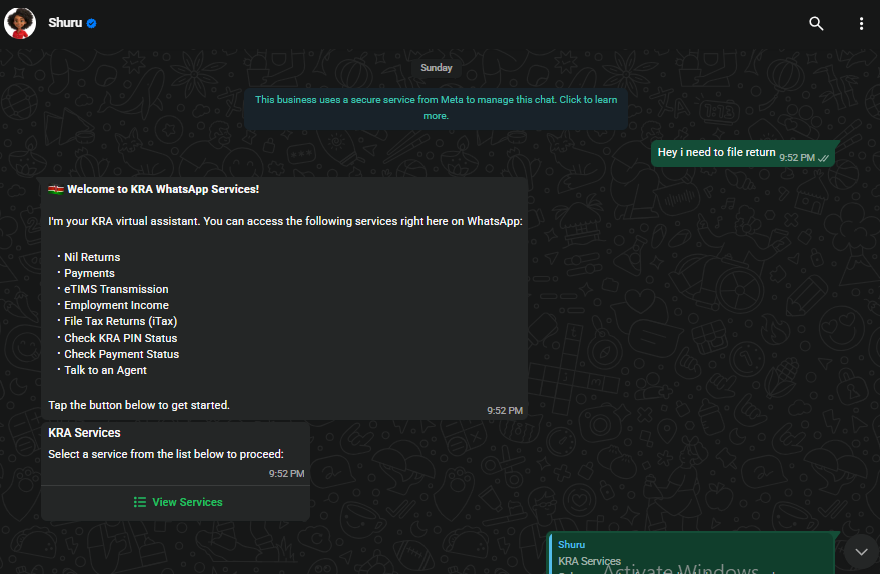
You will be required to enter your KRA PIN and confirm your identity using a One-Time Password (OTP) sent to your registered phone number. Once verified, the system pulls your tax data automatically for review.
The chatbot displays pre-filled information for confirmation. Taxpayers should carefully review all details before proceeding.
Once everything is correct, confirm and submit the return. An acknowledgement receipt is generated immediately after filing and should be saved as proof of submission.
iTax filing route
For complex cases such as multiple income streams, business income or rental earnings, the iTax portal remains the preferred option.
Log in at itax.kra.go.ke using your PIN and password, then navigate to Returns then File Return.
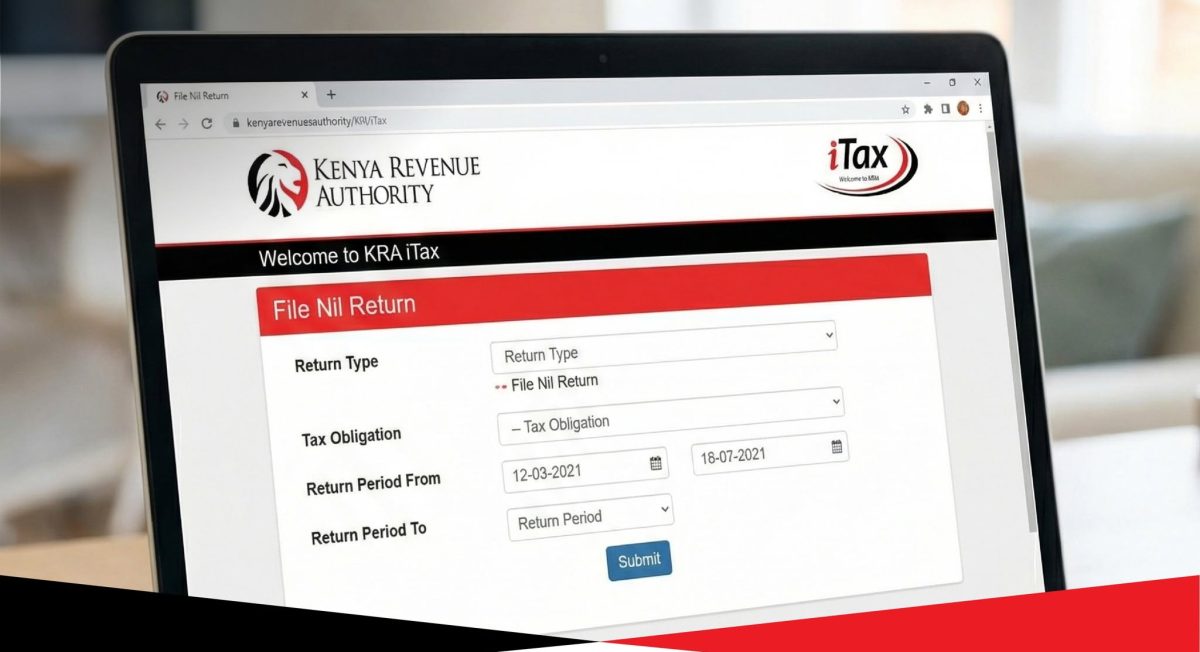
Select the correct return type, typically Income Tax – Resident Individual, and choose the 2025 year of income.
Proceed to open or download the return form depending on the filing method. Taxpayers may either complete the return online or use the Excel offline form.
Income declaration
The system auto-populates data from employer P9 forms, eTIMS records and other available tax information.
Taxpayers must then declare any additional income, including business earnings, freelance payments or rental income. They should also input eligible deductions, reliefs and withholding tax credits.
For those using the Excel method, validation generates a zipped file that must be uploaded back into iTax before final submission.
Final submission
After validation or online completion, taxpayers must review the final submission screen and confirm filing.
Once submitted, the system issues an acknowledgement receipt, which should be downloaded and stored as official proof of compliance.
If tax is due, payment can be made via M-Pesa, bank transfer or other approved KRA payment channels.
Before filing, taxpayers should have their KRA PIN, national ID or passport, P9 form (for employees), bank statements, business income records, rental income details, eTIMS records and receipts for deductible expenses where applicable.
Nil filers only need to select the nil return option and submit through either iTax or the WhatsApp service.