HELB HEF Portal activation: What students should do if they don’t receive the email
By Dan Kauna, August 8, 2026Students applying for government scholarships, bursaries, and tuition loans often face delays while setting up their Higher Education Financing (HEF) accounts. A common problem during registration is failing to receive the email link required to verify and activate a new account.
Instead of restarting the application process immediately or assuming a system error, applicants can follow these steps to retrieve missing links and complete their registration.
Steps to retrieve your activation link and complete setup
When creating an account on the HEF portal, the system automatically sends a verification link to the applicant’s registered email address. However, email security filters frequently divert automated system messages away from the main inbox.
Students who have not received their verification messages are advised to check secondary email folders first.
On its official X page, the Higher Education Loans Board (HELB) noted: “Still waiting on that HEF Portal activation email? Before you panic, check your Spam or Junk folder – it might already be there!”
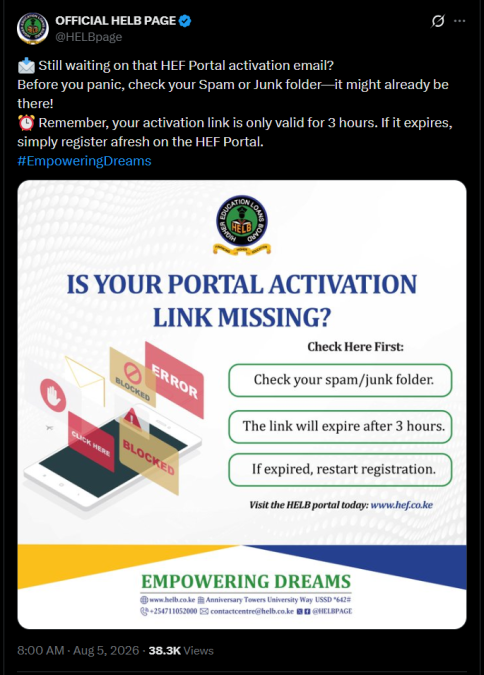
Timing is critical when completing this step. The verification link remains active for a limited duration before it becomes invalid.
HELB cautioned: “Remember, your activation link is only valid for 3 hours. If it expires, simply register afresh on the HEF Portal.”
Once the link expires, the system automatically blocks it to keep account details safe, meaning the student must fill in their registration details again to receive a new link.
Account requirements and support channels
To register smoothly, applicants must provide a valid email address and an active phone number registered under their own KCSE index number or National Identity Card.
After activating the account through the email link and verifying the phone number, applicants can log in to complete their personal profile, upload required documents, and select their higher education funding options.
Applicants who continue to experience technical problems or fail to receive activation links after checking their spam folders can seek help through several official support channels.
Students can visit the HELB main offices at Anniversary Towers along University Way in Nairobi or access quick self-service options on their mobile phones by dialling USSD code *642#.
Further support is available by emailing contactcentre@helb.co.ke, calling +254711052000, or visiting www.hef.co.ke to restart registration.