5 common mistakes that reduce the lifespan of your TV
By David Nthua, December 16, 2025Many Kenyans often update their TV screens, but what they will never tell you is that for some, they never do so willingly.
While their excuse could be valid, like the need to upgrade for size, technology and other wants, the bitter truth is that many prefer that because their TVs develop problems far too early.
In most cases, the issue is not the brand or price but everyday habits that slowly damage the television without the owner realising it.
A modern TV is a sensitive electronic device. Whether it is a smart TV, Android TV, LED, QLED or OLED, poor usage and maintenance can significantly shorten its lifespan.

Below are five common mistakes that reduce the lifespan of your TV, especially in Kenyan households.
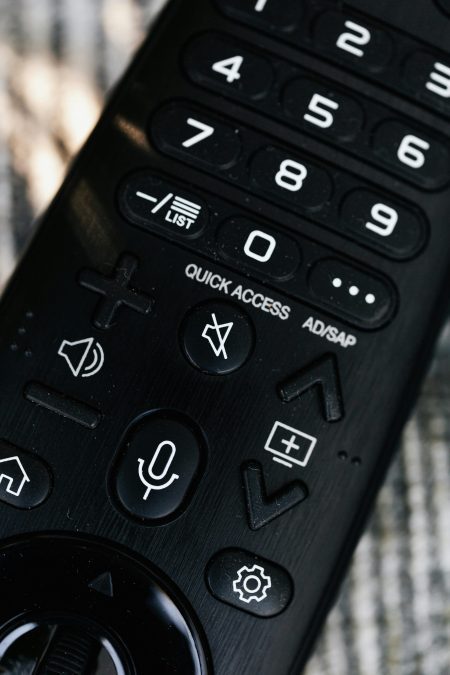
1. Constantly using very high or full volume
Many people enjoy watching the news, movies or football matches at full volume. While this may feel immersive, it puts unnecessary strain on the TV’s internal speakers.
Over time, this causes speaker distortion, crackling sounds and eventual failure. High volume also increases internal heat, which affects nearby components such as the power board.
Using moderate volume or connecting external speakers or a soundbar helps protect your TV and improves sound quality.
2. Plugging the TV directly into a wall socket
Power fluctuations are common in many parts of Kenya, especially during blackouts and sudden power restoration.
Plugging your TV directly into a wall socket exposes it to voltage surges that can damage the screen, motherboard or power supply unit.
This is one of the leading causes of sudden TV failure. Using a surge protector, stabiliser, or a high-quality extension with surge protection is essential for protecting your television.
3. Incorrect cleaning of the TV screen
Wrong TV cleaning methods silently destroy screens. Using water, glass cleaners, detergents or rough cloths damages the screen coating.
Spraying liquid directly onto the screen can allow moisture to seep inside, causing permanent screen lines or dark patches.
Always clean your TV using a soft microfiber cloth. If necessary, use a screen-safe cleaner applied to the cloth, not directly to the TV. Proper TV screen cleaning preserves picture quality and extends screen life.

4. Blocking ventilation and poor TV placement
TVs need proper airflow to release heat generated during operation. Placing a TV in tight cabinets, against walls or near heat sources like cookers and windows traps heat inside.
Overheating leads to slow performance, sudden shutdowns and component failure.
Always leave enough space around the TV for ventilation and avoid placing it in enclosed areas.
Proper TV placement is critical for long-term durability.
5. Leaving the TV on for long hours or overnight
Leaving the TV on when no one is watching is a common habit. Some people even sleep with the TV running all night.
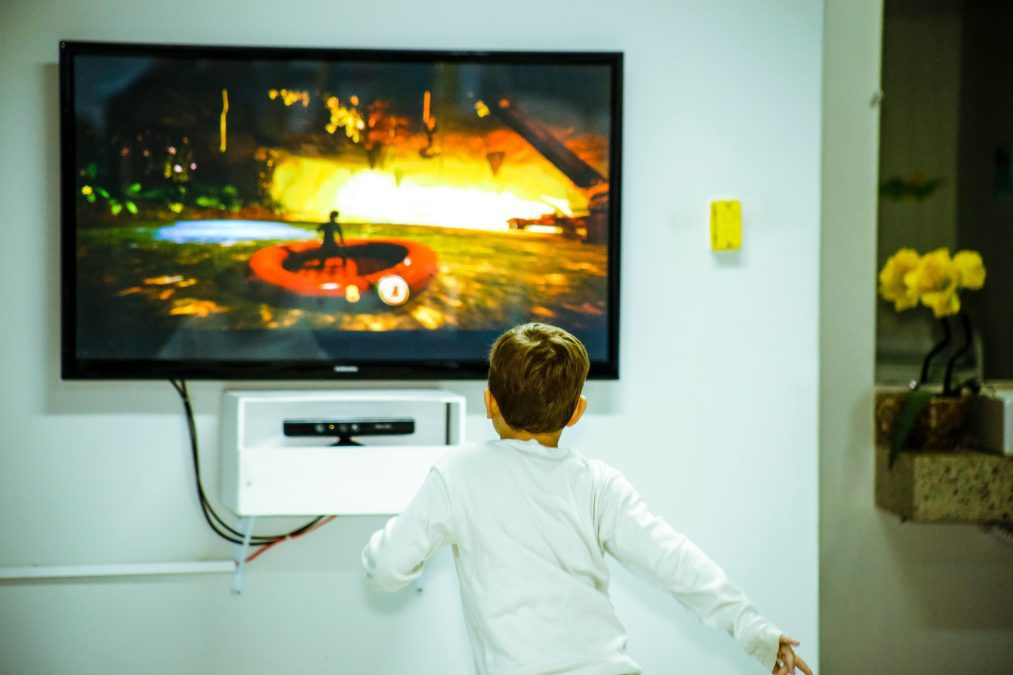
This causes unnecessary wear on the screen backlight and internal components. Over time, brightness reduces, and internal parts weaken.
Turning off the TV when not in use and enabling power-saving settings helps extend its lifespan and reduces electricity bills.
6. Ignoring software updates and settings
Smart TVs require regular software updates to improve performance and fix bugs.
Ignoring updates can cause system lag, app crashes and overheating. Also, using maximum brightness settings all the time strains the screen.
Adjusting brightness and contrast to recommended levels protects the display.