Advertisement
5 reasons you might want to stop using HDMI cables
26th November, 2025 06:45 AM
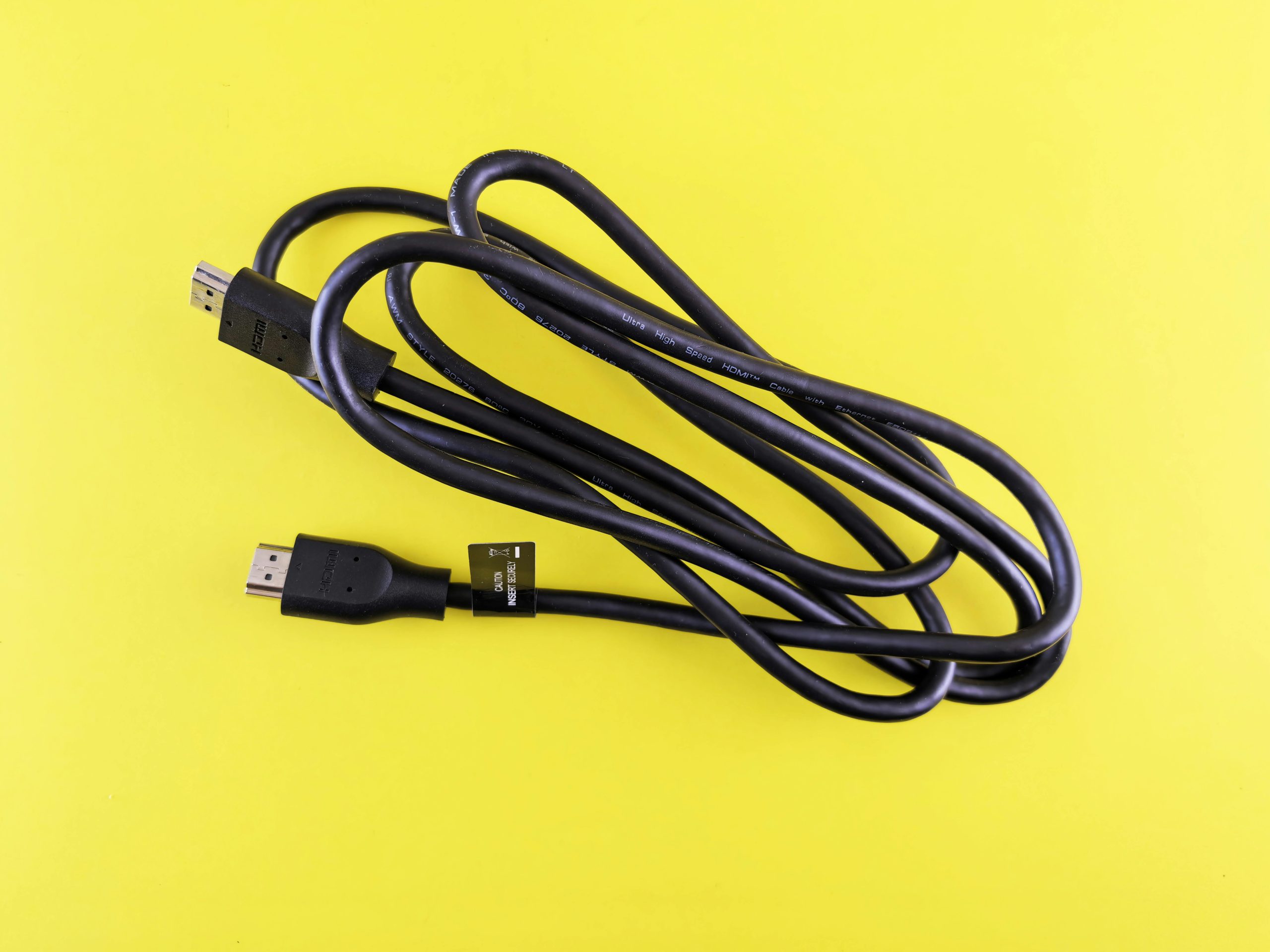
HDMI, which stands for High-Definition Multimedia Interface, was introduced in 2002, and it has since become the dominant wired standard for transmitting quality video and audio content.
The standard facilitates the transmission of uncompressed audiovisual data signals from one source to another. Since its introduction, various versions have been released, and the current one is HDMI 2.1, which can transmit 4K at 120Hz or 8K at 60Hz.
However, owning an HDMI 2.1 cable does not necessarily mean you can start viewing 8K content immediately. Both your connected devices must support it; you just cannot use any type of HDMI cable and expect smooth and highest quality playback.
Although HDMI still remains a popular choice because of its ability to transmit audio/video over a single cable and support for a wide range of devices, it is not perfect. In this guide, we will take a look at several limitations of HDMI and five reasons that you might want to stop using HDMI cables.
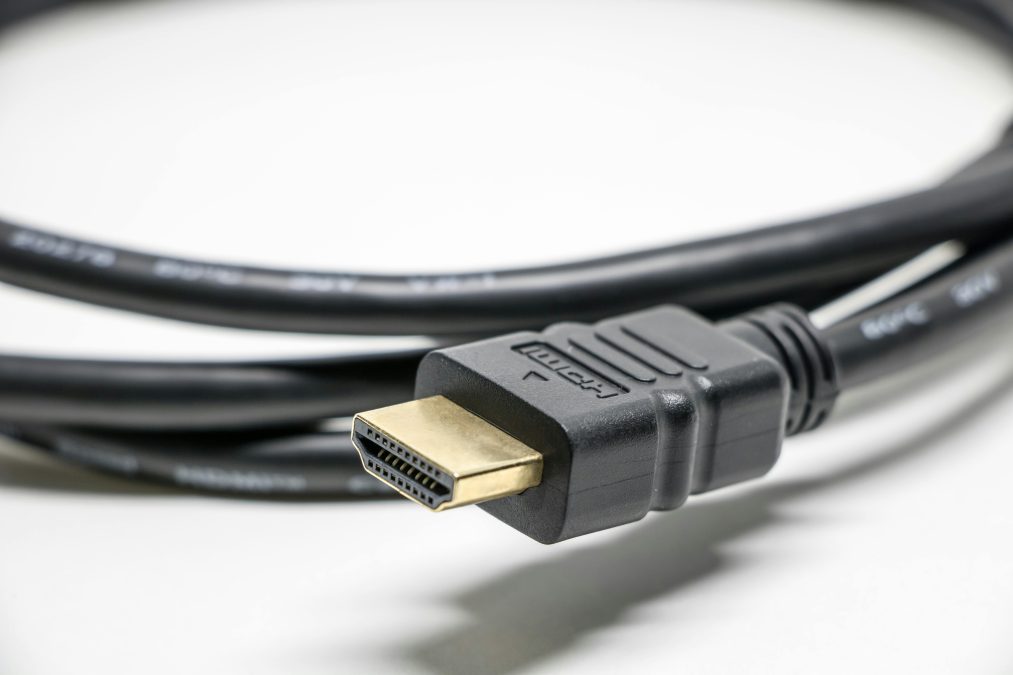
Limited cable length
Most of us use HDMI cables to connect devices like gaming consoles, Blu-ray players, streaming devices, and security cameras to our TVs or monitors. For everyday setups, a normal HDMI cable works well. But if you need to connect devices that are far apart, you will need a longer cable, and that’s where problems begin.
HDMI cables usually become unreliable when they are longer than 25 feet. If you want to keep a clear 4K picture, the best cable length is around 10 feet. Anything longer can cause issues like blurry images, audio delay, poor sound quality, or even a complete loss of video.
There are special HDMI cables that use fiber optics or have built-in signal boosters. These can send signals over long distances without losing quality. However, they are often very expensive, so they are not the best choice for most people.
A good alternative is DisplayPort. Unlike HDMI, which uses TMDS to send data, DisplayPort uses a packet-based system similar to how networks transfer information. This method is more efficient over long distances and can maintain high video and audio quality without needing very costly cables.
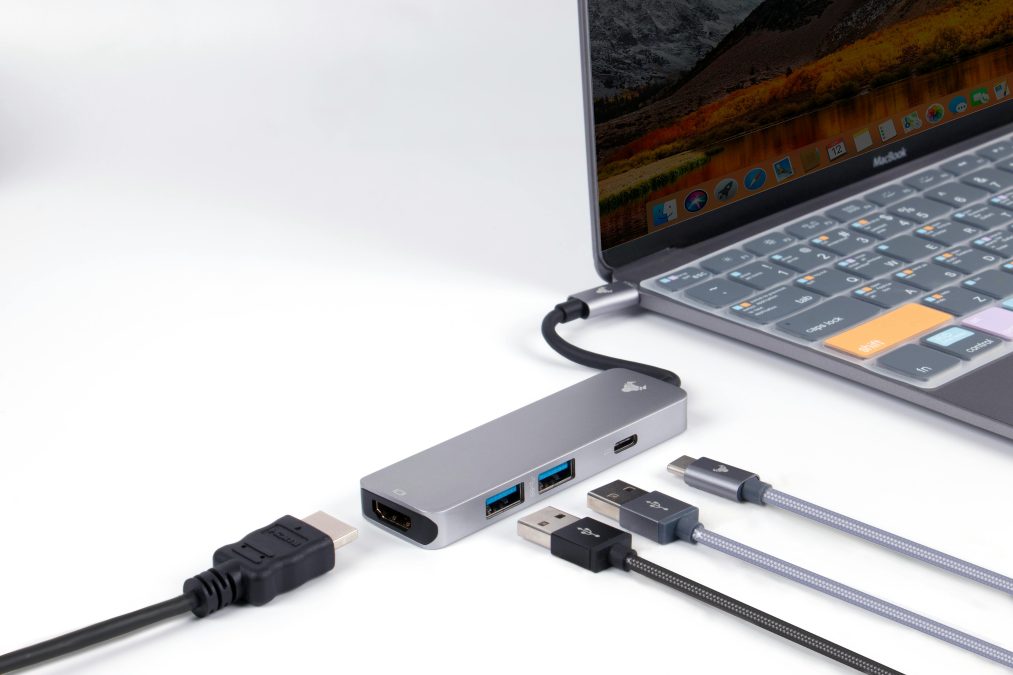
Lower bandwidth vs display port
HDMI 2.1 is common and supports 48 Gbps, enough for most TVs and consoles. HDMI 2.2 doubles this to 96 Gbps. DisplayPort 2.1 is better for high-performance setups with up to 80 Gbps, daisy-chaining, and higher refresh rates.
It can handle up to 16K at 60Hz. USB-C ports can carry DisplayPort, and newer USB4/Thunderbolt 4 support 40 Gbps and daisy-chaining. HDMI is easy and great for home use, but not ideal for many monitors or very high refresh rates.
For gaming or pro work, DisplayPort is usually better. Expensive HDMI cables do not improve quality.
Limited multi-monitor capabilities
HDMI is mainly built for one monitor per cable, so using many screens creates a cable mess and requires extra splitters. DisplayPort is better for multi-monitor setups because it supports daisy-chaining through MST, letting you connect several screens with one cable. This makes your workspace cleaner and easier to manage.
It is great for designers, developers, gamers, and even VR/AR devices that need high refresh rates and resolutions. DisplayPort also supports higher bandwidth for smoother performance.
Interference and degradation
HDMI cables wear out over time and can break. A common problem is interference, especially over long distances. Because HDMI carries high-bandwidth digital signals, it’s sensitive to electromagnetic and radio-frequency interference. Cheaply made cables are even more vulnerable, which can lead to signal loss, poor image quality, or connection issues.
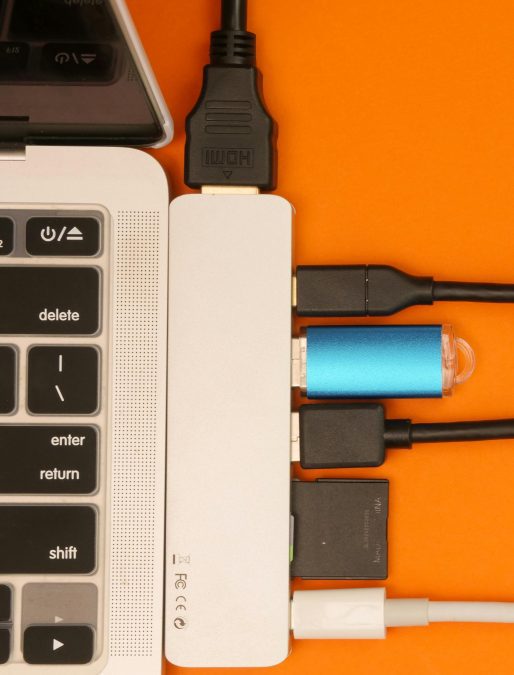
These kinds of interference can introduce noise in the signal, resulting in image stutter, audio dropouts, sometimes audio or visual loss, or, in some cases, no signal at all.
You can switch over to fiber optic HDMI cables, but they are often more expensive and not very common. SDI cables are generally better compared to HDMI when talking about signal degradation over long distances.
Compatibility issues
HDMI is the most popular connectivity medium on a wide range of devices, especially consumer electronics such as TVs, gaming consoles, and home theater systems. HDMI also offers easy connection, support for audio features such as eARC and ARC, and its widespread availability makes it the best choice for connecting devices.
However, usage of ports like USB-C is also growing rapidly, and it is slowly becoming the alternative standard of connectivity. Most modern laptops, tablets, and smartphones come with USB-C that supports DisplayPort Alternative Mode (DP Alt Mode), which gives it the power to send or receive high-resolution video and audio signals similar to a DisplayPort.