HELB explains how to reset forgotten HEF password and regain account access
By Trizer Lijondo, August 20, 2026Students who have forgotten their Higher Education Financing (HEF) Portal passwords can regain access to their accounts through the password recovery option provided by the Higher Education Loans Board (HELB).
The process is useful for students who need to access their funding applications, check the status of their applications or manage information linked to their HEF accounts. Forgetting login details does not require students to create a new account, as the portal provides a password-reset option.
Start with the HEF Portal
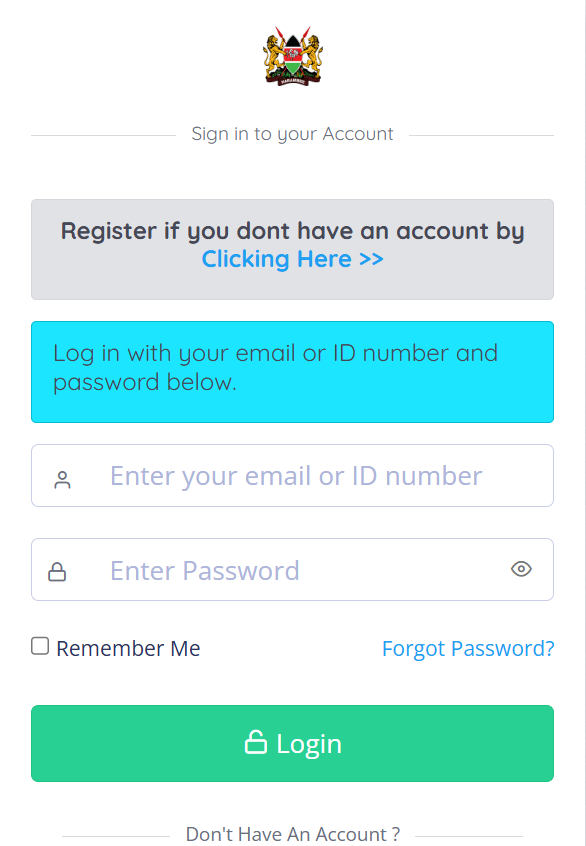
Students should begin by visiting the official HEF Student Portal and selecting the “Forgot Password?” option on the login page. The portal allows applicants to access their accounts using their registered email address or ID number alongside their password.
After selecting the password recovery option, students are required to enter the email address associated with their HEF account. They can then proceed with the verification process to confirm their identity and initiate the password reset.
Use the verification code
The password recovery page provides an OTP verification step. Students receive a four-digit code, which they need to enter before proceeding with the reset.
If the OTP does not arrive, students can use the “Resend” option available on the recovery page. Applicants should also ensure they are checking the email address linked to their HEF account and that the details entered during the recovery process are correct.
Once the OTP has been successfully verified, the student can proceed to create a new password. The new password must meet the security requirements displayed by the portal before the reset can be completed.
Create and secure new password
HELB requires the new password to contain at least six characters, including an uppercase letter, a lowercase letter, a number and a special character. Students should choose a password they can remember while avoiding easily guessed information.
After successfully changing the password, applicants can return to the HEF login page and sign in using their registered email address or ID number and the new password.
Students are also advised not to share their passwords or OTP verification codes with other people. Those who continue experiencing difficulties accessing their accounts should seek assistance through HELB’s official support channels rather than creating duplicate accounts or sharing their login information with third parties.

The password recovery option provides students with a simple way to restore access to their HEF accounts and continue managing their higher education funding applications.