The simple truth about how a phone charger works
By David Nthua, April 15, 2026Charging a phone may look like one simple action, but several smart processes happen in sequence.
From the moment you switch on the socket to the point the battery reaches 100 per cent, the charger and phone keep communicating, adjusting power and protecting the battery.
Here is the simple step-by-step process readers often want to understand.
Step 1: Power enters the charger
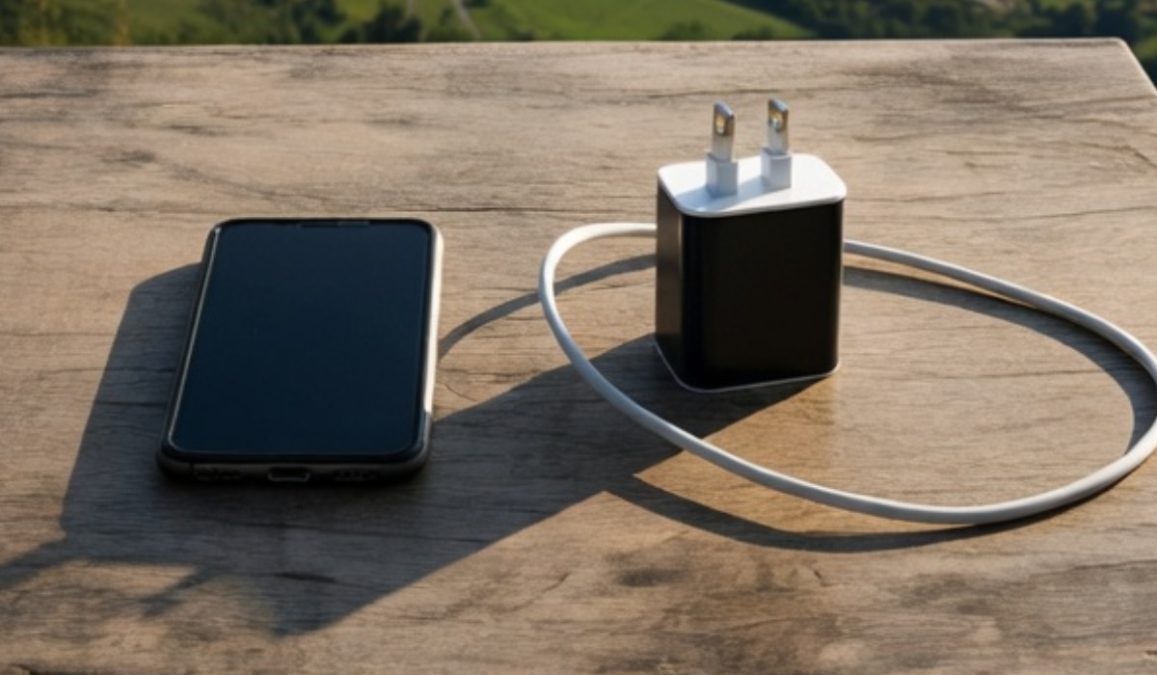
When you plug the charger into the wall socket and switch on the power, electricity enters the charger adapter.
The electricity from the wall is high-voltage AC power.
Your phone cannot use that directly. Inside the charger, tiny components immediately convert it into low-voltage DC power that is safe for phone charging.
This converted power waits at the USB port of the charger until a cable and phone are connected.
Step 2: Power moves through the cable
Once the cable is connected, electricity begins travelling through the cable toward the phone.
The cable acts like a controlled pathway. Good cables carry power efficiently, while poor-quality cables may slow charging or waste energy as heat.
If you are using USB Type C, the charger and phone may also exchange signals through the cable to decide the safest and fastest charging speed.
Step 3: The phone checks the charger
The moment power reaches the charging port, the phone does not blindly accept everything.
Charging circuits inside the phone first check:
How much battery is left
Battery temperature
Charger type
Cable capability
Safe charging speed
This happens in seconds.
If all is normal, the phone allows charging to begin.
Step 4: Battery charges fastest when low
If your phone is at 0 per cent, 5 per cent, or 15 per cent, charging is usually faster in the early stages.
That is because the battery can safely accept more power when it is low. The phone takes in energy and stores it inside the battery cells.
This is why many phones jump quickly from low percentages in the first part of charging.
Step 5: Charging slows as battery fills
As the battery rises toward 70 per cent, 80 per cent, or 90 per cent, the phone becomes more careful.
It starts reducing the charging speed to control heat and reduce stress on the battery. This helps preserve long-term battery health.
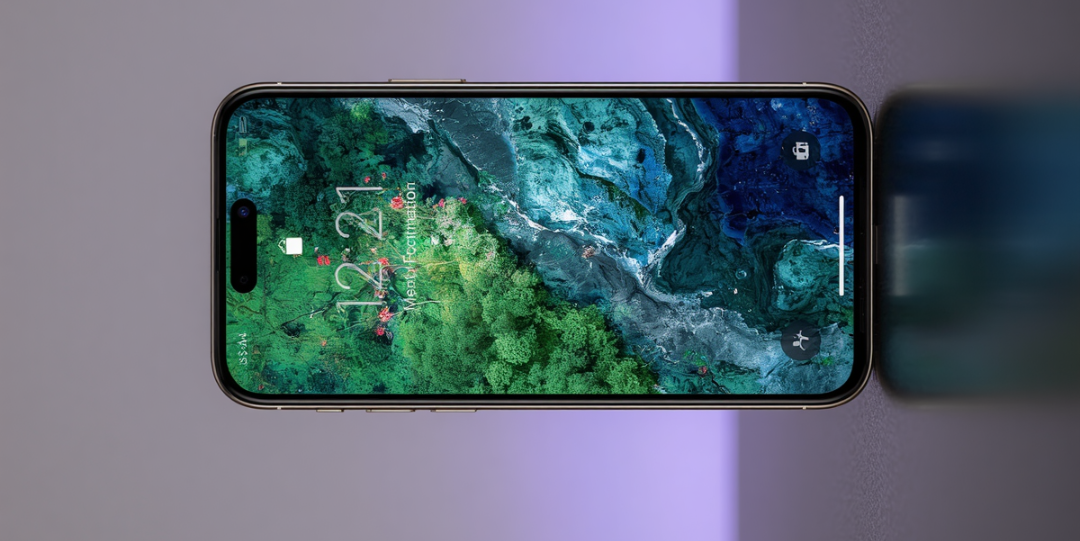
So if charging feels slower near the top, that is usually normal and intentional.
Step 6: What happens at 99 per cent
At 99 per cent, the phone is almost full. Charging becomes very gentle.
Only a small amount of power is allowed in at a time. The phone is making final adjustments so the battery reaches full charge safely instead of being overfilled.
Step 7: What happens at 100 per cent
When the battery reaches 100 per cent, the phone’s charging management system stops normal battery charging.
Even if the charger is still plugged in and wall power remains on, the battery is not continuously forced to keep filling beyond its limit.
Instead, the phone either:
Stops charging the battery fully, or
Uses tiny maintenance top-ups only when needed
This is how modern phones avoid overcharging.
Step 8: Why the phone may still show charging
Some phones continue showing a charging icon after reaching 100 per cent. That does not usually mean dangerous overcharging.
It often means the charger is connected and the phone is managing power intelligently in the background.