Advertisement
How YouTube video quality works from 144p to 4K
27th May, 2026 01:14 AM
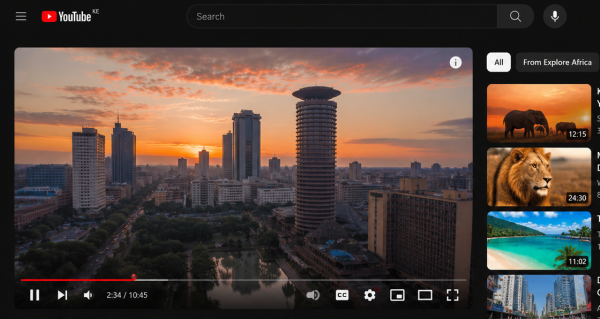
When you upload a video to YouTube, you are not actually uploading just one version that everyone watches.
Instead, YouTube automatically creates multiple versions of the same video in different qualities such as 144p, 360p, 720p, 1080p, 1440p and 4K.
This is why you can manually change video quality depending on your internet speed or device.
Even though it looks like different videos, it is actually the same content processed in different ways.
YouTube simply adjusts how sharp or compressed the video appears to play smoothly anywhere in the world.
Video processing
The moment you upload a video, YouTube sends it through a system called transcoding.
This process breaks your original video down and then rebuilds it into multiple formats.
Each format is stored separately on YouTube’s servers so it can be delivered quickly when someone presses play.
This is why videos do not depend on real time conversion. The different versions already exist before anyone even watches them.
The platform prepares everything in advance to avoid delays and buffering.
Why versions exist
YouTube creates different quality versions mainly to make streaming stable for everyone.
Not every user has fast internet or a powerful device, so the platform automatically adjusts video quality based on conditions.
If your internet connection is weak, YouTube may switch to a lower quality like 360p to prevent buffering.
If your connection is strong, it can push higher quality, like 1080p or even 4K.
This automatic adjustment is known as adaptive streaming, and it ensures smooth playback no matter where you are watching from.
Why does it look the same?
Many people notice something confusing. Even after switching from 144p to 1080p or 4K, the video sometimes looks almost identical.
One reason is screen size. On a small phone screen, the human eye cannot easily detect differences in high resolution because the display is too small to show every detail clearly.
Another reason is compression. YouTube compresses all videos, including 4K versions, to reduce file size.
This means even the highest quality version is still not raw or uncompressed footage.
Bitrate also plays a big role. A well-compressed 1080p video can sometimes look sharper than a poorly compressed 4K video, even though the resolution is lower.
Why quality delays
Sometimes when you upload or start watching a video, only low-quality options are available at first. Higher resolutions, such as 1080p or 4K, may appear later.
This happens because YouTube processes video quality in stages.
Lower-resolution versions are made available first so viewers can start watching immediately, while higher-quality versions take longer to render in the background.
Why uploads matter
There is also a hidden detail that many people do not know. If a video is originally uploaded in 4K, even the lower versions like 1080p often look better.
This is because YouTube has more visual data to work with when compressing the video.
As a result, even reduced versions can appear cleaner and more detailed compared to videos that were only uploaded in lower resolution.