How to fix common phone charging problems at home
By Katemarthason Okudo, June 3, 2026Many people rely on their phones throughout the day for communication, work, entertainment, and accessing important information. It can therefore be frustrating when a device refuses to charge properly or takes longer than usual to power up.
While some charging issues may require professional repair, many can be resolved with simple checks and maintenance at home.
Check your charging things first
One of the most common causes of charging problems is a faulty charging cable, adapter, or power source. Over time, charging cables can become damaged due to bending, twisting, or frequent use. Small breaks inside the cable may prevent power from reaching the phone even if the outer covering appears intact.
According to support information from Apple and Samsung, users should inspect charging equipment for signs of wear and test it with another compatible device when possible. Using original or certified accessories can also help maintain safe and efficient charging.
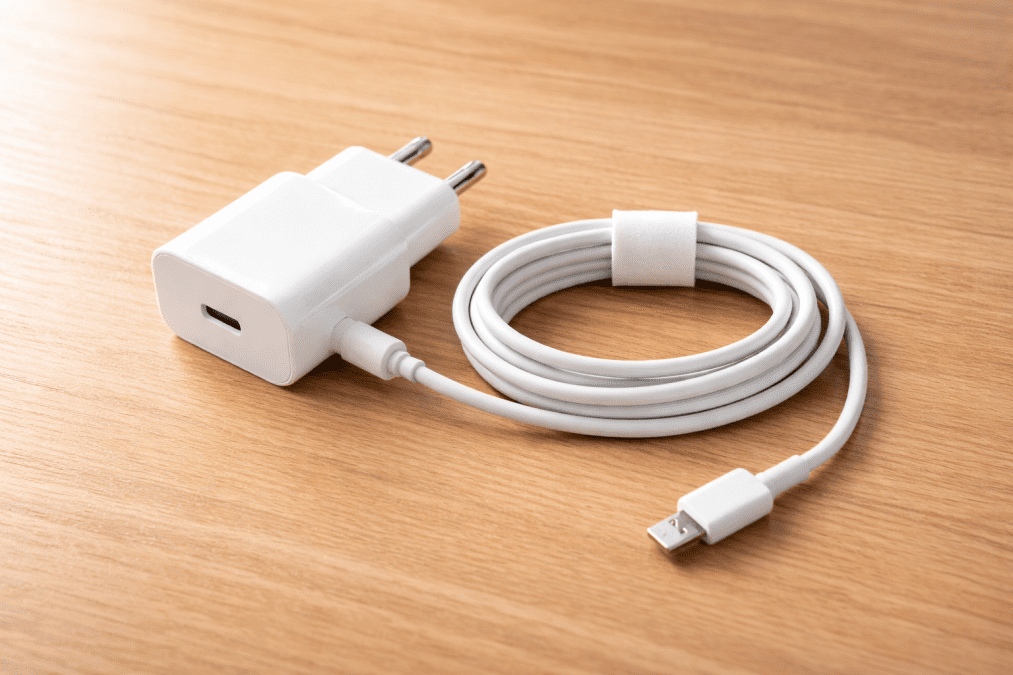
It is equally important to check the power source. Sometimes the issue may be a loose wall socket, a faulty extension cable, or a damaged USB port on a computer rather than the phone itself.
Clean the charging port
Dust, lint, and dirt can gradually build up inside a phone’s charging port. This is particularly common for people who carry their phones in pockets or bags. Even a small amount of debris can block the connection between the charging cable and the device.
Technology experts at Google recommended carefully inspecting the charging port if charging becomes unreliable. A soft brush or a gentle burst of air can help remove loose dirt. Sharp objects should be avoided, as they may damage the delicate components inside the port.
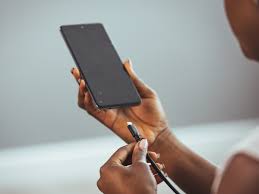
Keeping the charging port clean not only improves charging performance but can also extend the lifespan of the device.
Update and restart your phone
Charging issues are not always caused by hardware problems. In some cases, software glitches can interfere with battery performance and charging functions.
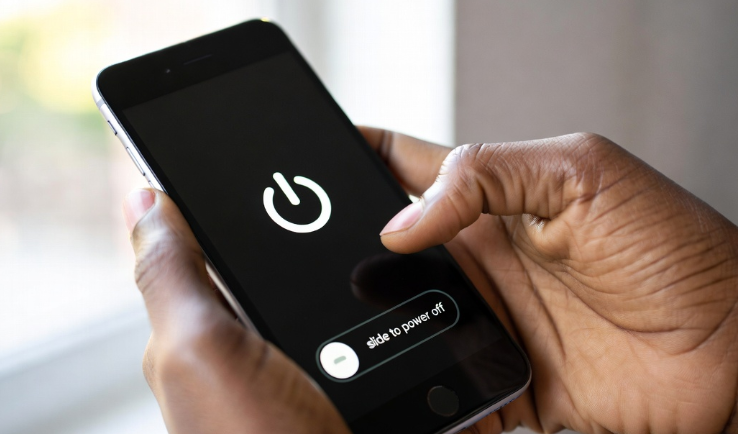
A simple restart can refresh the phone’s system and resolve temporary issues. If problems persist, checking for software updates may help. Phone manufacturers regularly release updates that improve battery management and fix known bugs.
Battery health is another factor worth considering. Devices that have been used for several years may experience reduced battery capacity, making them appear to charge slowly or drain quickly. Most modern smartphones include battery health information within their settings, allowing users to monitor performance.
While simple fixes can solve many charging problems, persistent issues such as overheating, physical damage, or complete charging failure may require professional assessment. Taking care of charging accessories, keeping ports clean, and maintaining updated software can help users avoid many common frustrations and keep their devices running smoothly.