How to protect your privacy online without becoming paranoid about it
By Katemarthason Okudo, May 6, 2026It often starts with a feeling that your phone is listening, your apps know too much, and every click leaves a trace. While that feeling isn’t entirely true, protecting your privacy online doesn’t have to mean deleting everything or living in digital fear. Small, practical steps can make a real difference.
One of the easiest places to start is with your phone settings. Most apps request access to your location, microphone, contacts, and even photos, often more than they actually need. Taking a few minutes to review permissions can quickly tighten your digital space.
“People are surprised how many apps have access to their location all the time,” a guide by Mozilla Foundation noted.
Switching location access to “While using the app” instead of “Always” is a simple but effective change.
Passwords are another weak point for many users. Reusing the same password across platforms might feel convenient, but it leaves multiple accounts exposed if one is compromised. A password manager can help generate and store strong passwords without the stress of remembering them. According to the Electronic Frontier Foundation, using unique passwords is one of the most important steps in protecting your online identity.
Two-factor authentication adds an extra layer of protection. Even if someone gets your password, they would still need a second verification step, usually a code sent to your phone. It’s a small inconvenience that significantly improves security.
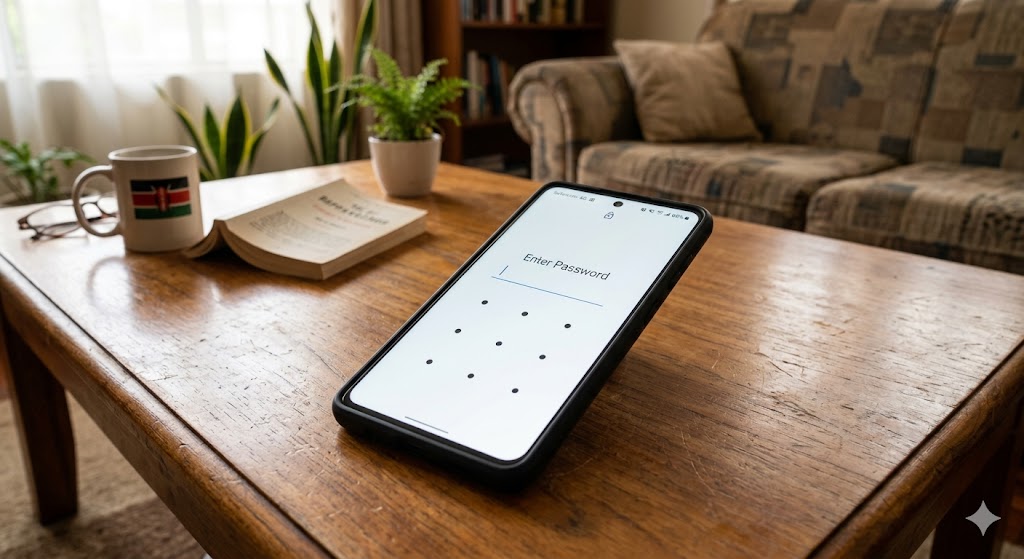
Beyond settings and passwords, your browsing habits matter. Free Wi-Fi in public places may be convenient, but it can expose your data to potential risks. Avoid logging into sensitive accounts, such as banking or email, on public networks. If you must, consider using a Virtual Private Network (VPN), which helps encrypt your connection.
Social media also plays a big role in how much of your life is visible online. Many people unknowingly share more than they intend to. Reviewing your privacy settings and limiting who can see your posts can reduce unnecessary exposure. You don’t have to make everything private, but you should know who can see what you share.”
Another overlooked habit is clicking on links without thinking twice. Phishing scams often appear as normal messages or emails, tricking users into revealing personal information. Being cautious when checking the sender and avoiding suspicious links goes a long way.
At the same time, it’s important not to become overwhelmed. Digital privacy isn’t about perfection. It’s about awareness and balance. You don’t need to abandon technology; you just need to use it more intentionally.
In the end, protecting your privacy online is less about fear and more about control. A few thoughtful adjustments, reviewing app permissions, strengthening passwords, enabling two-factor authentication, and being mindful of what you share, can help you feel safer without changing your entire lifestyle.