How to make your phone battery last longer without buying a new one
By Katemarthason Okudo, May 8, 2026Nothing is more frustrating than a phone battery that drains before the day ends. Many people now carry chargers everywhere, switch on power banks constantly, or rush to charging points in public places because their phones cannot hold power for long.
While some assume this is a sign that the device is old and needs replacement, tech experts say certain daily habits may be the real problem.
According to Samsung Support and Apple Support, the way a person charges and uses a phone has a direct impact on battery life over time. In many cases, small adjustments can help a phone battery last longer without the need to buy another device.
Mistakes people make
One of the biggest mistakes people make is allowing the battery to completely drain before charging. Experts recommend charging the phone before it drops too low. Lithium-ion batteries, which are used in most smartphones today, perform better when kept between moderate charge levels instead of constantly hitting zero percent.
Overcharging overnight is another common habit that slowly affects battery health. Although modern smartphones are designed to reduce damage from overcharging, keeping the phone plugged in for many unnecessary hours still exposes it to heat, which weakens battery performance over time.
Heat is considered one of the biggest enemies of smartphone batteries. Leaving a phone under direct sunlight, inside a hot car, or using it heavily while charging can raise its temperature quickly. The Android Help Center advised users to avoid exposing phones to extreme heat because it speeds up battery wear.
Screen brightness also plays a major role in battery usage. Many people keep brightness levels at maximum even when it is not necessary. Reducing brightness manually or using adaptive brightness settings can help save a significant amount of power during the day.
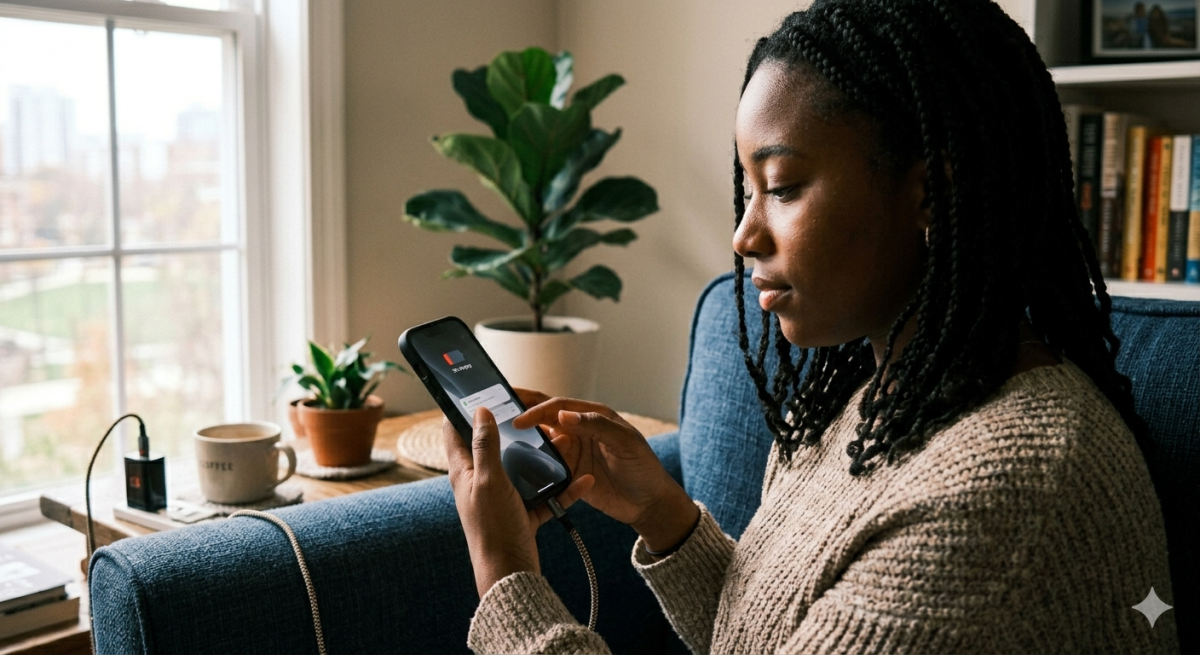
Unused apps running in the background may also drain the battery quietly. Social media apps, location services, and automatic updates often continue working even when the phone is not being actively used. Closing unnecessary apps and switching off features such as Bluetooth, GPS, or Wi-Fi when not needed can improve battery life.
Another issue is constant notifications. Every vibration, light-up screen, or notification sound uses a small amount of power. While one notification may not matter much, hundreds of them throughout the day can slowly drain the battery.
Software updates also matter more than many people realize. Phone manufacturers regularly release updates that improve battery efficiency and fix bugs that consume excess power. Ignoring updates for long periods may affect overall performance.
Using the wrong charger may also create problems. Cheap or fake chargers can damage battery health and even pose safety risks. Use original chargers or certified accessories approved for the device
How does the battery last longer
Simple habits can make a noticeable difference. Lowering brightness, avoiding excessive heat, charging wisely, and managing apps properly may help a phone stay powered longer throughout the day. Instead of rushing to replace a device, users may first need to change how they use it.