How to spot a fake smartphone easily
By David Nthua, April 23, 2026Buying a smartphone should feel exciting, yet many buyers walk away with devices that look genuine on the outside but disappoint within days. Fake phones have become smarter in appearance.
They copy logos, shapes, packaging and even menus. However, they often fail where it matters most: performance, battery life, display quality and durability.
A counterfeit device may seem like a bargain at first. The price can be far lower than normal market rates, and the seller may push urgency by saying it is the “last piece” or a “special import”.
Still, a cheap deal can become expensive when the phone starts freezing, overheating or refusing to charge properly.
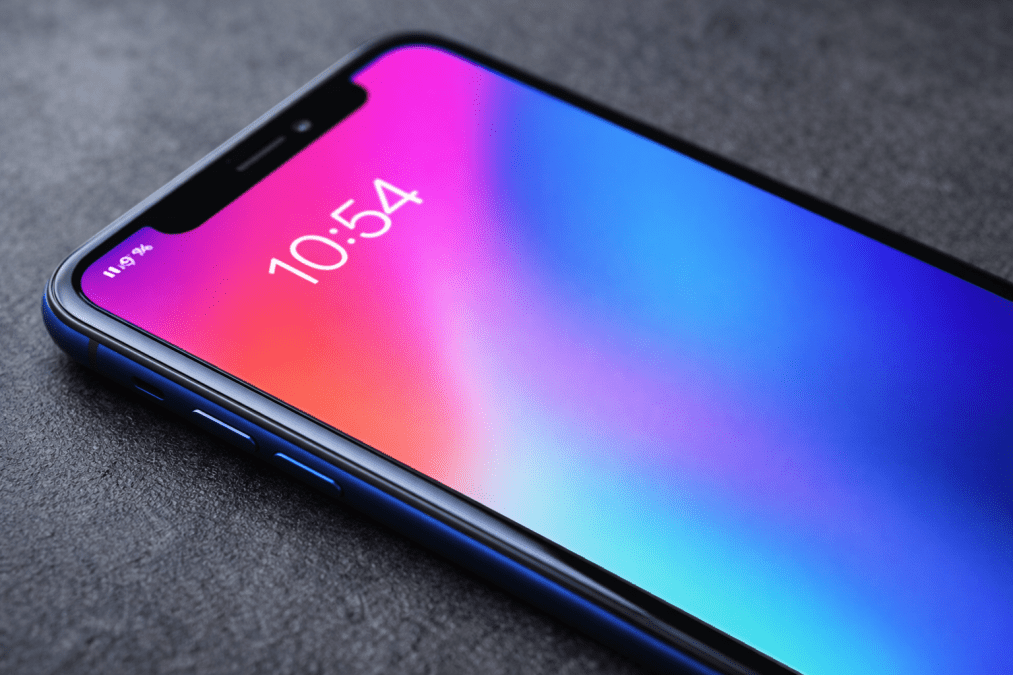
Check the screen
One of the fastest clues is the display. Genuine smartphones usually offer balanced colours, clear text and smooth brightness adjustment.
Fake devices often try to impress with overly rich colours that look unnatural. Reds may appear too loud, skin tones may look strange, and whites may lean blue or yellow.
Look closely at icons and text. If letters seem jagged, blurry or washed out, the screen quality may be poor.
Also, tilt the phone slightly. Cheap panels can lose colour and brightness quickly when viewed from the side.
Touch response matters too. A real phone should react quickly and accurately.
If taps delay, scrolling stutters, or typing feels frustrating, that is a warning sign.
Battery behaviour tells another story. A fake smartphone may lose power unusually fast, even with light use.
Some drop from full charge to low battery within hours. Others jump suddenly from 30 per cent to zero.

Slow charging, random shutdowns and excessive heat while charging should never be ignored.
Test performance
Use the phone for a few minutes before paying. Open the camera, switch between apps and browse settings.
If it lags badly during basic tasks, the internal hardware may be weak or mismatched to the branding on the box.
Overheating is another major clue. Phones can warm slightly during heavy gaming or updates, but they should not become hot during simple browsing, calls or standby use.
Constant heat may point to poor batteries, weak processors or low-quality parts.
Check the cameras carefully. Fake phones may advertise huge megapixel numbers but deliver dull photos, slow focus and poor low-light results.
Sometimes, extra camera lenses are decorative and do not work at all.
Finally, inspect the box, serial numbers and software details. Misspelt words, cheap packaging, missing seals or strange model names deserve caution.
Buy from trusted shops, request a receipt and compare the phone with official brand information before spending your money. A few extra minutes of checking can save months of regret.