Advertisement
How CCTV works: A simple step-by-step guide
22nd April, 2026 12:01 AM
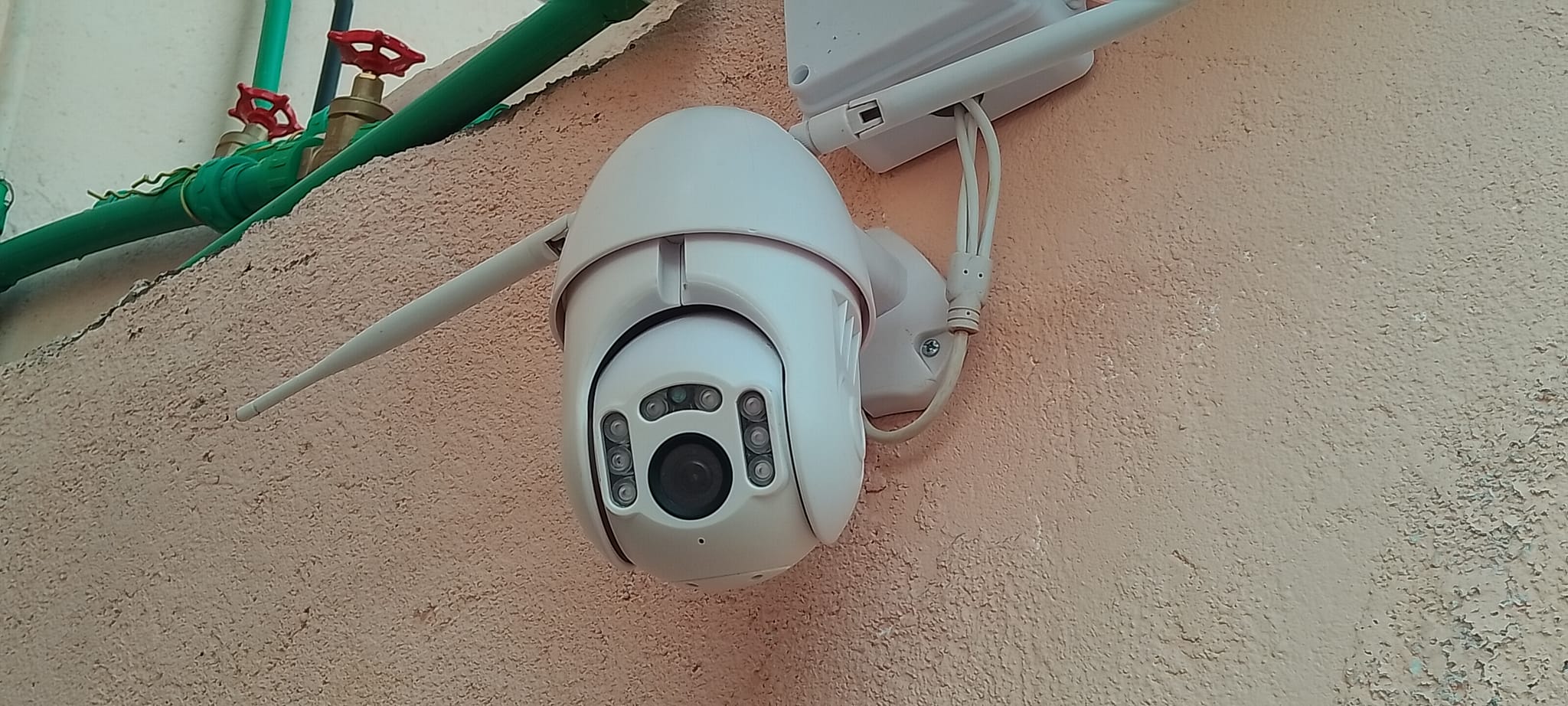
CCTV is part of everyday life. You’ll find it in homes, shops, offices, apartment buildings, schools, and public spaces.
Most people see the camera mounted on a wall or ceiling and assume the job is simple: switch it on, and it records.
In reality, every CCTV system follows a clear process from the moment power reaches the camera to the time footage is viewed or stored.
Once you understand the basics, the technology becomes much easier to appreciate and use wisely.
CCTV stands for Closed-Circuit Television. This means the video feed is sent to a private system for monitoring and recording, rather than being broadcast publicly like television channels.
Types of CCTVs
Not every camera is built for the same purpose. Different spaces need different features.
Dome cameras are popular indoors. Their compact, rounded shape blends neatly into ceilings and walls, making them common in offices, shops, and reception areas.
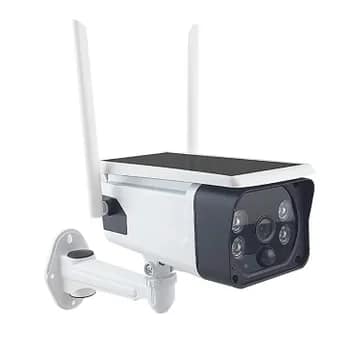
Bullet cameras are longer and more visible. They are often installed outdoors where a strong presence alone can act as a deterrent.
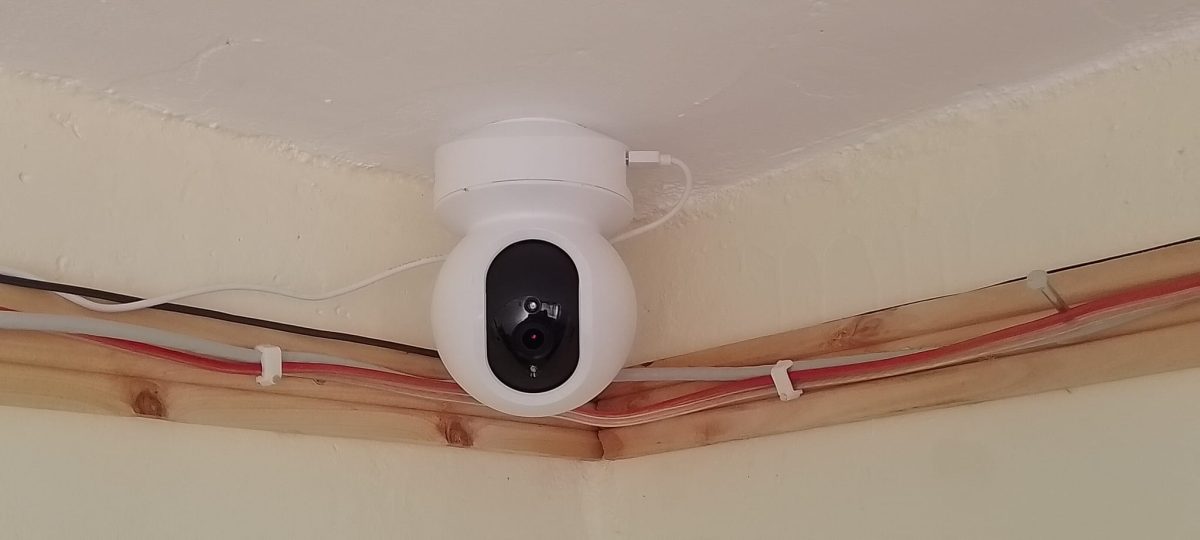
PTZ cameras can pan, tilt, and zoom. They are useful for large compounds, parking areas, or sites where an operator may need to follow activity in real time.
Wi-Fi cameras use wireless connections to transmit footage, making them convenient for homes and smaller spaces.
IP cameras send digital video through a network and are widely used in modern systems because they offer clear images and easy remote access.
Analogue cameras are traditional systems that connect to a DVR with cables. Though older, many still provide reliable surveillance.
Step 1: Camera receives power
Everything starts with power.
Some cameras use a power adapter, while others receive electricity through the same network cable that carries data, a setup known as Power over Ethernet (PoE).
Once powered, the camera’s internal components start up and prepare to capture video.
Step 2: Lens captures light
A camera works by collecting light, much like the human eye.
The lens gathers light from the area in front of it, whether that is a gate, corridor, office desk, driveway, or shop entrance.
Without enough light, image quality drops. That is why many cameras include infrared night vision for low-light conditions.
Step 3: Sensor creates image
Behind the lens sits the image sensor.
This component converts the light entering the camera into digital signals.
In simple terms, it turns the real scene into video data that the system can process and store.
Step 4: Picture improvement
Before sending the footage onward, the camera processes the image.
It may adjust brightness, sharpness, colour balance, and contrast automatically.
Advanced models can also detect motion, recognise human shapes, or flag unusual movement.
This stage helps produce clearer, more useful footage.
Step 5: Video stored
Once the image is ready, the footage must be sent somewhere.
In analogue systems, it usually goes to a DVR (Digital Video Recorder).
In network-based systems, it often goes to an NVR (Network Video Recorder). Some setups also store footage in the cloud or stream directly to a mobile app.
Step 6: Video saved finally
The recorder stores video on a hard drive or another storage device.
This is what allows users to review events later, whether checking a delivery, investigating an incident, or confirming what happened during a specific time.
Many systems automatically overwrite the oldest footage when storage becomes full.
Step 7: Livestream becomes available
Once connected, the camera feed can be watched in real time.
Users may view footage on a monitor, computer, tablet, or smartphone.
This allows someone to check their office while away, monitor a front gate remotely, or keep an eye on a shop after hours.
Step 8: Smart alert connection
Modern CCTV systems do more than record continuously.
Many can detect movement and send alerts instantly. Some begin recording only when activity is detected, helping save storage space and making important events easier to find.
Step 9: Playback can be done
When an incident occurs, recorded footage can be played back.
Users simply select the date, time, and camera, then rewind or fast-forward to locate the moment they need. This is one of the main reasons CCTV remains so valuable.
Why CCTV still matters
CCTV helps protect property, improve awareness, and support investigations.
It can discourage unwanted behaviour, provide evidence when needed, and offer reassurance to homeowners and business owners alike.
However, the best results depend on proper camera placement, stable power, enough storage, and clear image quality.